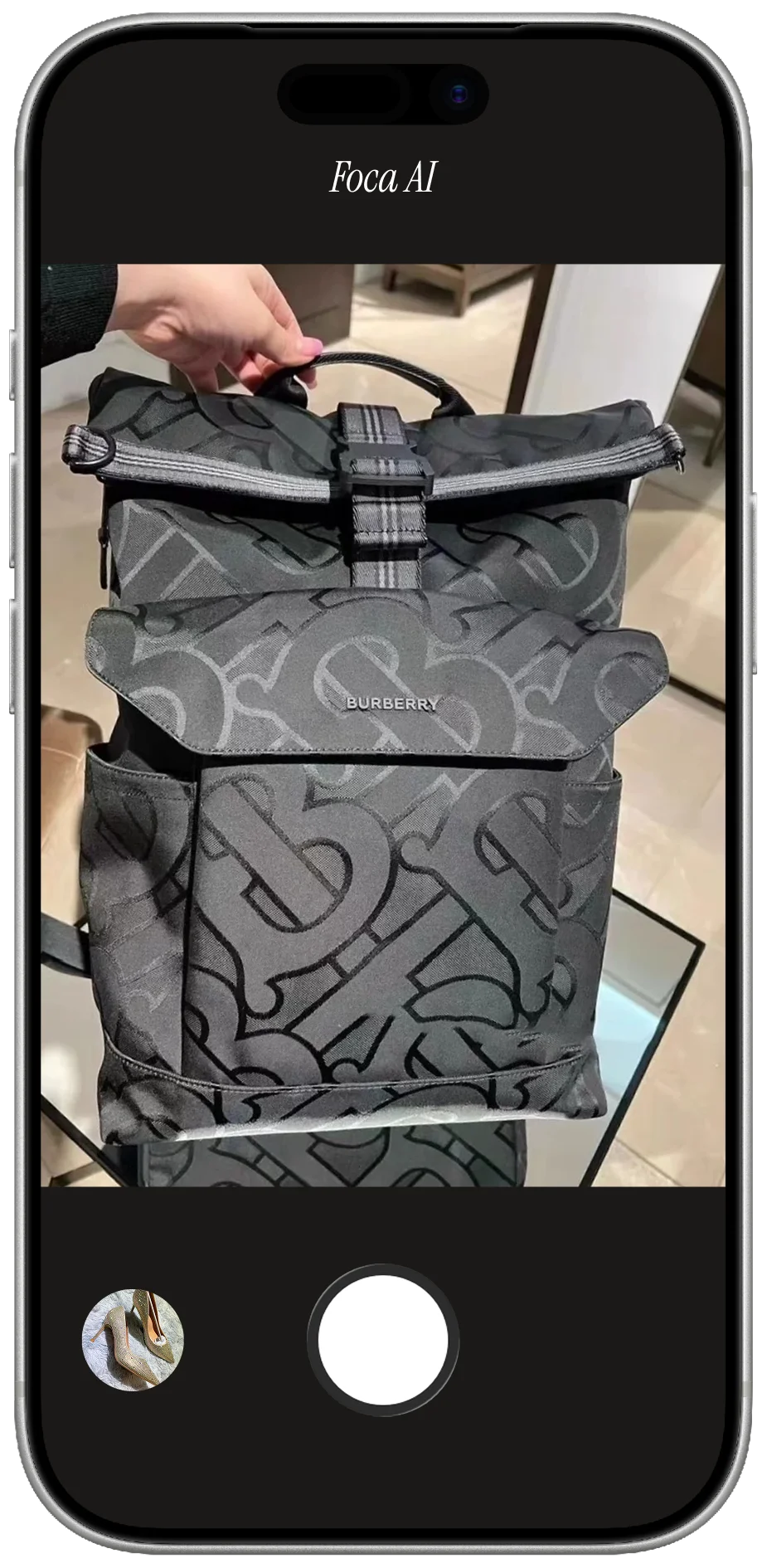
The three things that go wrong in every bag photo
Shape. Material. Hardware. Every bad bag listing fails on one of these.
Shape is the biggest. A bag left unstuffed collapses — the sides fold in, the base goes flat, and what looks structured in person reads as limp online. Stuff every bag firmly before shooting. Crumpled paper fills corners better than air pillows. A tote should look like it has something in it; a backpack should stand on its own.
Material needs side light. Leather grain, canvas weave, and suede nap only show at a low angle — front-light them and everything goes flat and plasticky. Keep the source diffuse (a window with a sheer, or a bounced LED) to avoid hard-shadow lines across seams and handles.
Hardware — zippers, buckles, chain straps, D-rings, feet — either blows out to white or sinks into shadow. Diffuse, angled light is the fix. Move until each piece has a soft highlight that reads as metal, not a shapeless void.
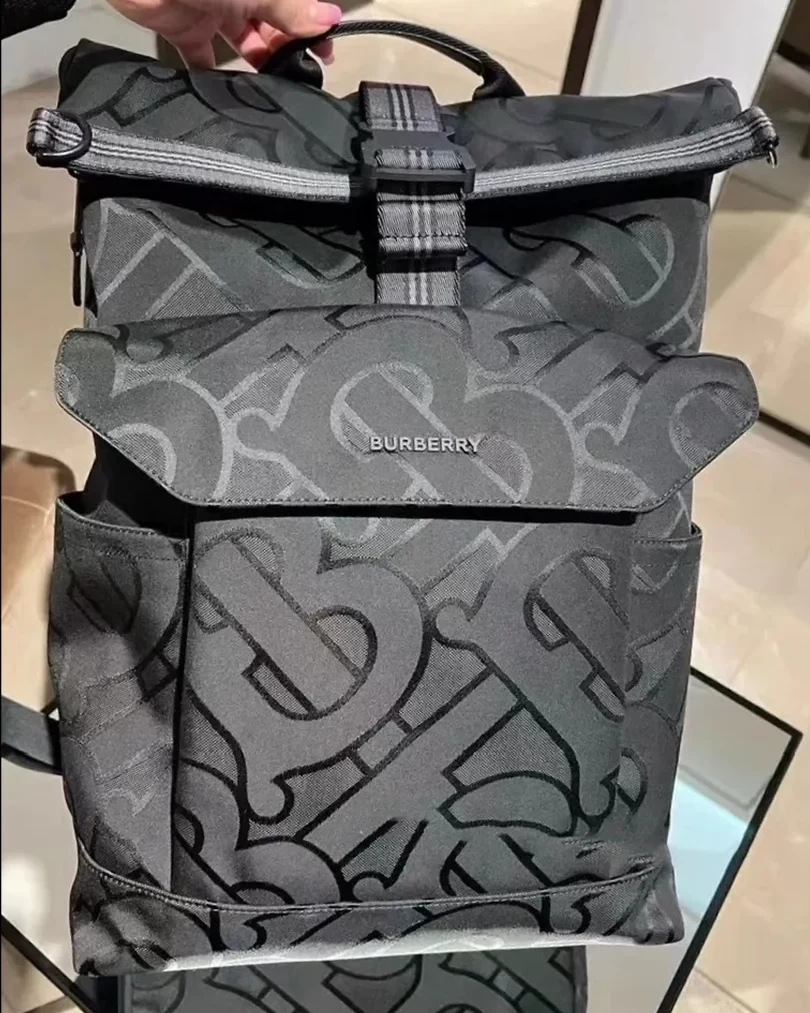
PHONE SHOT
- Warm light shifts the tan leather toward orange, misleading buyers about the real color
- Messy background fails every marketplace main-image rule
- Shape reads flat with no sense of depth or structure
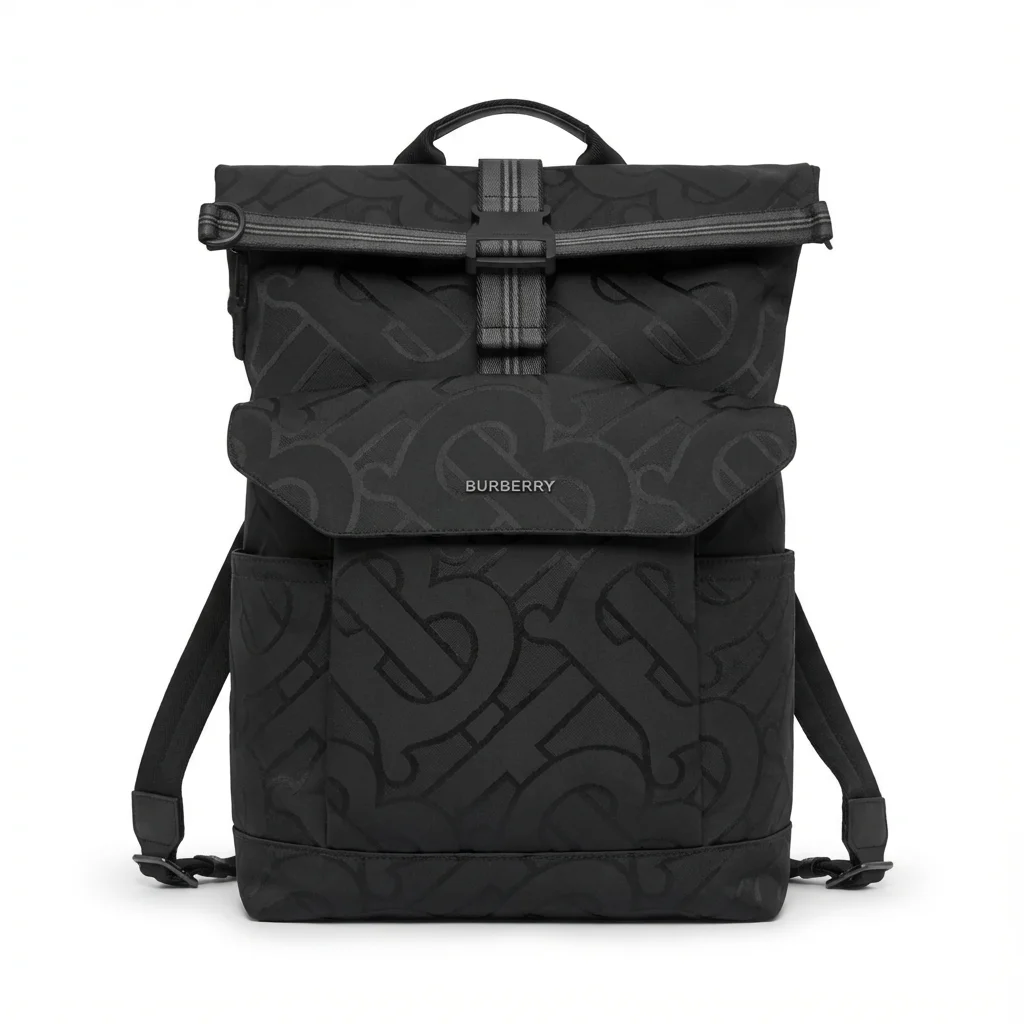
FOCA AI
- Pure RGB 255 white, bag centered and filling the frame, listing-ready
- Color corrected to match the real leather shade in daylight
- Handles arranged, edges clean, soft shadow so the bag reads as grounded
Shooting by bag type
- Totes: fill firmly, fold handles forward symmetrically, shoot at three-quarter to show depth.
- Backpacks: fill fully, stand upright, slight elevation angle to show both straps and top handle.
- Crossbody bags: upright at three-quarter for the hero so the strap-drop reads correctly.
- Clutches: flat lay works well; fan out internal card slots for secondary detail shots.
- Briefcases: full upright, clasps visible, hardware catching a soft controlled light.
- Bucket bags: stuff the top open, shoot from slight elevation to show the drawstring and open profile.
- Hard-shell luggage: stand it upright, shoot at three-quarter so wheels, handle and one face all read, and diffuse the light so the glossy shell does not mirror the room.
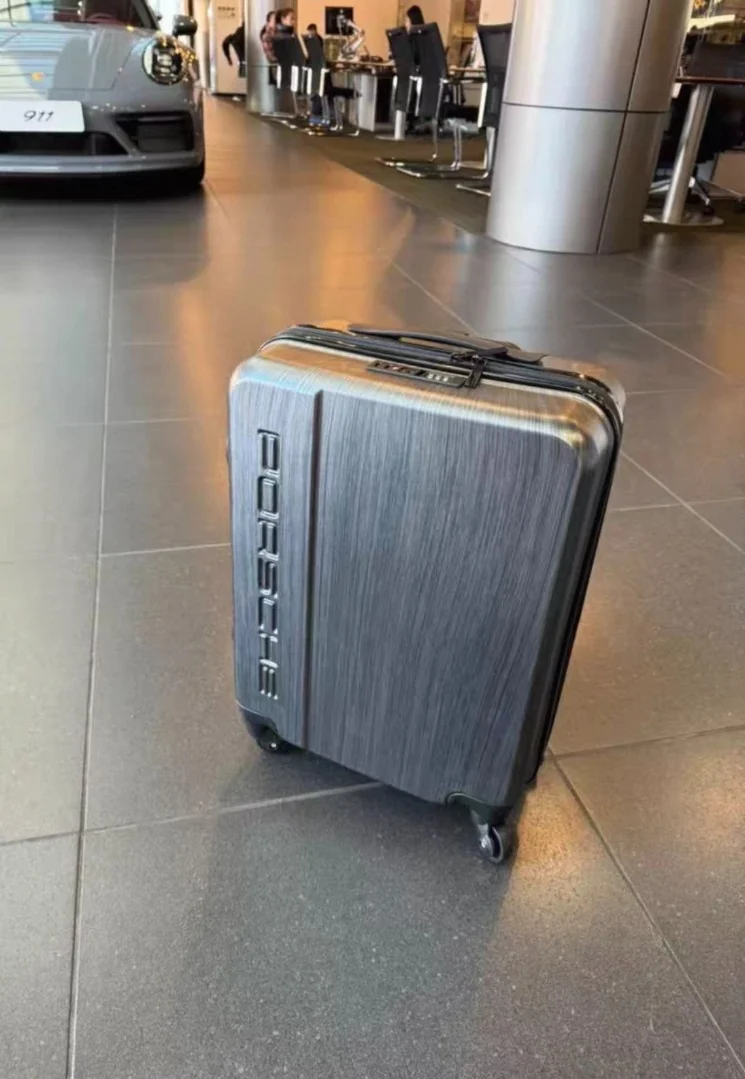 PHONE SHOT
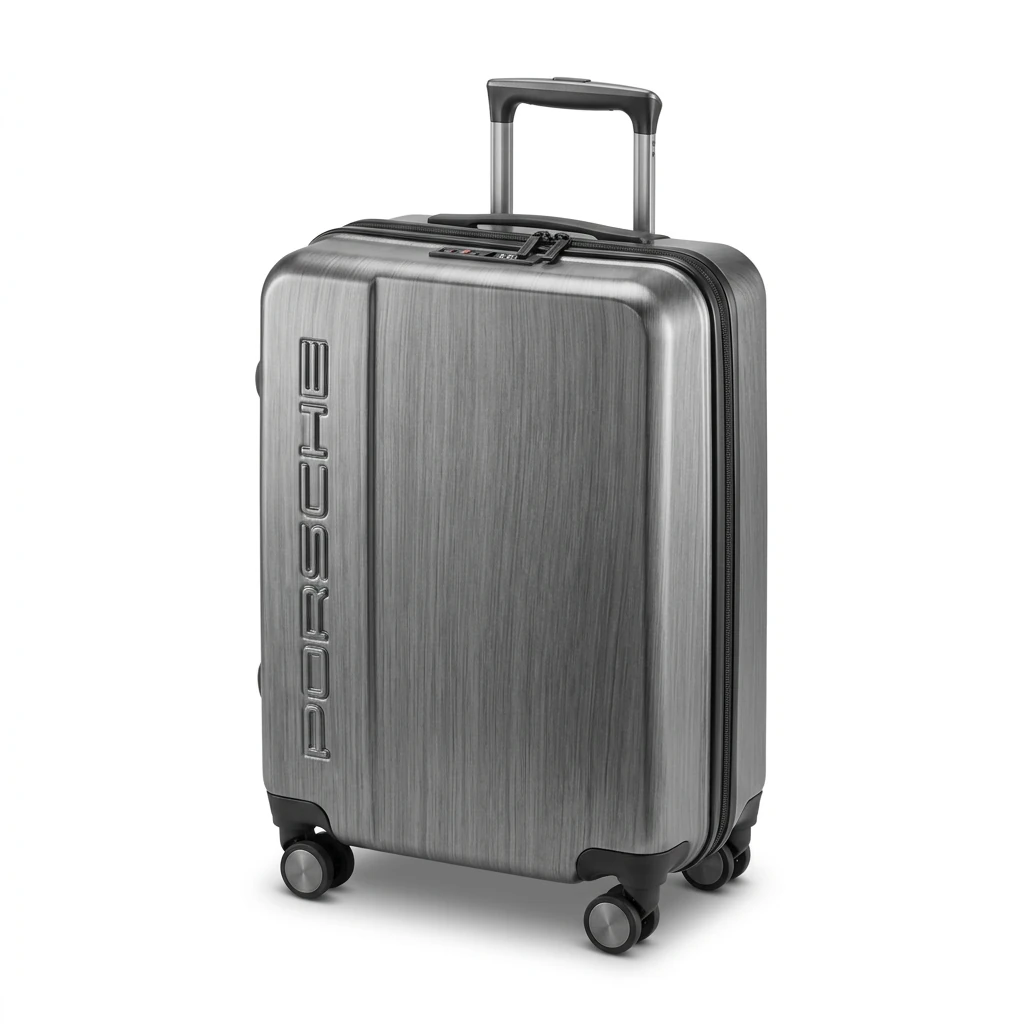 FOCA AI
Leather, canvas, and nylon
Each material photographs differently, but all share one rule: no direct light on the main panel.
Leather — pebble grain and smooth leather only show texture with low side light. Check edges and handle attachment points for scuffs; they read as “used” in a listing. Warm phone white balance shifts neutrals (camel, tan, grey) toward orange — a color-corrected output matches what the buyer receives.
Canvas — fine-weave canvas and monogram prints need a clean source that does not create a moiré pattern. Keep the bag flat-on or slightly angled and let the print be the story.
Nylon — reflects very little and is the most forgiving of the three. A very slight side light separates shiny from matte panels. Pull-tabs and logo badges benefit from a close-up secondary shot.
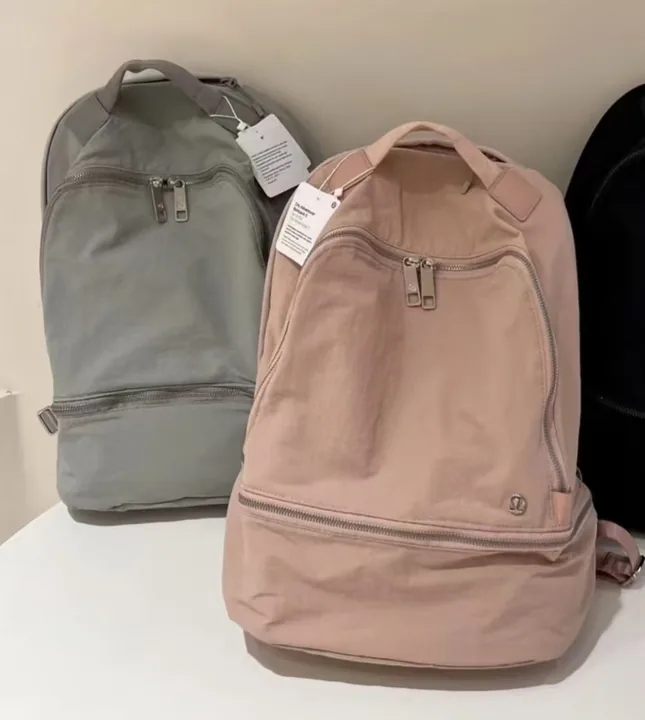 PHONE SHOT
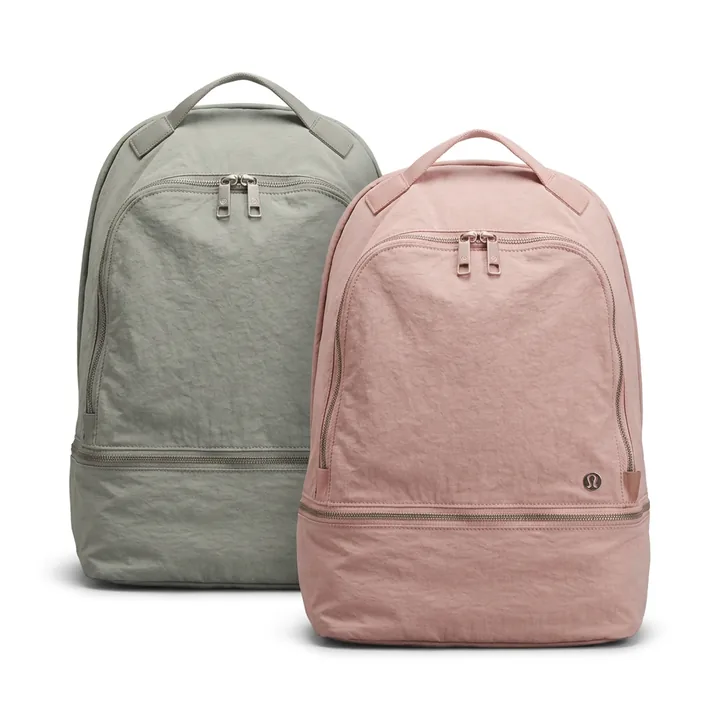 FOCA AI