

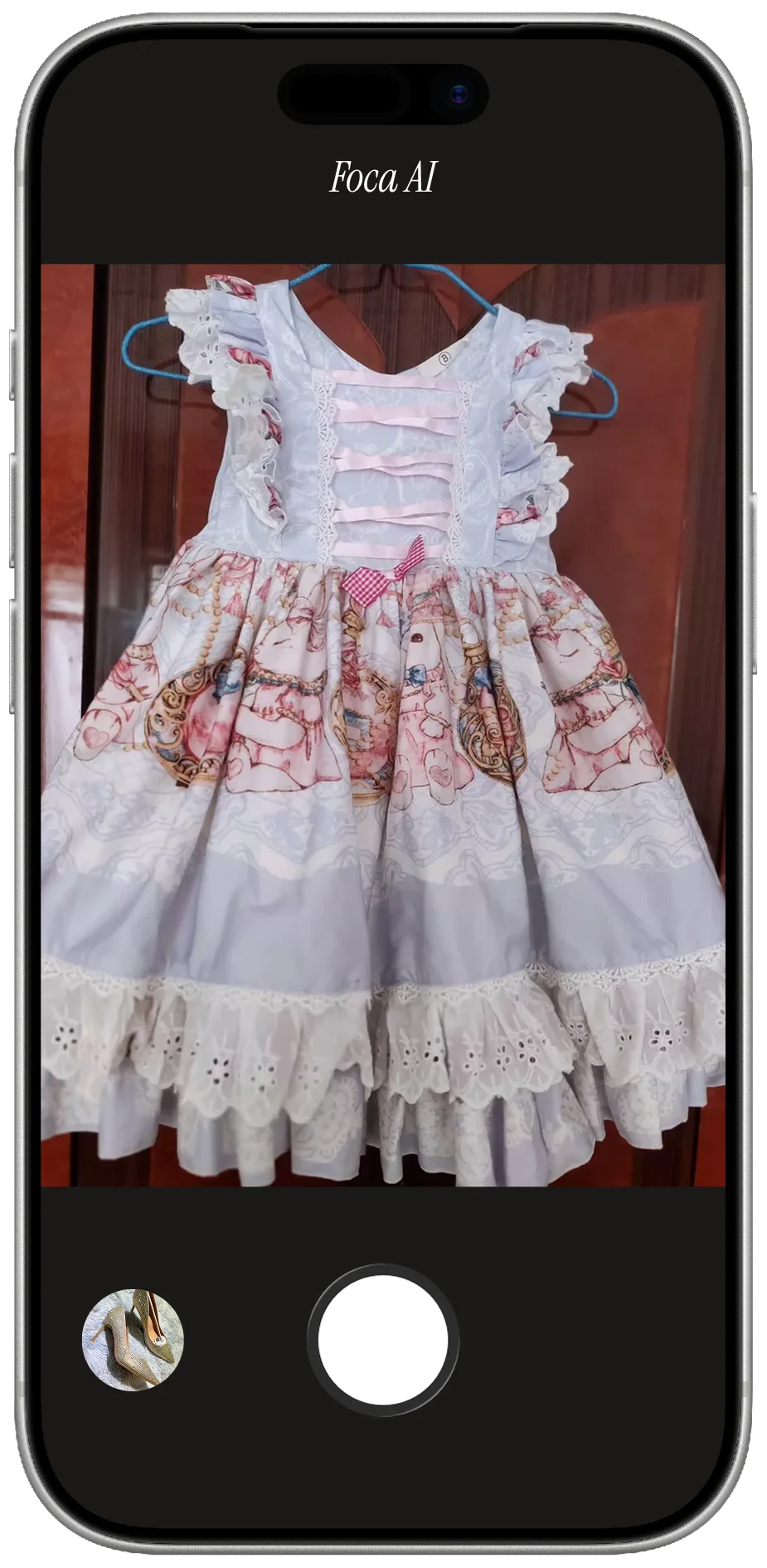
Why jewelry is the category everyone dreads
Two things make jewelry brutal to shoot, and a phone on auto fights you on both. The first is that polished metal and faceted stones behave like tiny mirrors — they don't just catch the light, they catch you, the window, the ceiling, the phone itself. The second is depth of field. Up close, the in-focus zone shrinks to a sliver, so a ring shot wide open has a sharp center stone and a blurry band. To get the whole piece crisp you have to stop down to roughly f/8–f/11, and that lets in so little light you're now on a tripod at ISO 100 and a slow shutter, or the prongs turn to mush.
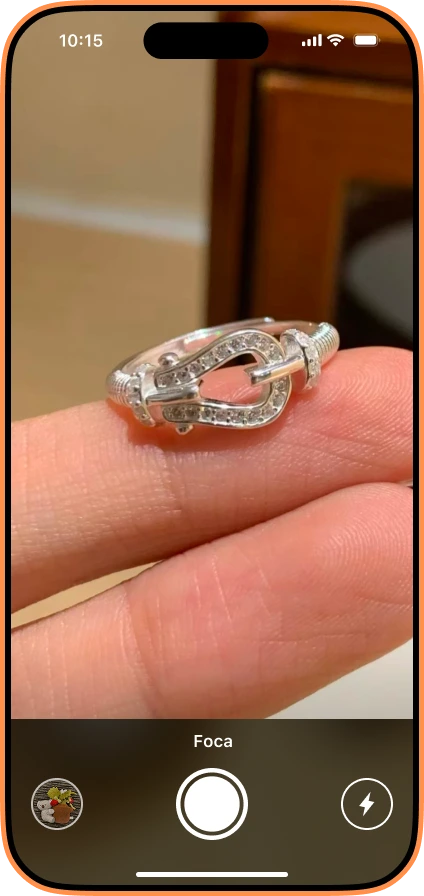
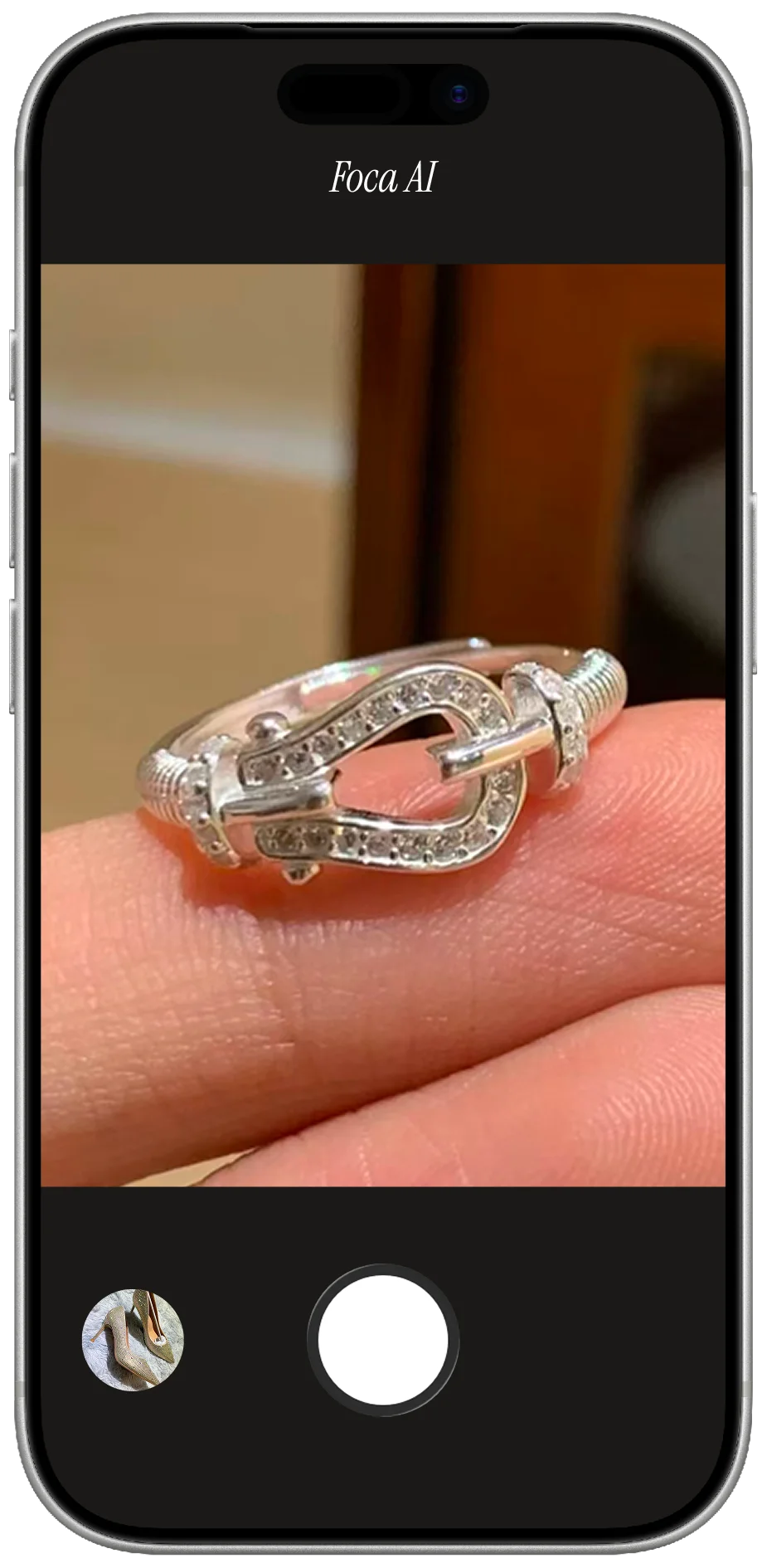
PHONE SNAPSHOT
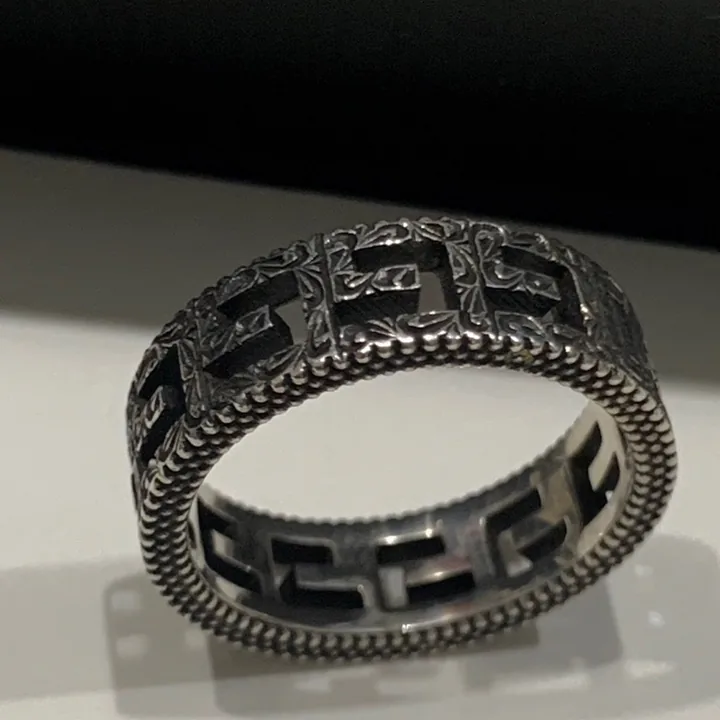
- Held on fingers — no scale, no white background, fails Amazon's main-image rule
- Cluttered warm room behind it pulls the eye off the ring
- Soft focus and dull light — the diamonds read grey, no sparkle
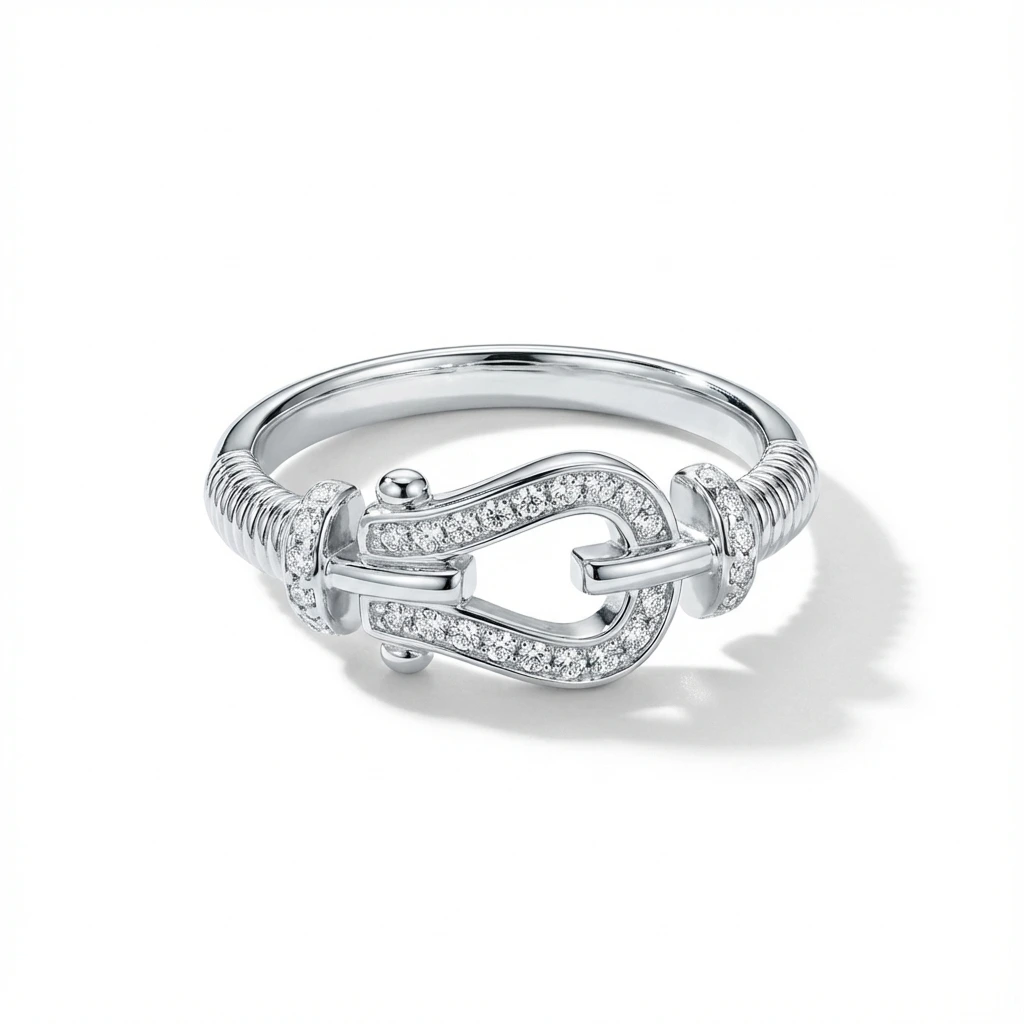
FOCA AI OUTPUT
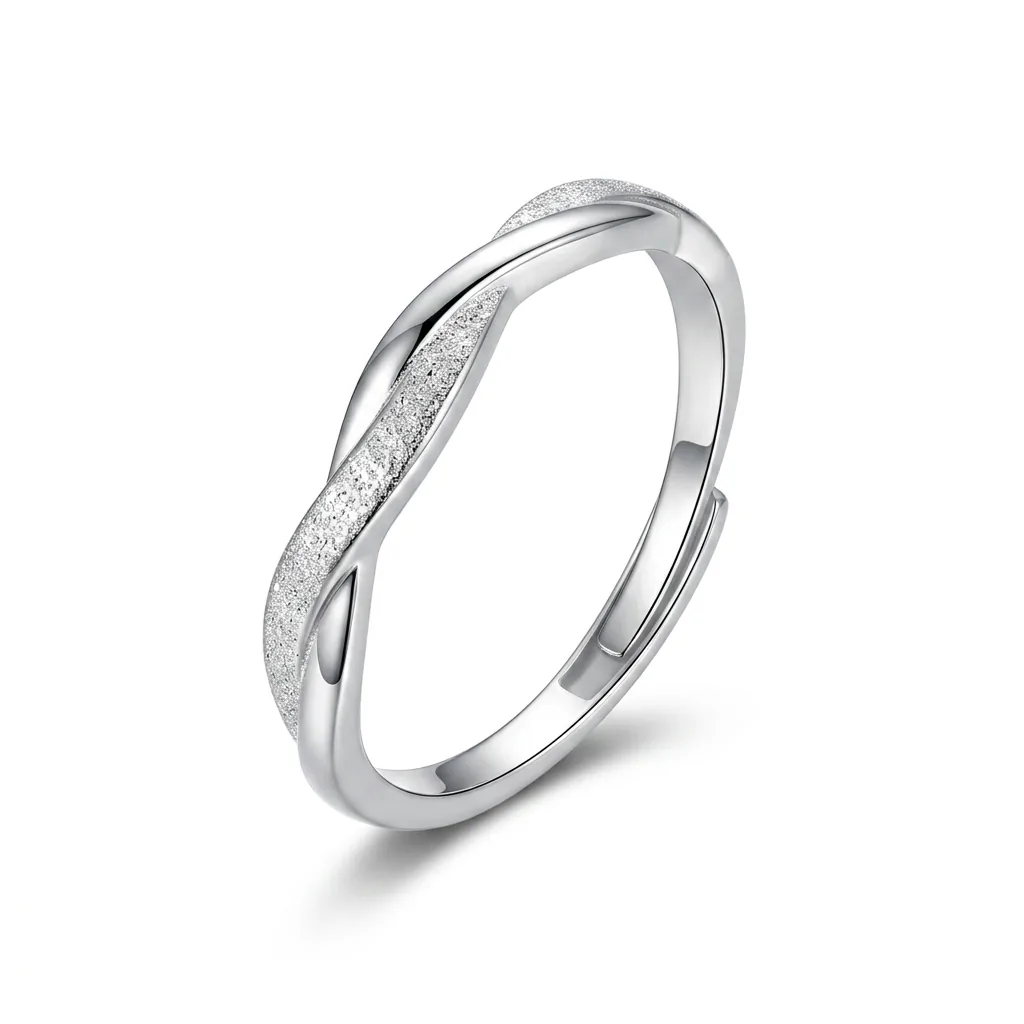
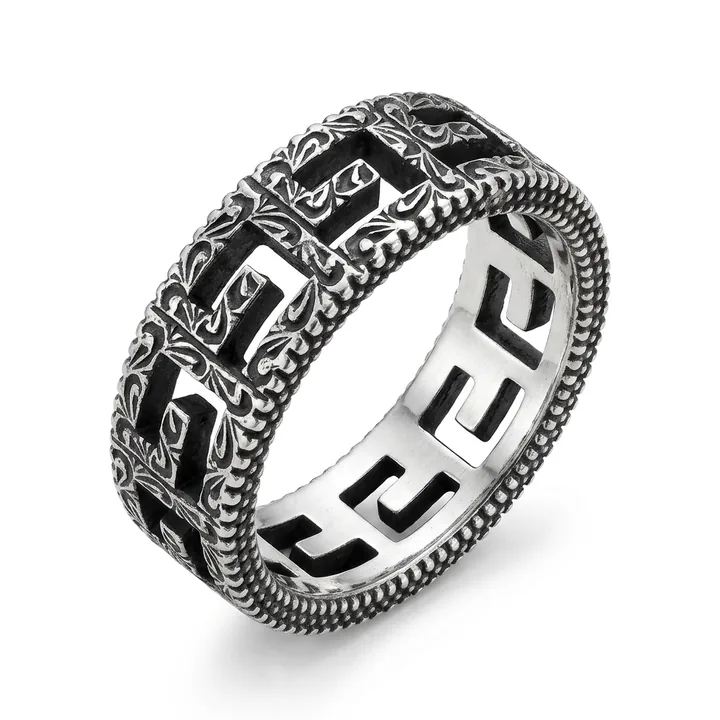
- Pure RGB 255 white, product centered and filling the frame — listing-ready
- Edge-to-edge sharp: every prong and pavé stone holds up at 2× zoom
- Sparkle preserved and a soft contact shadow so it sits, not floats
Then there's color. Polished silver blows out to white, rose gold drifts orange, yellow gold goes brassy under warm bulbs — each metal really wants its own white balance. Get it wrong and a diamond photographs grey, an emerald goes muddy. None of this is hard once you know it; it's just none of it happens by accident, which is why the average homemade jewelry listing looks flat and a little dirty next to a competitor's.
The home setup that actually holds up
You don't need a $2,000 light kit. You need soft light and a way to control reflections, and most of that is cheap. A big north-facing window is the best light source you own; if you're using lamps, a sheet of baking parchment or a frosted shower curtain taped between the lamp and the piece turns hard light soft for about a dollar. Two daylight LEDs around 5500K at 45° on each side is the standard, but one window and a white foam board bouncing light back is genuinely enough.
A few tricks that do the heavy lifting:
- A pea-sized piece of clear museum putty stands a ring upright with the stone facing the lens — then you clone it out in editing. It's the single most useful $5 you'll spend.
- A strip of black card just outside the frame gives polished silver a crisp edge instead of melting into the white background. Move it closer or further until the metal reads as metal.
- Tripod, always. At macro distances handheld is never sharp. Set f/8–f/11, ISO 100, let the shutter be slow, and shoot RAW so you can fix white balance off a grey card afterward.
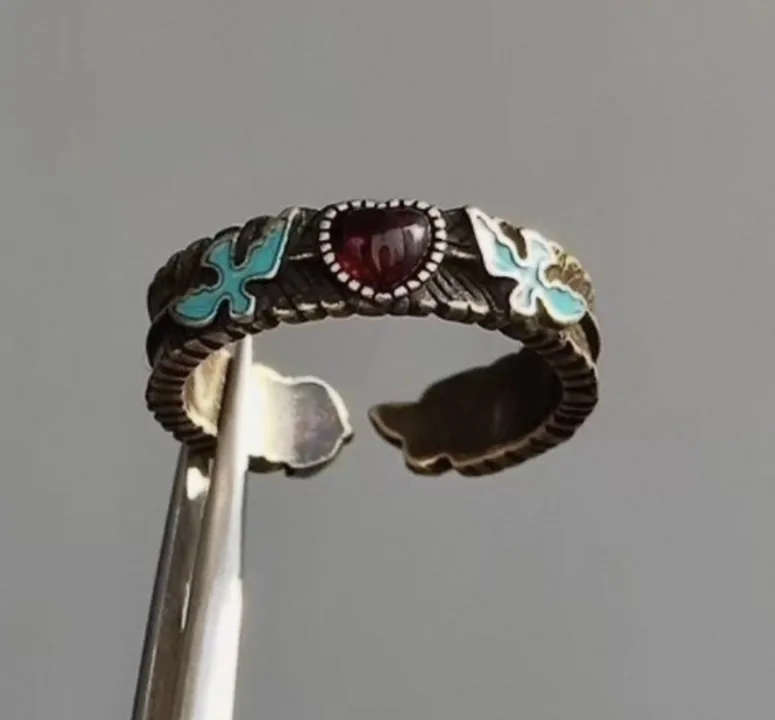 PHONE SHOT
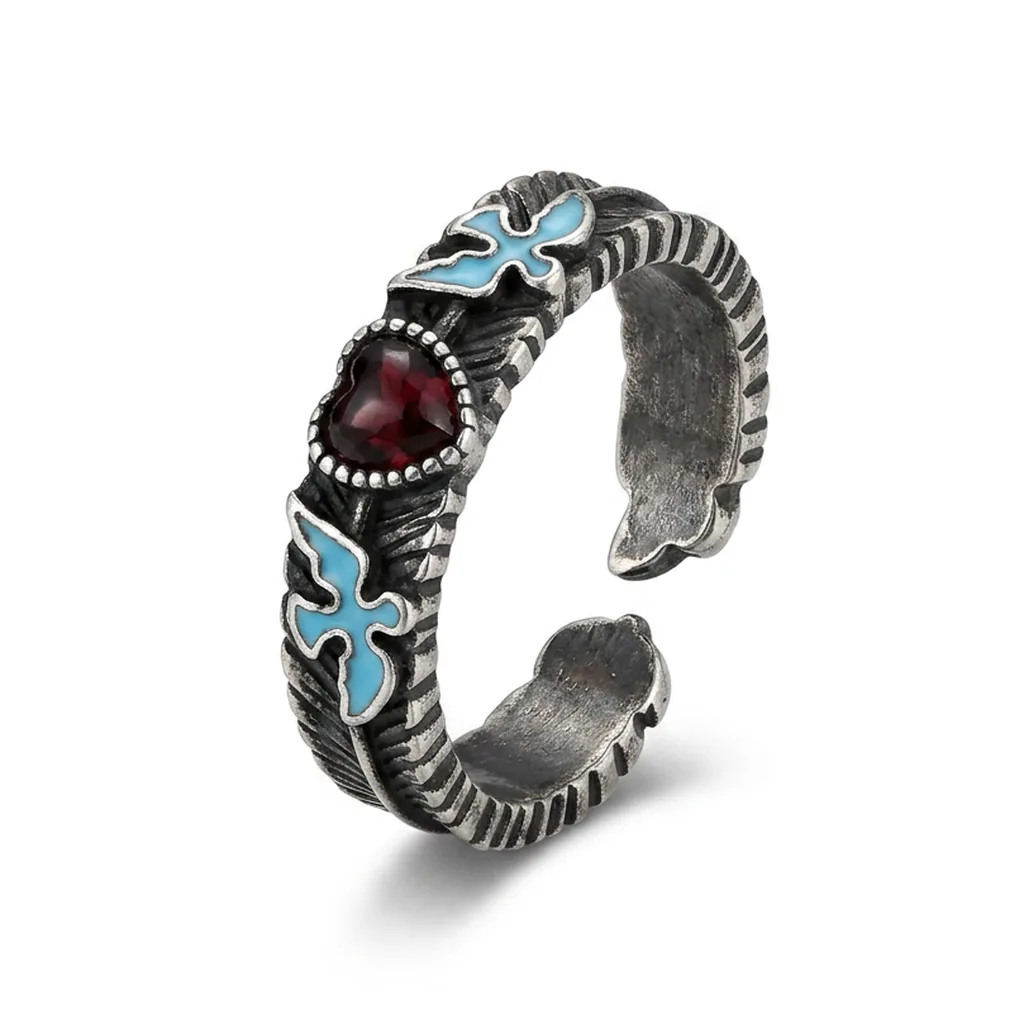 FOCA AI
The honest math: when DIY stops being worth it
Once you've got the setup dialed, a clean piece still takes 30 to 60 minutes end to end — staging, shooting a few angles, editing out the putty and the stray reflection. Early on you'll throw away one shot in three because the lens showed up in the band. If you sell a dozen handmade pieces, that's a pleasant afternoon. If you're listing 200 SKUs and reshooting whenever something sells out, the lightbox quietly ends up in a drawer. That's the real reason most catalog sellers stop shooting their own jewelry — not skill, just arithmetic.
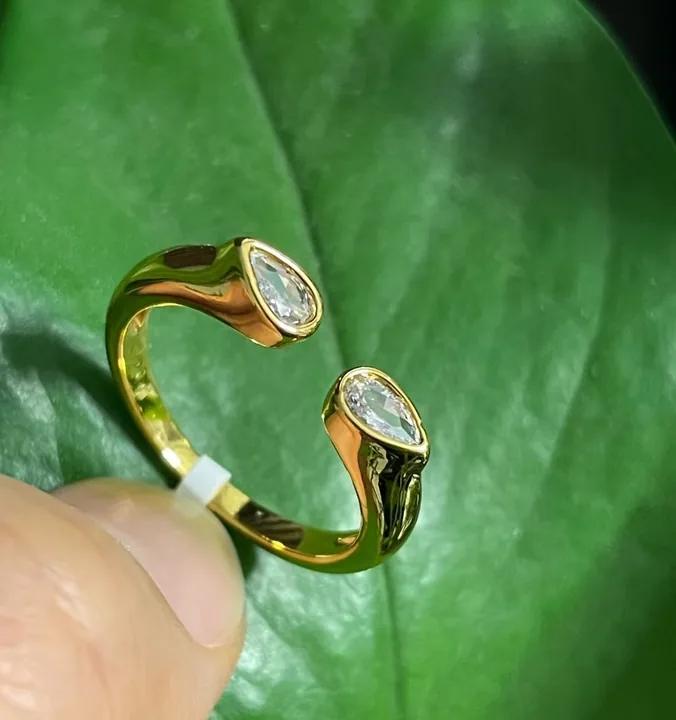 PHONE SHOT
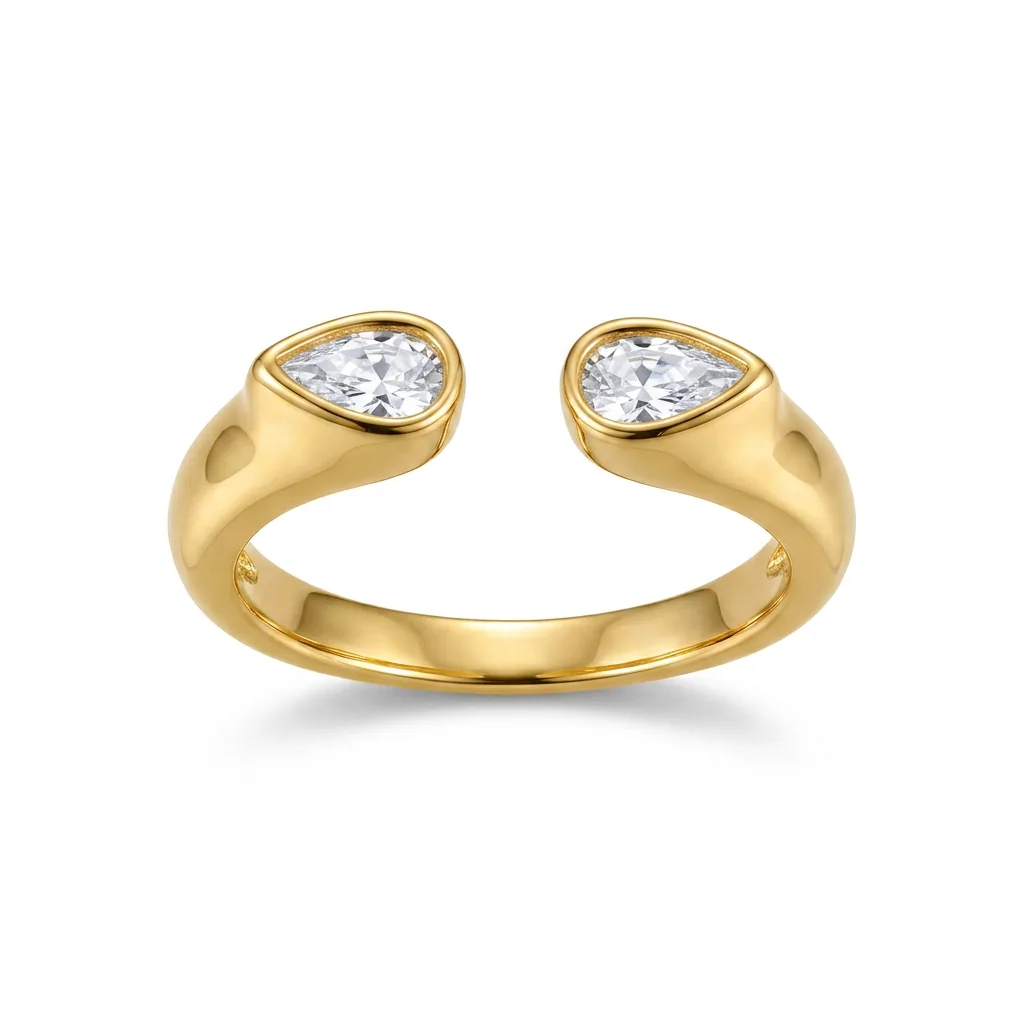 FOCA AI
Quick fixes by piece type
- Rings: upright, stone toward the camera — laid flat they lose all their sparkle. The band reflection is the #1 tell of a homemade ring shot, so check it at 100% zoom before you move on.
- Necklaces & chains: drape in a soft curve, not a straight line — a curve reads as "how it falls when worn." Neaten the clasp, and give fine chains a hair of contrast or they vanish against white.
- Earrings: always the pair, mirror-symmetric. Studs are tiny, so fill more of the frame than feels natural — the thumbnail crop eats the edges.
- Gemstones & watches: for colored stones, set white balance off a grey card — a wrong hue is a guaranteed return. For watches, tilt 5–10° off-axis to kill the crystal glare while keeping the dial legible.
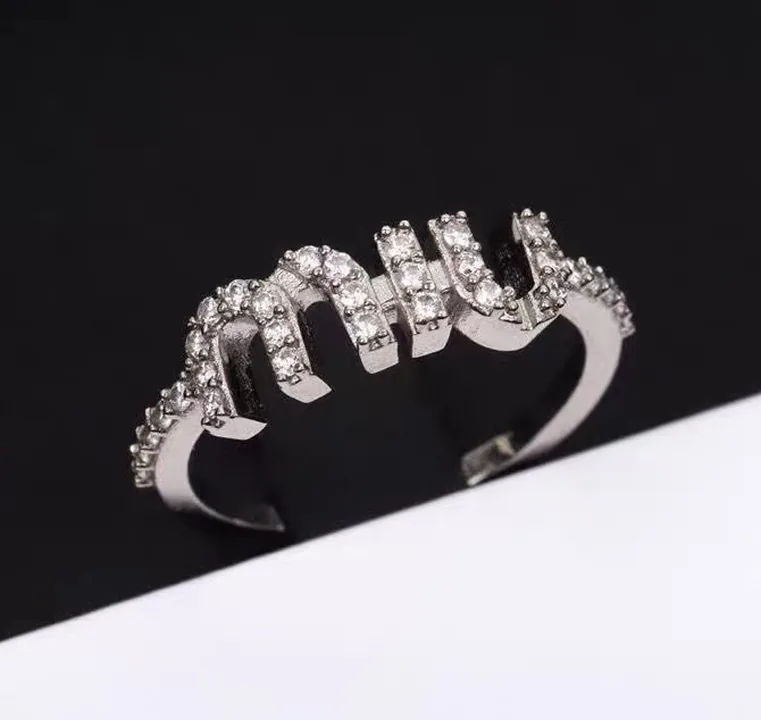 PHONE SHOT
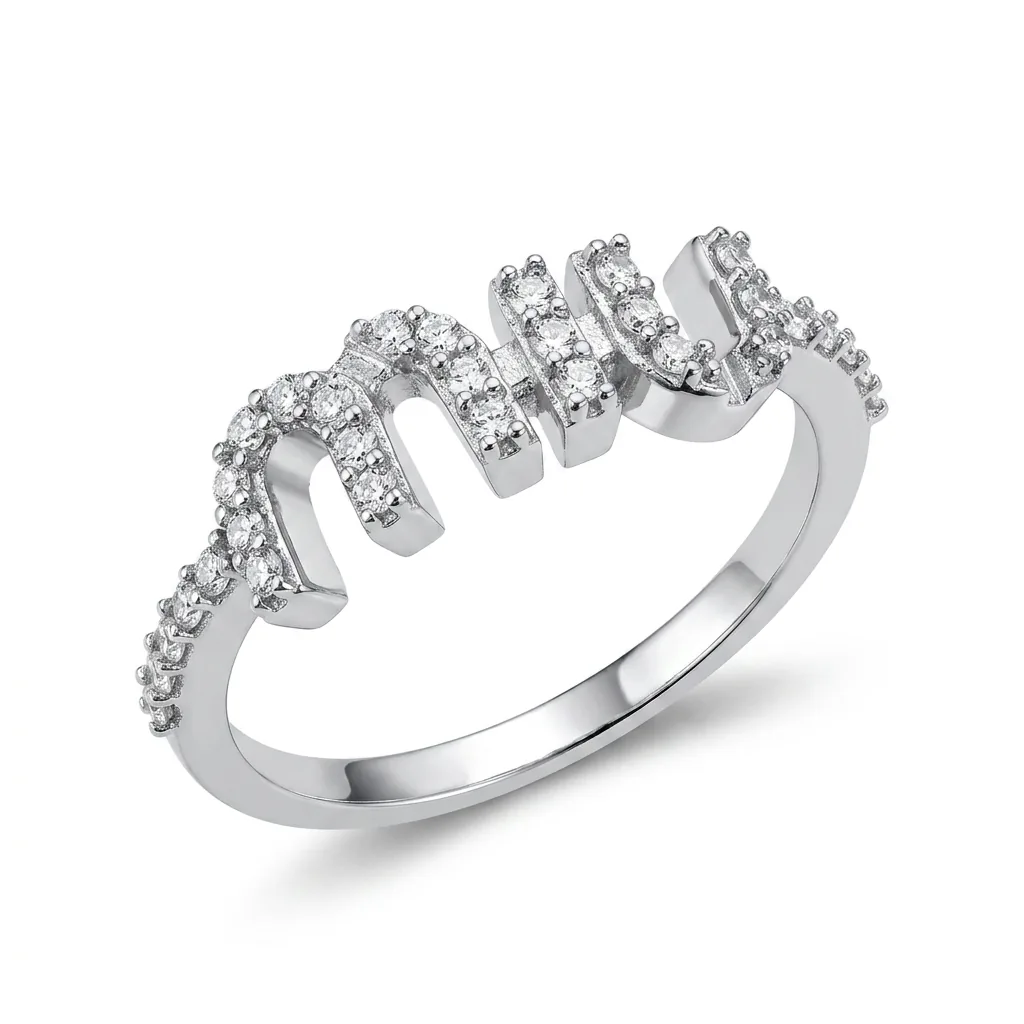 FOCA AI
Hand it off instead
Everything above works. It's also why I stopped doing it by hand. Foca AI takes your phone shot — messy desk, window glare, the works — and handles the studio part: reads the piece, removes the background without eating the reflections that belong to the metal, drops it on true RGB 255 white, brings the sparkle back, and exports a square file that's ready for Amazon. The reason it holds up on jewelry specifically is that it treats a reflection on a polished band as part of the product, not background to cut away, and it enhances the specular highlights that make a stone look expensive instead of flattening them. Engraving and prongs stay sharp; rings come out round, not warped.
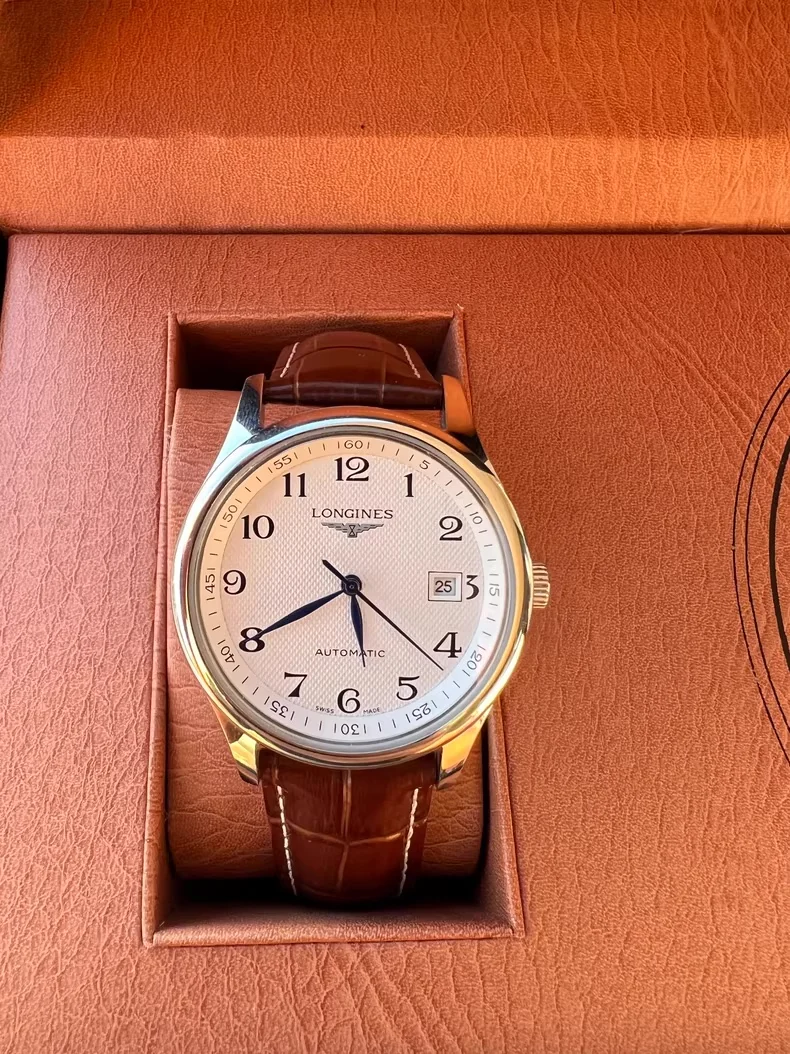 PHONE SHOT
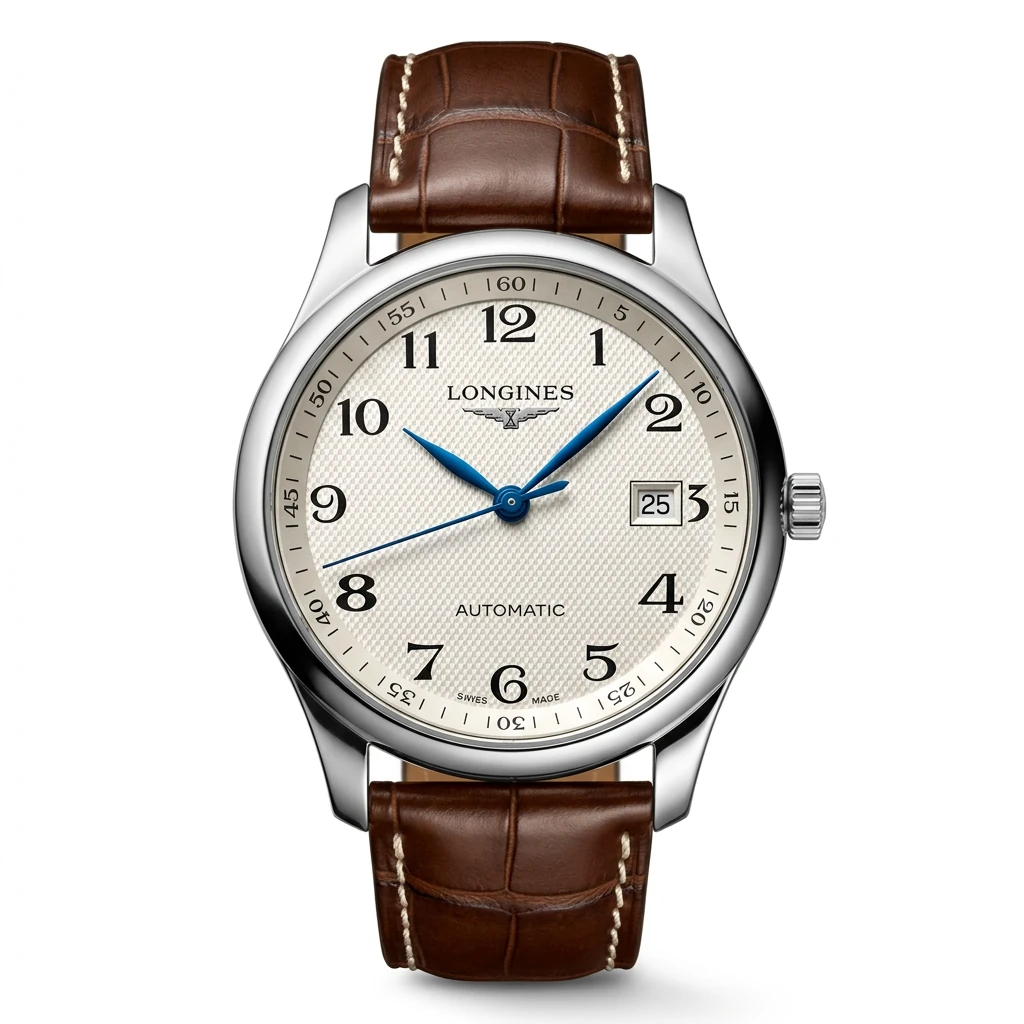 FOCA AI
Amazon's main-image rules (the ones that get listings suppressed)
These aren't suggestions — miss one on your main image and Amazon can suppress the listing from search. For jewelry the checklist is short:
- Pure white background, RGB 255,255,255 — at least 1,000px on the long side
- Product fills 85%+ of the frame; no text, logos, watermarks, or props on the main image
- JPEG, PNG, GIF, or TIFF; no mannequins or models for most jewelry categories
Every Foca export clears this by default — 1024×1024, true white, product centered and filling the frame.
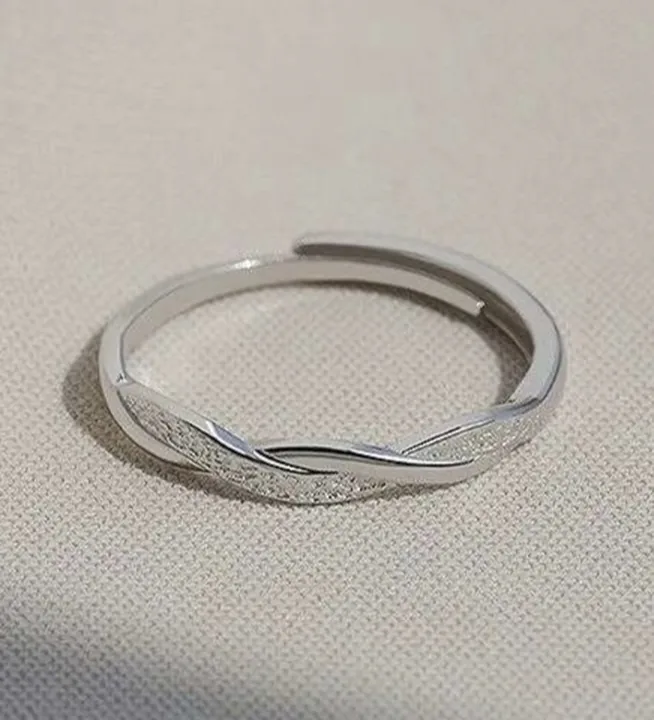 PHONE SHOT
 FOCA AI
The mistakes I still see most
- "White" that's actually grey. A #f2f2f2 background looks dingy the moment a true-white competitor sits next to it in the same search row.
- The photographer in the band. Zoom into any polished ring and you'll often find the phone or a window reflected back. Buyers find it too.
- Killing every shadow. Flat, shadowless light feels "safe" but it's what makes jewelry look dead. Sparkle needs one directional light to exist.
- A color that won't match the box. The fastest route to a return and a one-star review is a stone that shows up a different shade than the photo promised.
 PHONE SHOT
 FOCA AI
Frequently asked
Does Foca AI work with every type of jewelry?
Yes — rings, necklaces, earrings, bracelets, brooches, and watches, across gold, silver, platinum, rose gold, gemstone, pearl, and costume pieces.
My piece is extremely reflective. Will that be a problem?
Highly polished silver and chrome are the hardest case for any tool. Foca is trained specifically on reflective surfaces and handles them far better than a general background remover, but a clear, in-focus input photo always gives the best result.
Can I shoot several pieces in one photo?
For a main listing image, shoot one piece per photo — Foca optimizes framing and lighting for a single product. Save group shots for secondary lifestyle images.
What size are the finished images?
Every export is 1024×1024 pixels, sized and formatted for marketplace listings out of the box.
Do I need any equipment?
None. A plain phone photo works as the input — even with a messy background or uneven light. Cleaning that up is the whole point.