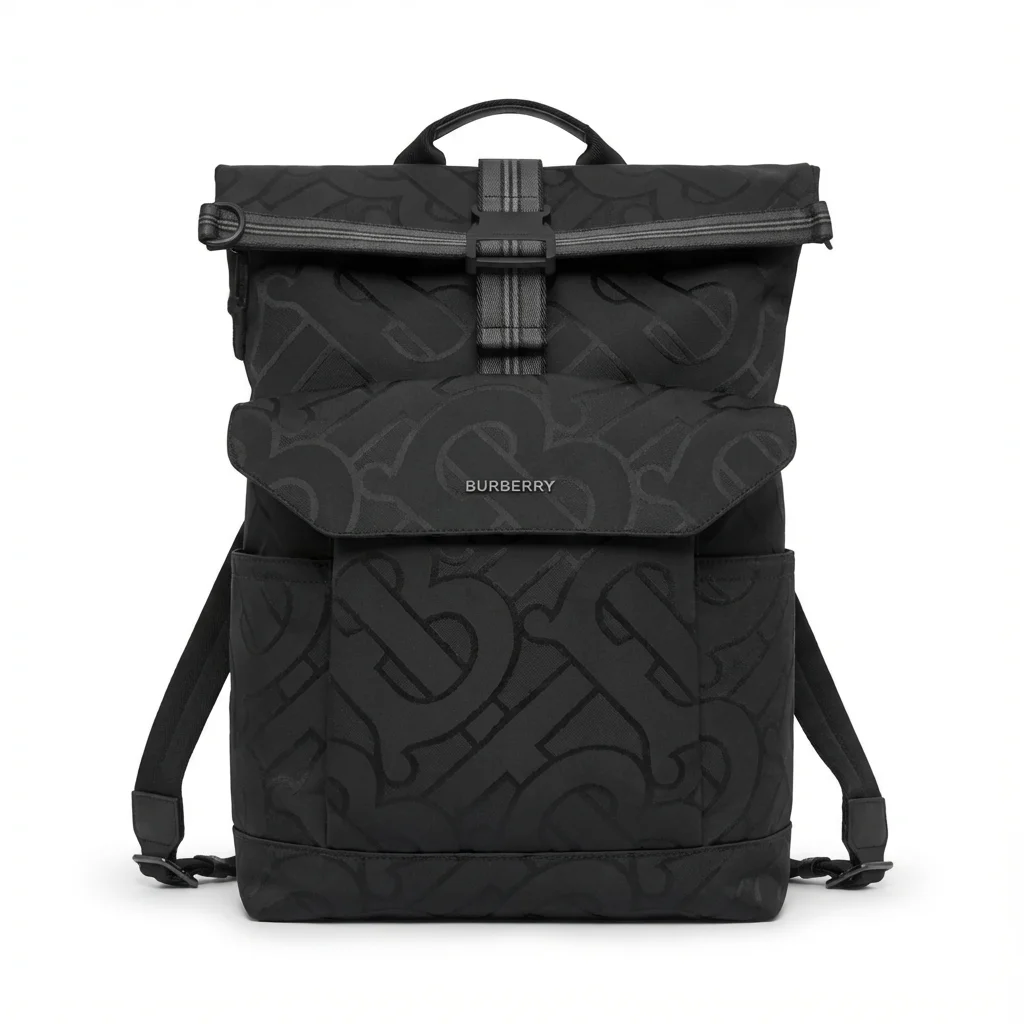
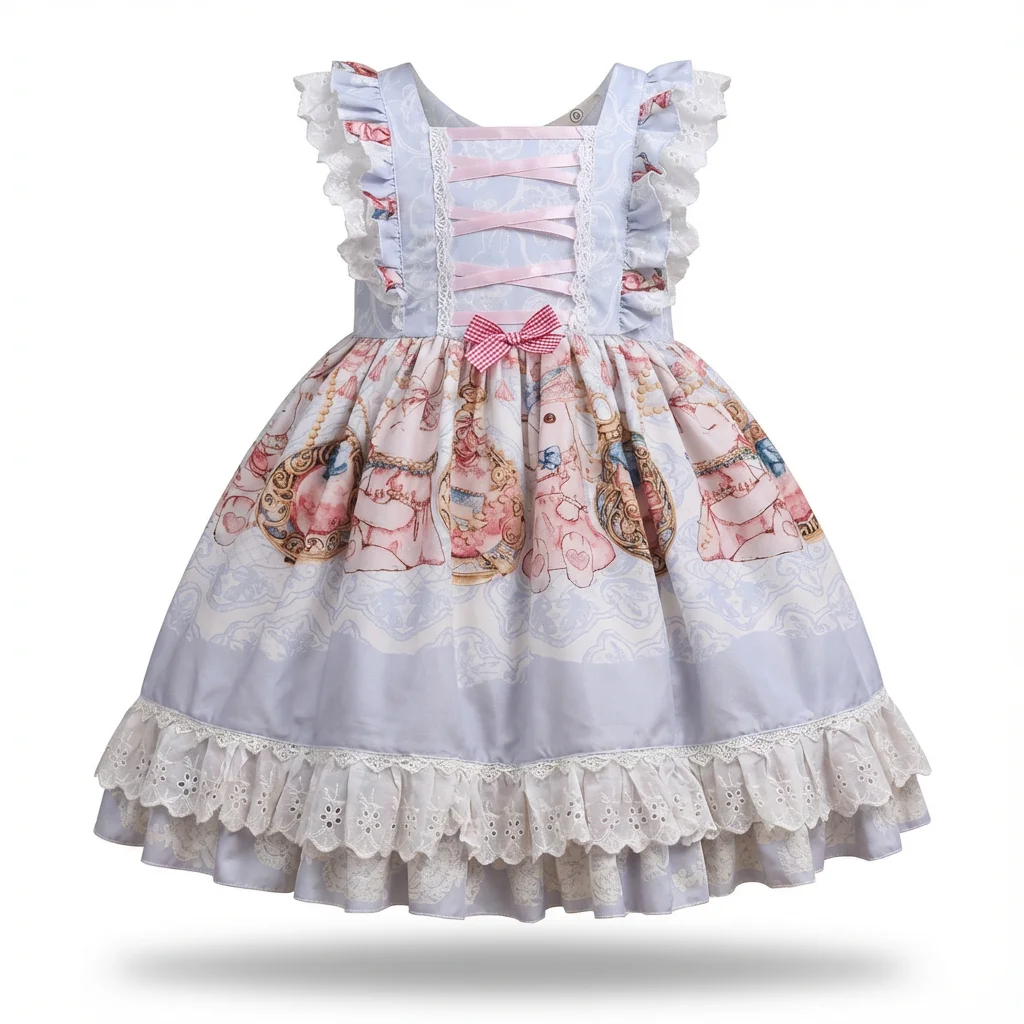

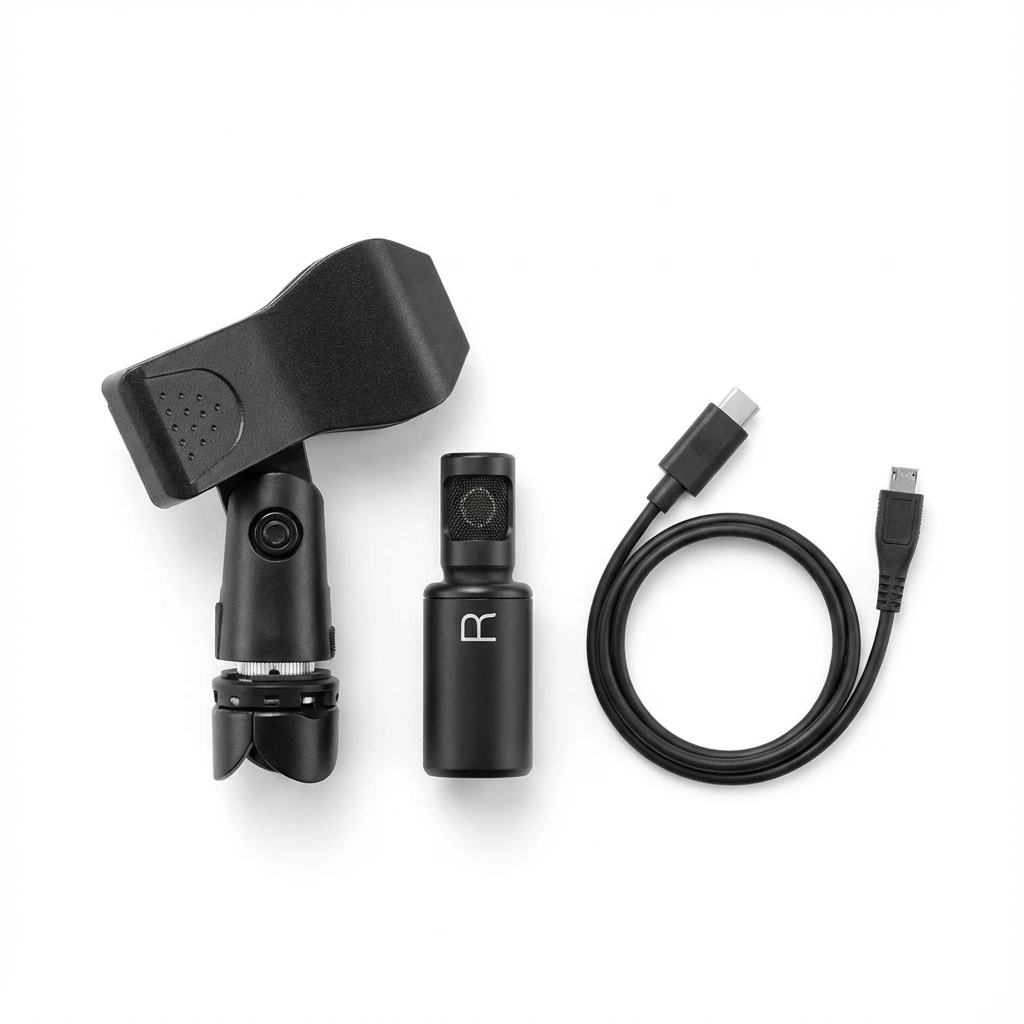
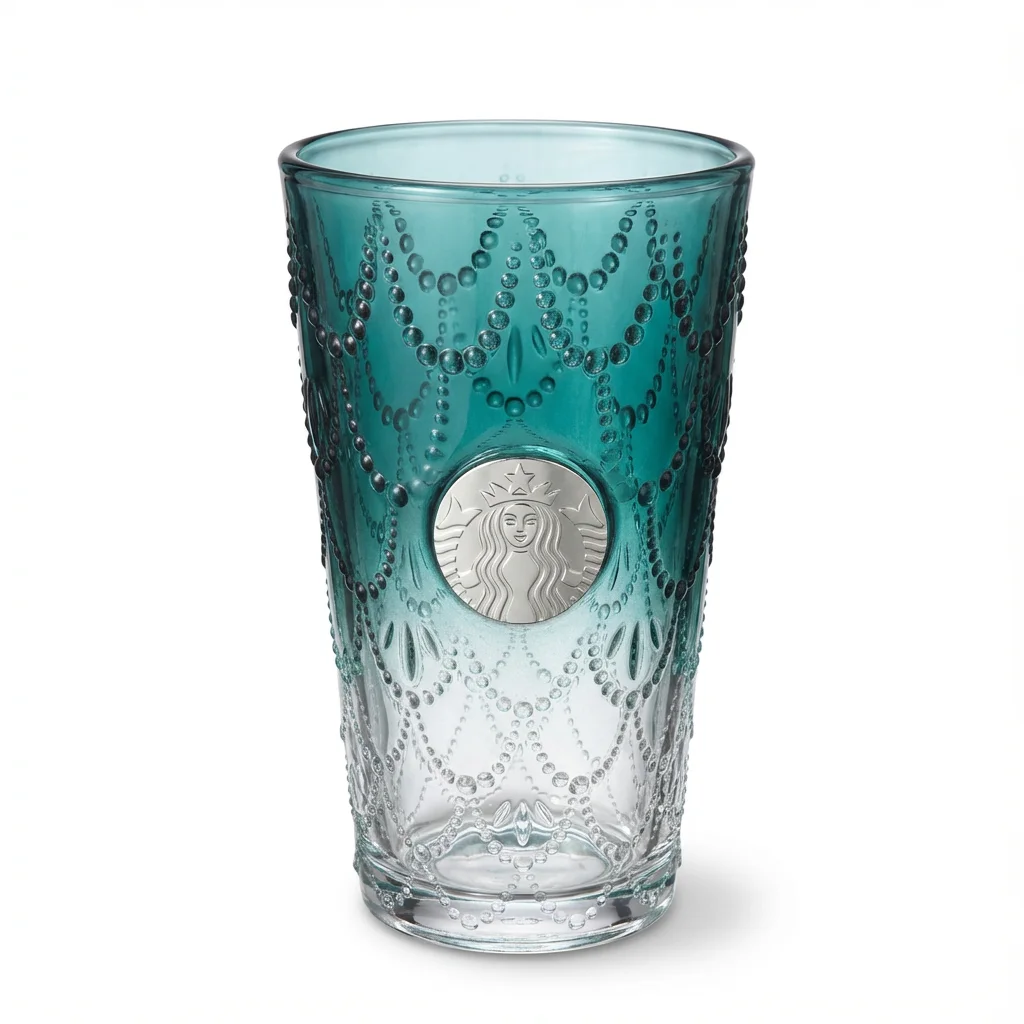
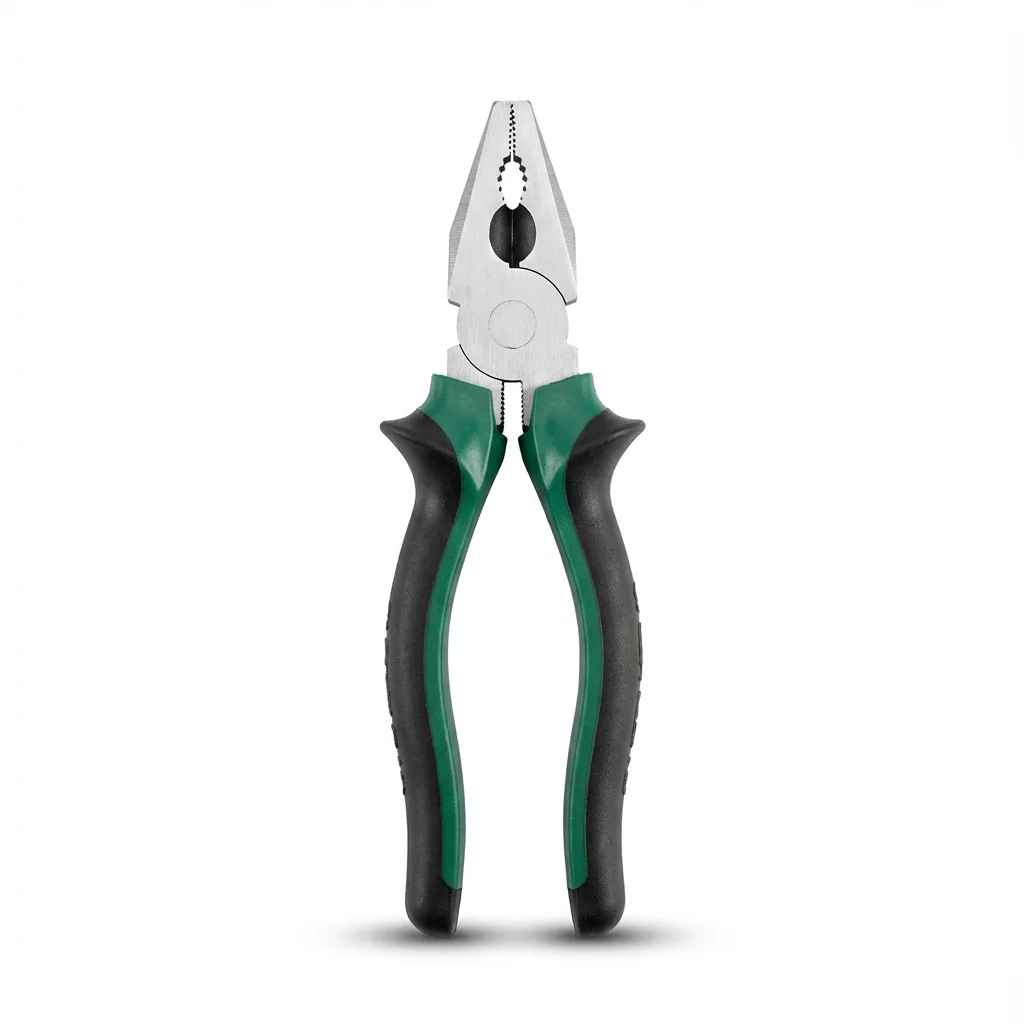
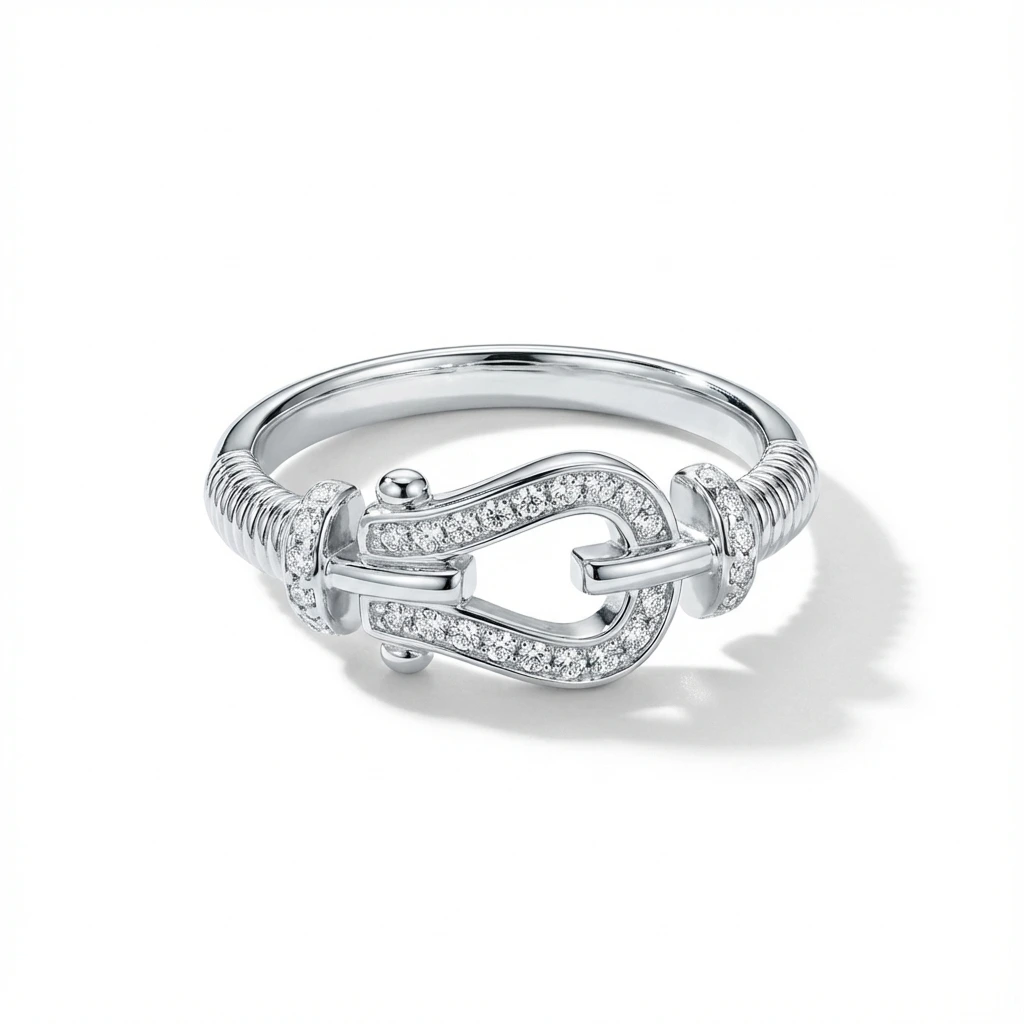
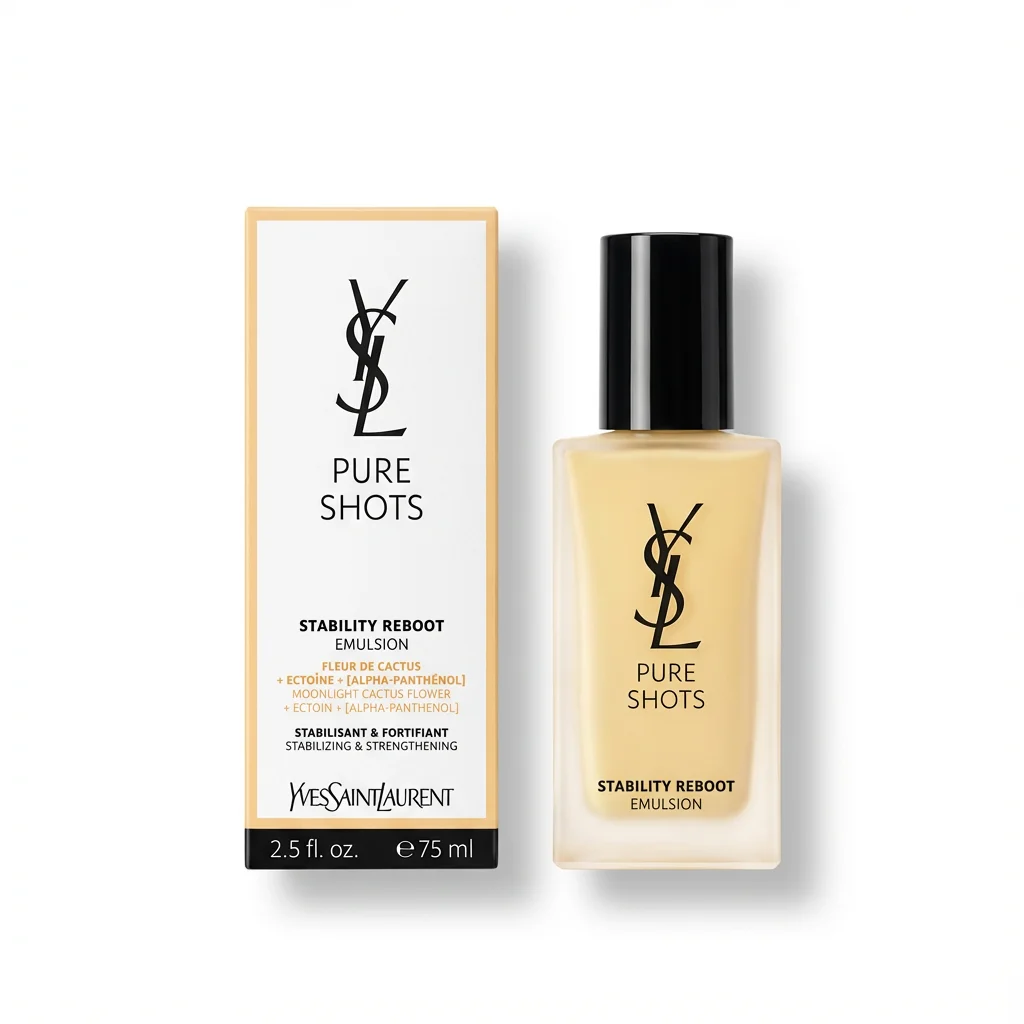
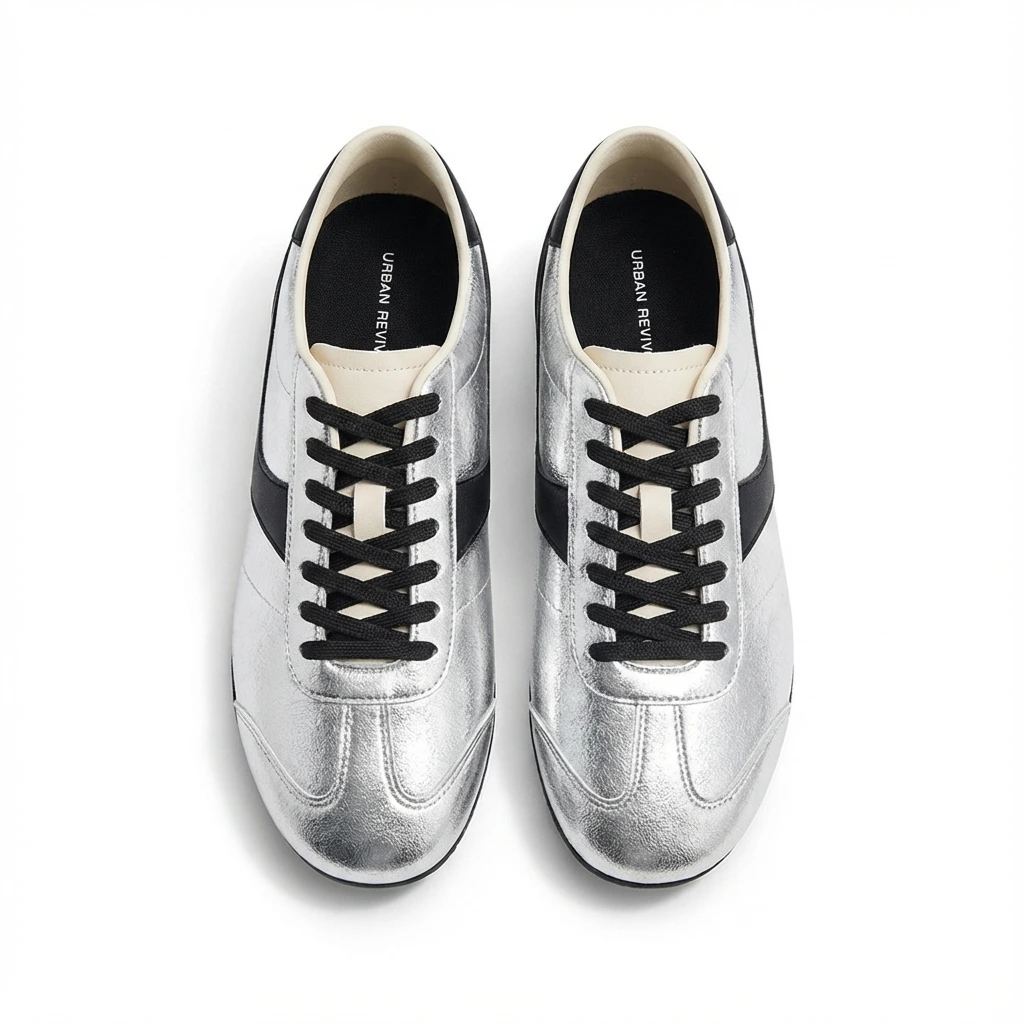


AI photo enhancement in 2026 is not about inventing a better-looking product than the one you actually sell. A beautiful image that changes the item is a liability. A clean image that preserves the real product, removes distractions, fixes lighting, centers the item, and exports at the right size is an asset.
If you sell on Amazon, Shopify, Etsy, TikTok Shop, eBay, Google Shopping, or your own store, the useful question is no longer "can AI edit this photo?" It is "can AI turn this real source photo into a channel-ready image without hurting buyer trust?"
What AI photo enhancement means in 2026
For ecommerce, "AI photo enhancement" usually means a set of practical editing jobs that used to require Photoshop, a light box, or a retoucher.
| Enhancement | What it does | Best for |
|---|---|---|
| Background removal | Separates the product from a messy room, table, hand, or floor | Marketplace main images, catalog consistency |
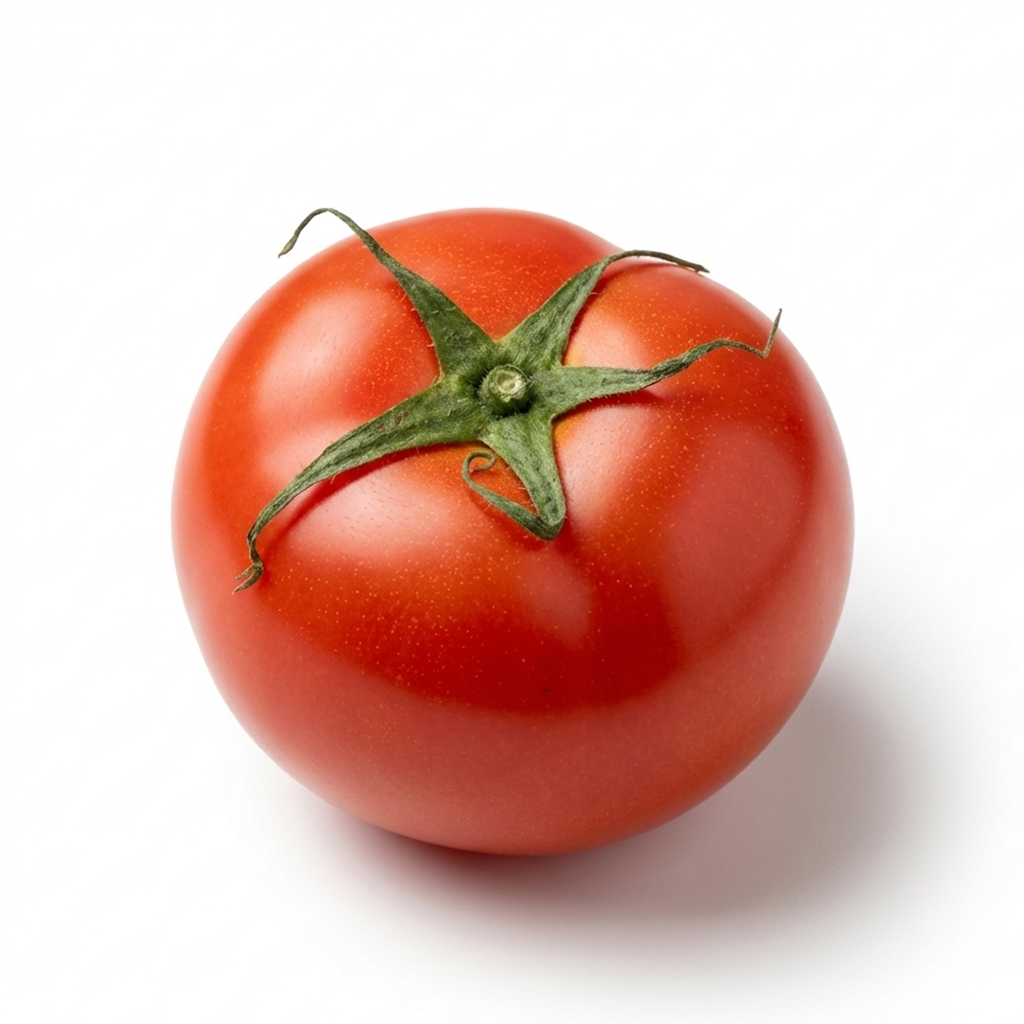
| White background generation | Places the product on a clean white or pure-white background | Amazon-style listings and search grids |
| Lighting correction | Brightens shadows, balances exposure, reduces dullness | Phone photos and indoor shots |
| Shadow generation | Adds a soft contact shadow so the product does not float | More natural white-background images |
| Crop and centering | Places the product in the frame at the right scale | Marketplace compliance and thumbnail clarity |
| Upscaling and sharpening | Improves resolution and perceived detail | Older images and small supplier images |
| Cleanup | Removes dust, tiny distractions, background clutter, or edge artifacts | Faster listing prep |
The useful part is not any single feature. The useful part is combining them into a repeatable workflow: upload the real product photo, clean it, center it, export it, and use it across channels.
The ecommerce workflow: source photo to selling image
For most sellers, AI photo enhancement should follow a predictable sequence.
- Start with a real source photo. The full product should be visible, the main label or identifying detail should be readable, and important edges should not be cut off.
- Create the strict marketplace hero. Start with a square, clean white-background image where the product is centered and large enough to read in a thumbnail.
- Add secondary images for context. Show scale, texture, packaging, accessories, product-in-use scenes, and details buyers might zoom into.
- Export channel-specific variants. A Shopify grid, a TikTok Shop listing, an Etsy thumbnail, and a Google Shopping feed do not always need the exact same crop.
For many sellers, a 2000 x 2000 px white-background hero is the safest starting point. It works well for Amazon-style marketplaces, Shopify collection grids, Google Shopping, TikTok Shop, and most product catalogs. If you only make one image first, make this one.
What AI can safely improve
AI is strongest when it improves presentation without changing the product itself. It can remove a distracting background, correct dull phone lighting, center the product, create a consistent crop, sharpen a small source image, and add a soft shadow so a cutout feels grounded.
For a product grid, consistency matters. A store where every item has a different crop, background, and scale feels less trustworthy. For sellers with dozens or hundreds of SKUs, consistent AI enhancement can be more valuable than one perfect image.
The goal is not to make every product glow. The goal is to make the product legible, accurate, and easy to compare.
What AI should not fake
The strongest AI tools can create images that look real. That is exactly why ecommerce sellers need boundaries. Avoid using AI to change product color, material, size, label text, logo placement, included accessories, package quantity, safety-relevant details, or the condition of a used item.
This matters even more for resale. If a used bag has scuffs, the listing should show them. If a vintage item has discoloration, AI should not erase it into a new product. Short-term polish can create long-term returns, disputes, and trust problems.
Platform compliance is now part of photo editing
Product image quality is not only an aesthetic issue. It is also a compliance issue. Different platforms have different rules for main images, background color, watermarks, text overlays, image size, and AI-generated content. Before you publish, the free Amazon Image Checker flags the common main-image problems in seconds.
A simple rule helps: main product images should be accurate and clean. Use a real product photo, keep the product clear, and avoid text overlays, badges, borders, watermarks, and misleading props.
Generated or heavily AI-modified images need extra care. Google Merchant Center says AI-generated images must preserve metadata tags indicating generative AI creation, including IPTC DigitalSourceType metadata such as trainedAlgorithmicMedia. If your workflow strips metadata, that can become a problem for shopping feeds.
AI enhancement vs AI product photography
| Term | Meaning | Ecommerce risk |
|---|---|---|
| AI photo enhancement | Improves a real source photo | Lower risk when the product remains accurate |
| AI background removal | Removes or replaces the background around a real product | Low risk if edges and product details are preserved |
| AI product photography | Often means generating scenes, lifestyle shots, or studio-style images | Medium risk if product scale, material, or context changes |
| AI-generated product image | Creates major image elements synthetically | Higher risk if it no longer represents the real product |
For most sellers, the best starting point is AI enhancement, not full generation. Use generation carefully for secondary creative, ads, or lifestyle concepts. Use enhancement for the core product image buyers rely on.
When AI beats a traditional photoshoot
AI enhancement is especially useful when you are listing many SKUs, need product images quickly, sell on multiple platforms, do not have studio space, or need white-background images before a product test.
For a small seller, the difference is practical: list ten products today, or wait until you can schedule a shoot. AI does not have to replace every brand image to be useful. It just has to remove the bottleneck from everyday catalog work.
When a real photoshoot still wins
A real shoot is still better for high-end brand campaigns, model photography, complex apparel fit, reflective luxury goods, food styling, large furniture, room sets, and hero images for paid campaigns.
The practical answer is not AI or studio. It is AI for catalog speed and consistency, plus human creative direction for brand-defining moments.
Checklist before you upload an AI-enhanced product photo
- Does the image still show the real product?
- Is the color accurate enough that a buyer will not feel misled?
- Is the label readable, and are included accessories or bundles clearly represented?
- Is the background allowed for the platform?
- Are there any text overlays, badges, borders, or watermarks that could be rejected?
- Is the image large enough for marketplace zoom?
- If the image is AI-generated or heavily AI-modified, does your platform require metadata or disclosure?
How Foca fits the 2026 workflow
Foca is built for the part of AI photo enhancement ecommerce sellers need most often: turning a real product photo into a clean, marketplace-ready image.
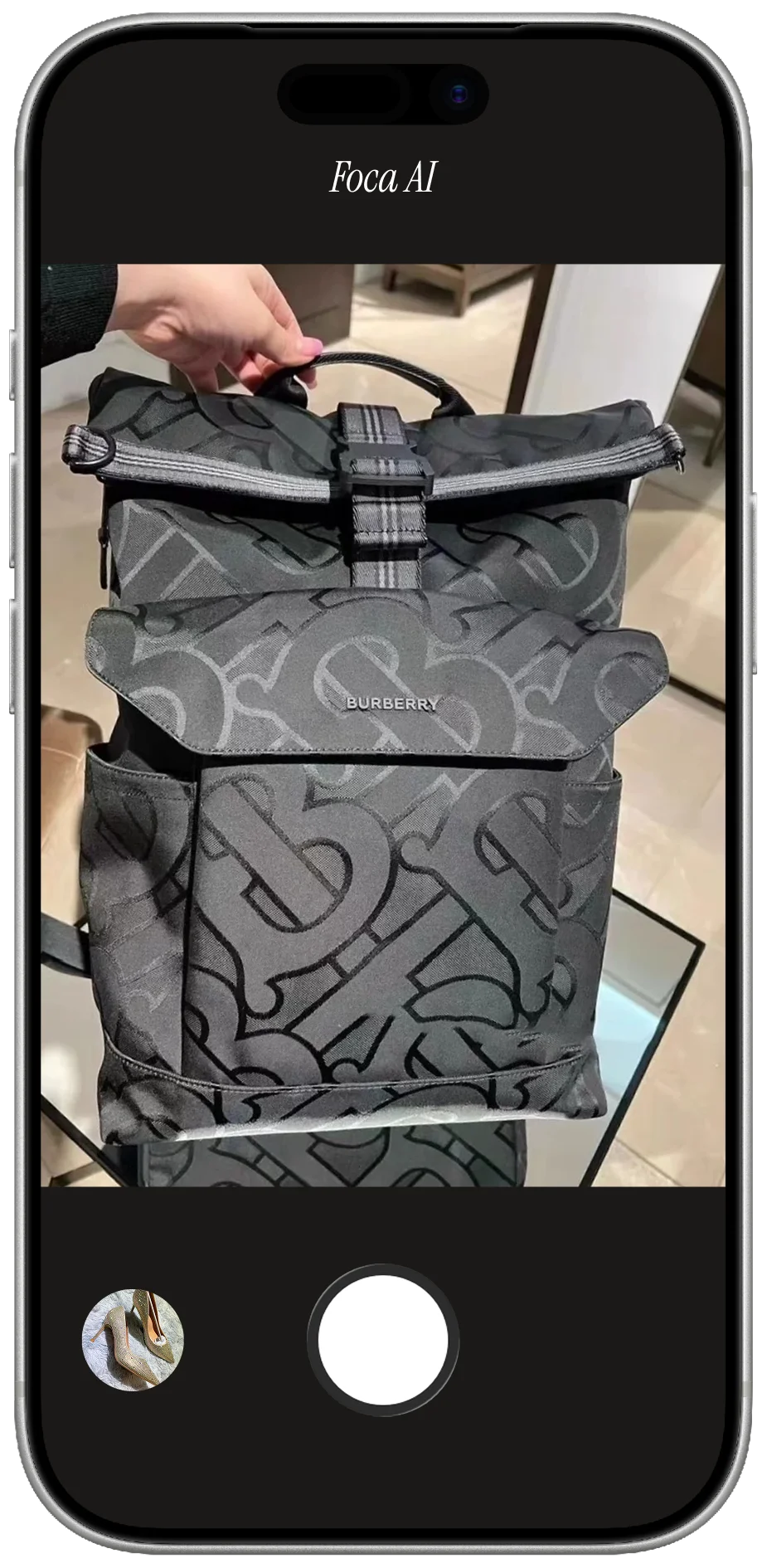
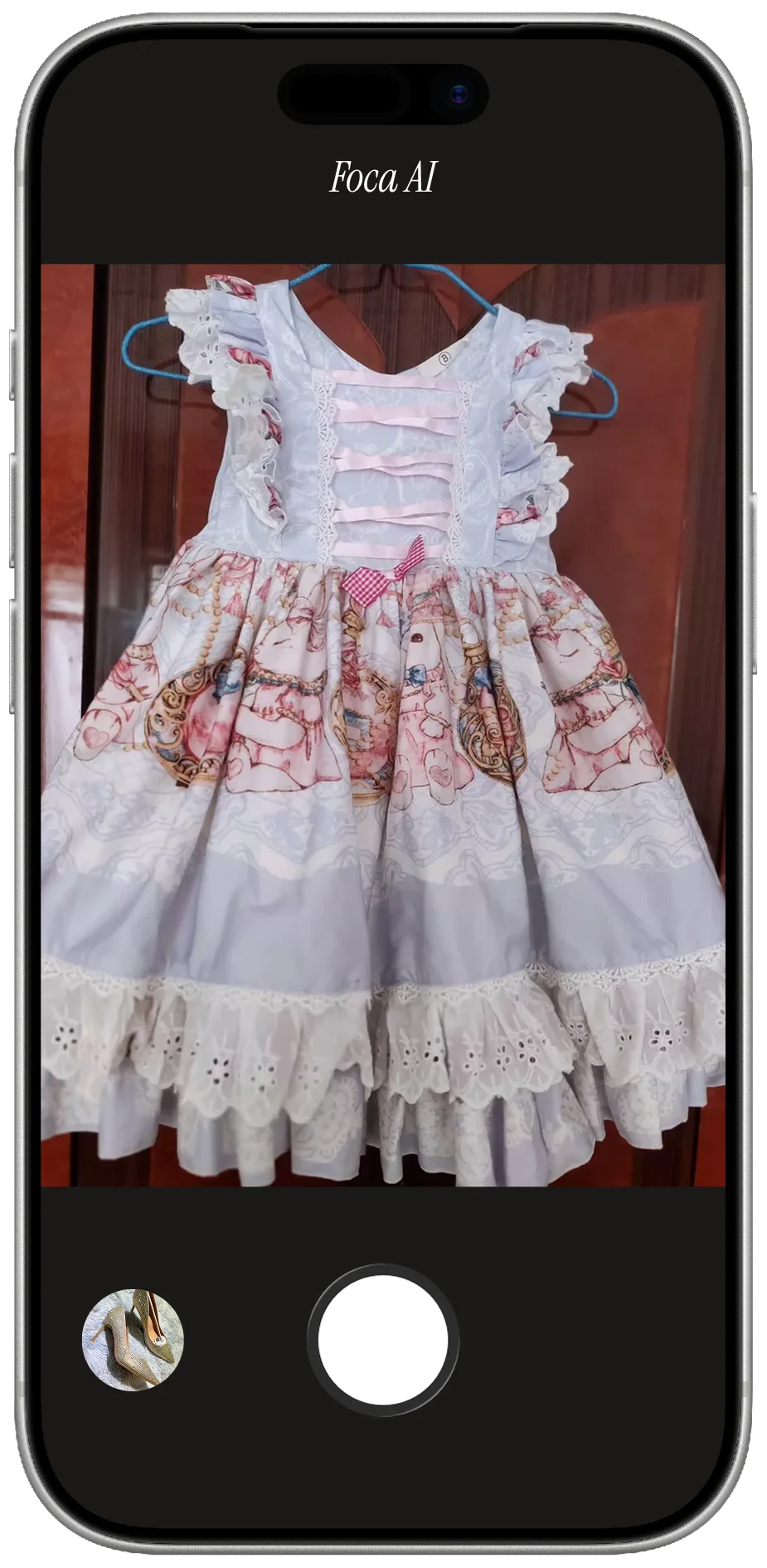
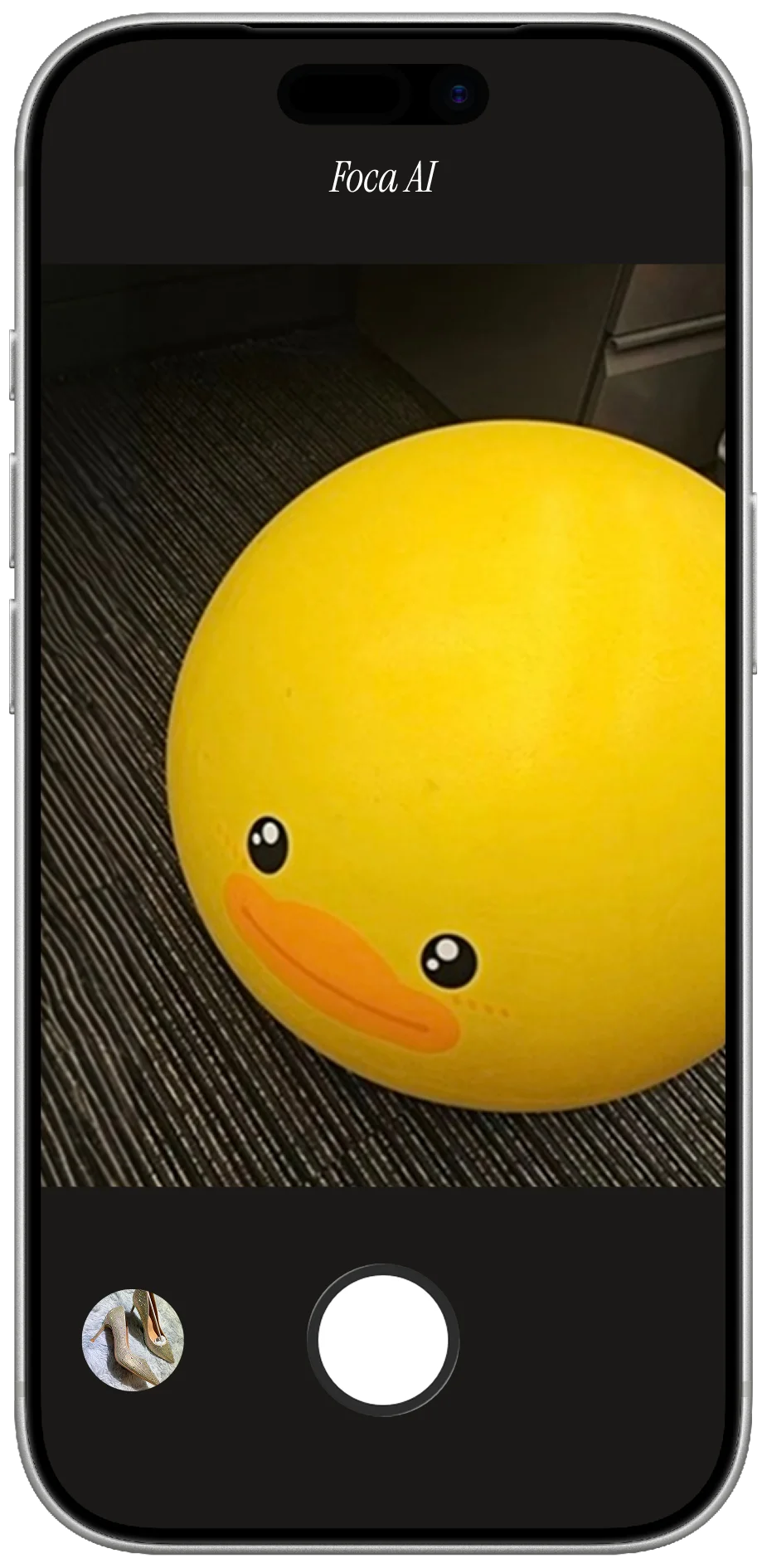
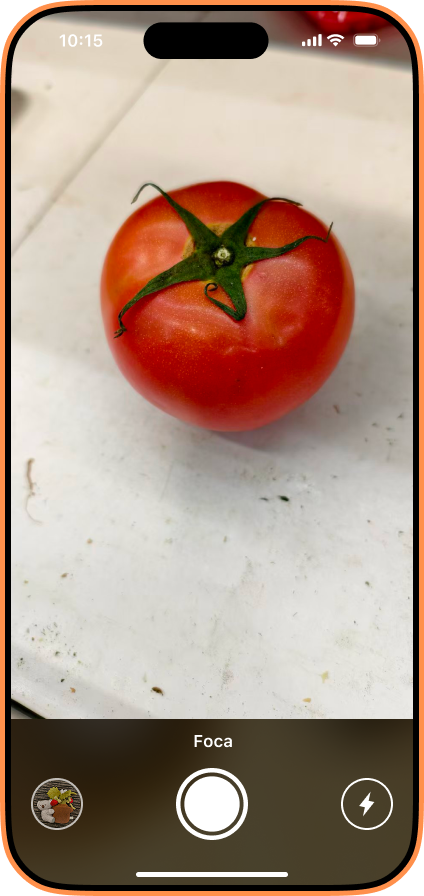
Upload a phone photo. Foca removes the messy background, centers the product, creates a clean white-background result, and keeps the image focused on the actual item. The goal is not to invent a new product. The goal is to make the product you already have look clear, consistent, and ready to sell.
In 2026, the winning ecommerce image workflow is simple: keep the product real, make the presentation clean, and export images that fit the channels where buyers actually see them.
Common questions
Is AI photo enhancement allowed for ecommerce?
In general, yes. Enhancing a real product photo is commonly used for background removal, lighting correction, cropping, and cleanup. The image still needs to represent the actual product being sold.
Is AI photo enhancement the same as AI-generated product photography?
No. AI enhancement starts with a real source photo and improves it. AI-generated product photography may create new scenes, backgrounds, or image elements synthetically.
Can I use AI-enhanced photos on Amazon or Shopify?
Yes, as long as they comply with the platform's image requirements. For strict marketplace main images, keep the product accurate, use a clean background, avoid text and watermarks, and follow the latest size and content rules.
What is the safest AI photo workflow for small sellers?
Start with a real product photo, generate a clean white-background hero image, use it as the main marketplace/catalog image, then create secondary images for details, scale, packaging, and lifestyle context.