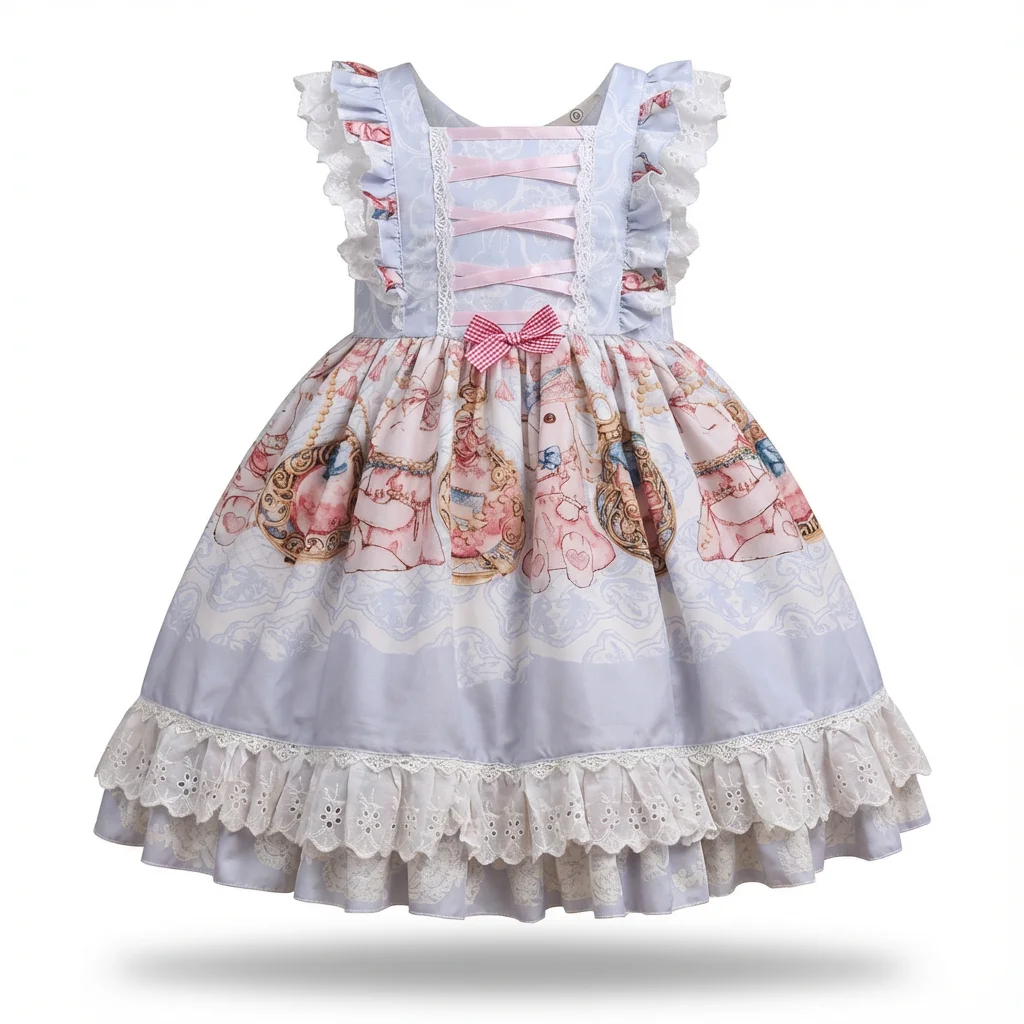
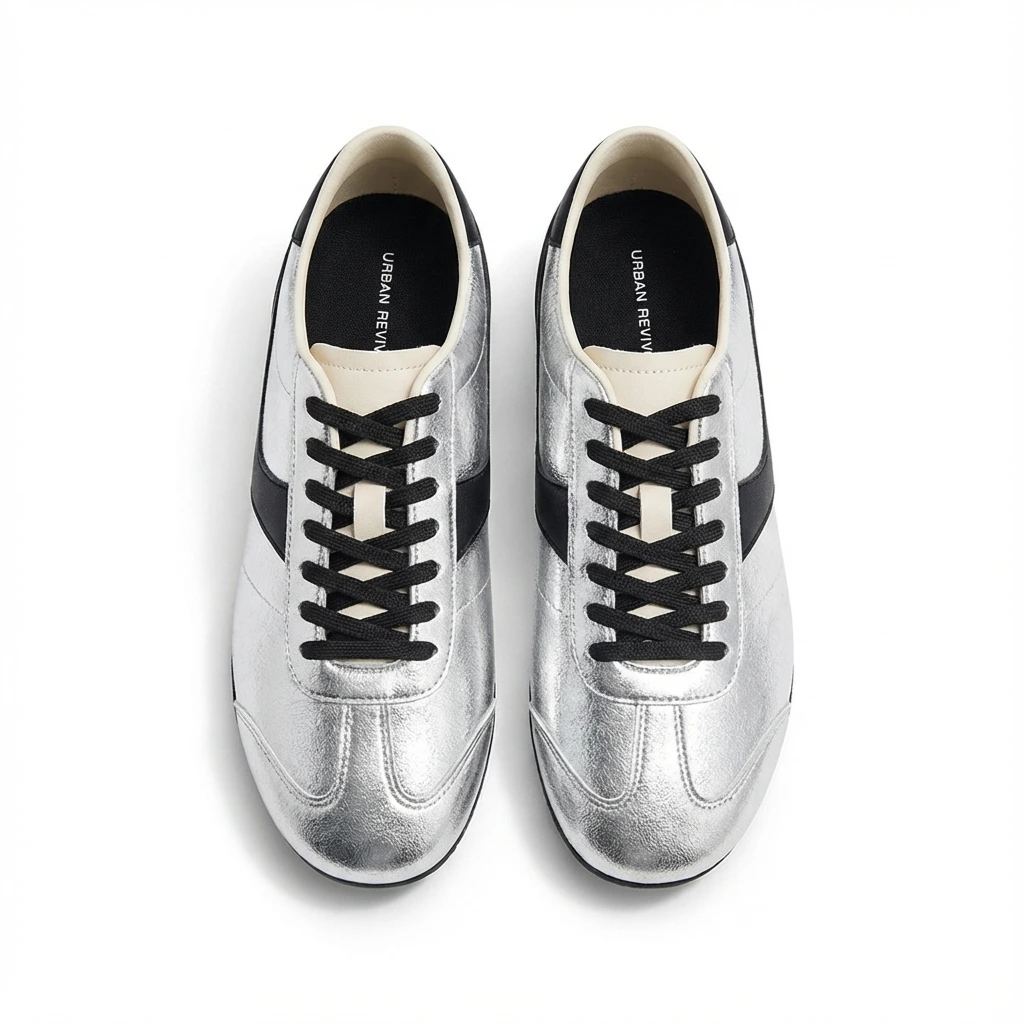
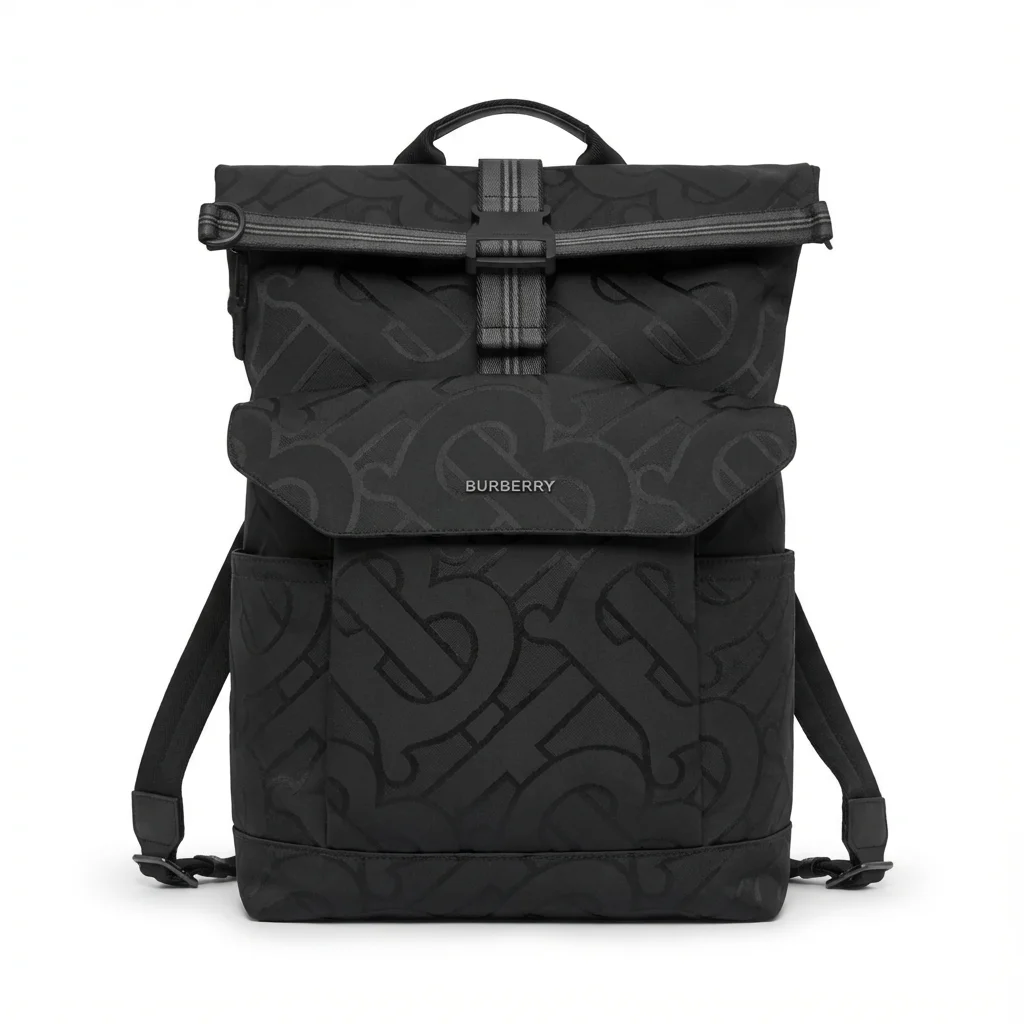
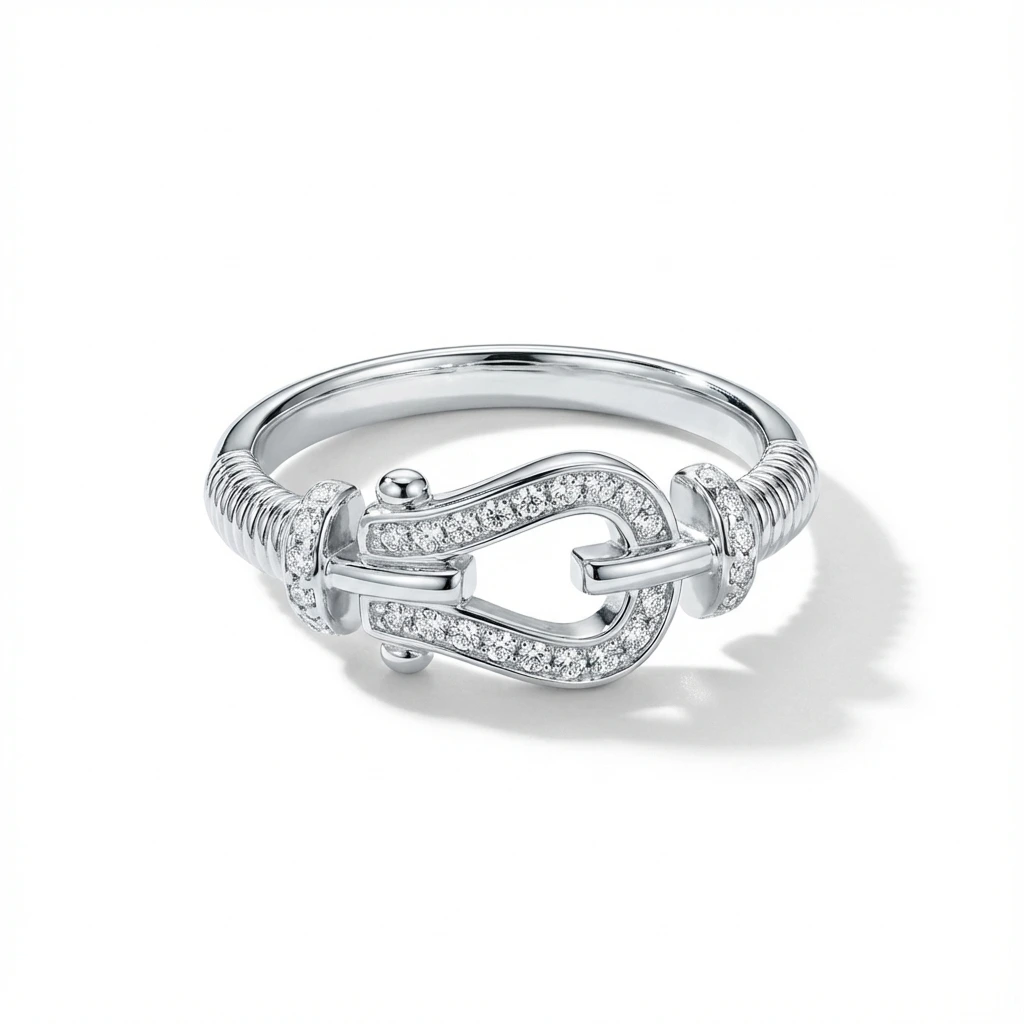

Why clothing loses in every phone photo
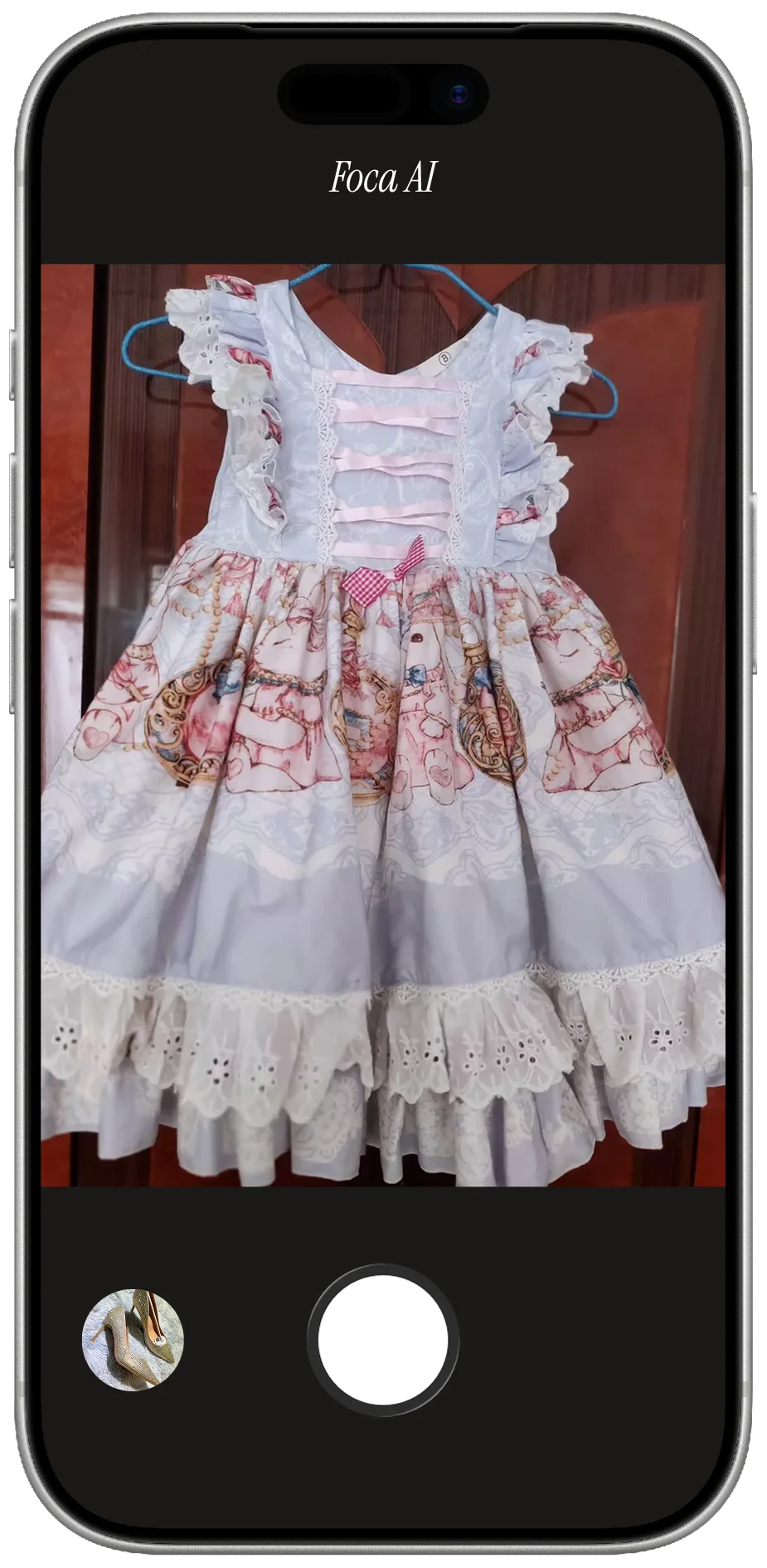
Framing is easy — the garment's big — but three things go wrong almost every time. Color: a phone on auto white balance reads your room, so navy slides to black and crisp white turns cream — and color is the #1 reason apparel gets returned, because the screen has to match the box. Shape: cloth has no skeleton, so a collapsed garment reads as cheap. Wrinkles: soft light flatters fabric but makes every unsteamed crease obvious. None of it is hard to fix — it just never happens on its own.
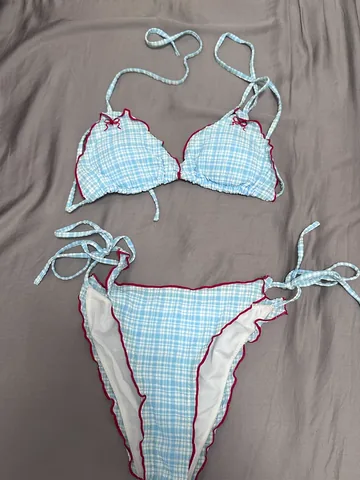
PHONE SHOT
- On a crumpled bedsheet — no white background, fails Amazon's main-image rule
- Warm room light pushes the color off — the shade buyers receive won't match
- Creases and a collapsed shape make it read cheap, even if the garment is good
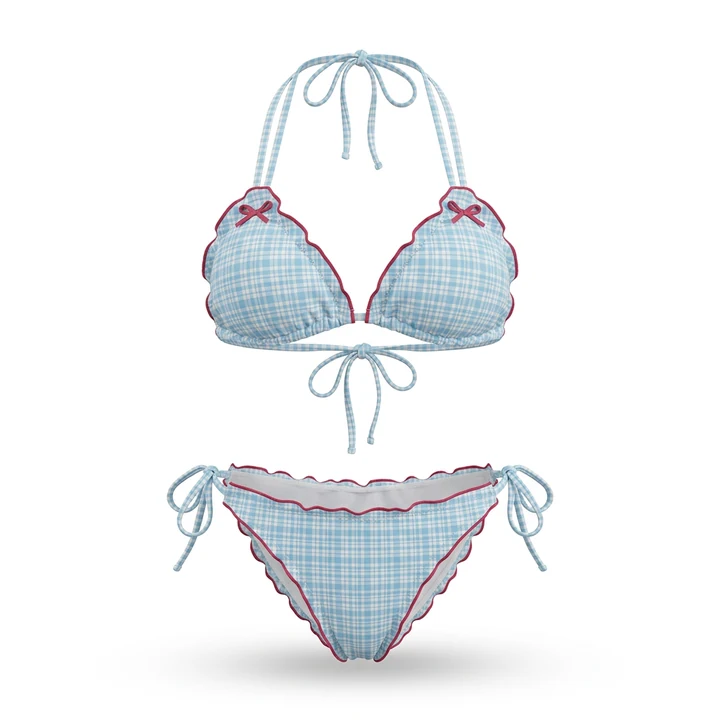
FOCA AI
- Pure RGB 255 white, garment centered and filling the frame — listing-ready
- Color corrected to match what actually ships — the #1 driver of apparel returns
- Shape cleaned up and a soft shadow so it sits, not floats
Flat lay, hanger, or ghost mannequin?
Three options, in rising order of effort. Flat lay (shot straight down) is fastest and great for tees and knits — steam first, arrange the sleeves. Hanger on a white wall is quick but looks like a snapshot unless you clean it up. Ghost mannequin — the "filled," hollow look — is the catalog standard because it shows fit without a model, but traditionally means shooting on a form and editing it out. The shortcut: shoot the easy way and let Foca render the ghost-mannequin look for you.
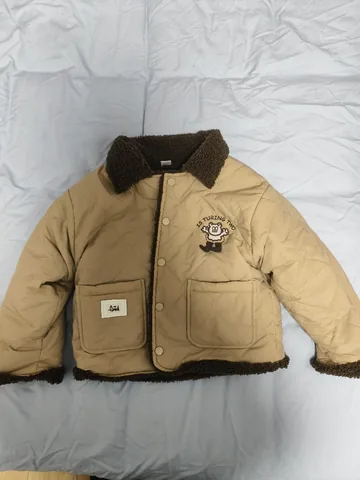 PHONE SHOT
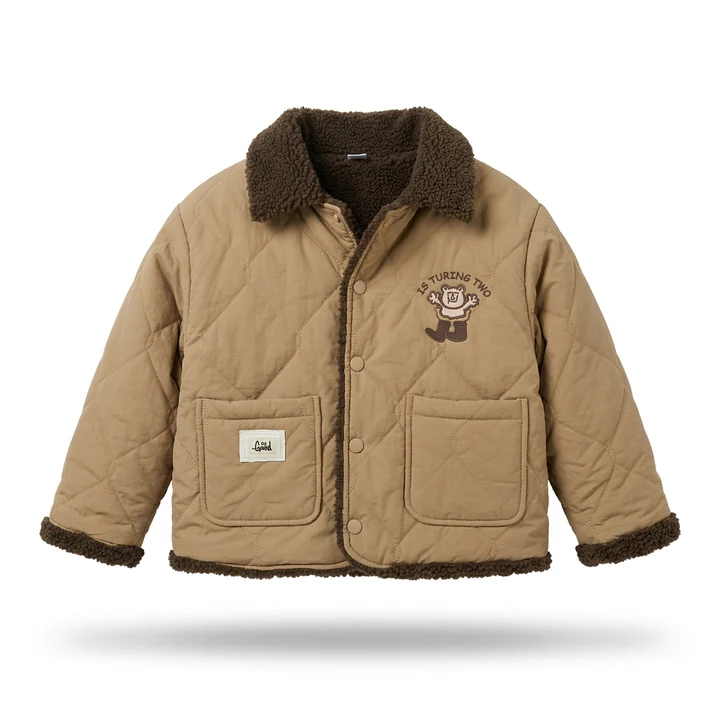 FOCA AI
The home setup that actually holds up
A real model always shows fit best — but it's slow and expensive, and you don't need one to sell. A steamed flat lay or ghost-mannequin shot on clean white converts perfectly well; save the model for a secondary lifestyle image later. For the hero you need three things: wrinkles gone (a two-minute steam beats any camera setting), soft even light (a big window or diffused 5500K LEDs), and a seamless white sweep (a sheet or poster board curved up the wall).
A few things that punch above their cost:
- Shoot RAW and set white balance off a grey card, or at minimum tap-to-set on a plain white area. This one habit fixes most apparel returns.
- Pin the back of a hanging garment tighter so the front reads clean, or stuff a flat lay with a little tissue at the shoulders to give it shape.
- Shoot straight on at garment height, not down at an angle — angled shots distort the length and make hems look crooked.
The honest math: when DIY stops being worth it
A single garment done right — steam, stage, shoot, edit, color-correct — is 20–40 minutes once you're quick. Fine for a small line. But apparel lives on variants: the same shirt in six colors and five sizes is dozens of images, and color-matching each by eye is where the afternoon goes. At that scale, shooting every one by hand stops paying off — which is why most sellers outsource the white-background hero.
Quick fixes by garment type
- T-shirts & tops: steamed flat lay, sleeves out ~45°, collar centered. Graphic tees: shoot dead-on so the print doesn't skew.
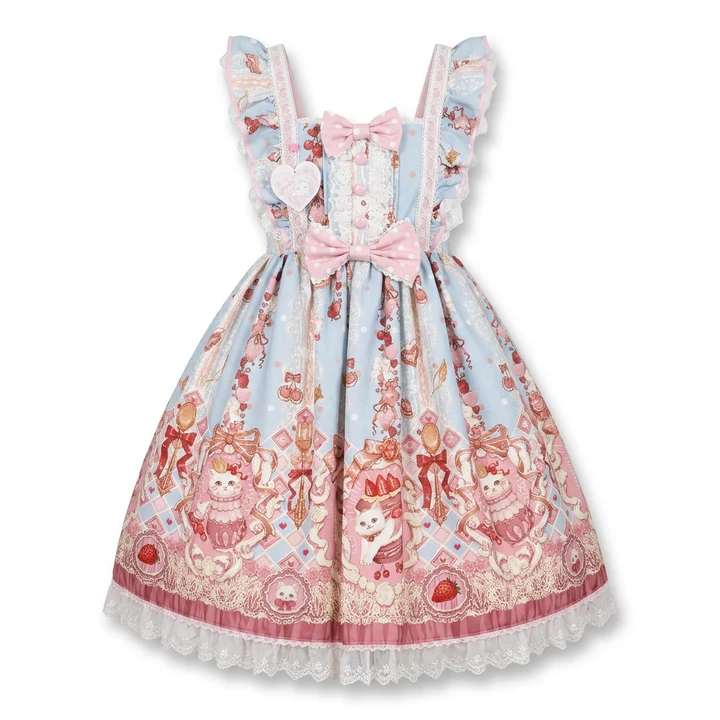
- Dresses & long items: hang or ghost-mannequin for drape; clip the back so the front reads clean and shoot full-length without cropping the hem.
- Knitwear: light from one side to bring out the stitch, lay heavy knits flat, and lint-roll first — pills read as "used".
- Denim & pants: fold to show the rise, and add a close-up of the stitching and rivets — that's where quality reads.
- Black & white: the hardest exposures — give black a touch more light (and a dark edge) so it doesn't go flat; give white a touch less so seams survive.
- Activewear & synthetics: diffuse the light hard and shoot slightly off-axis to kill hotspots; stretch it over a form so the fit shows.
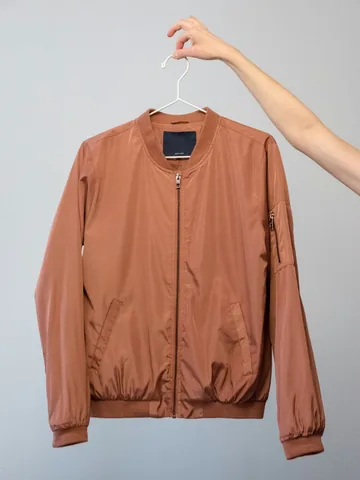 PHONE SHOT
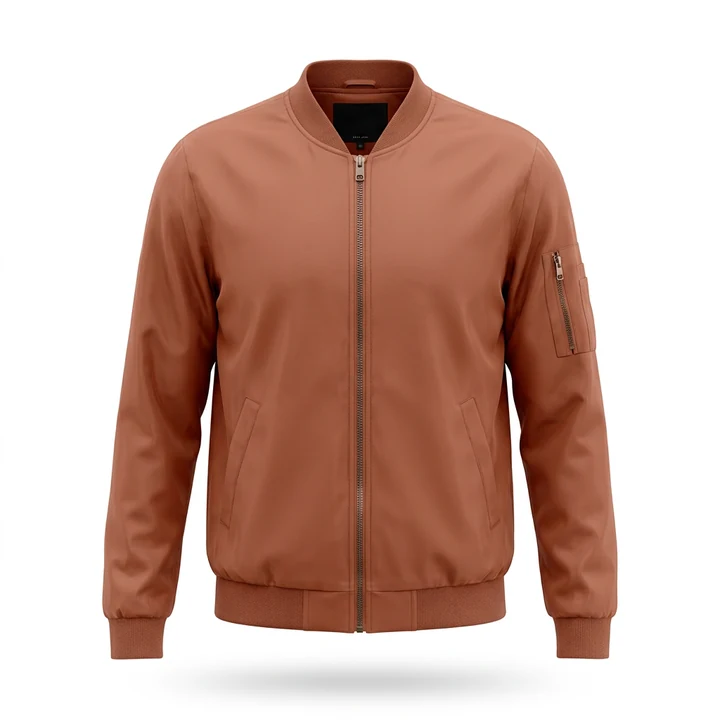 FOCA AI
One-tap shortcut
All of that works — it's also a lot of steaming and color-checking, which is why I stopped doing the white-background part by hand. Foca AI takes your phone shot and handles the studio part: pure-white background, even light, relaxed creases, corrected color, fabric texture preserved instead of smoothed to plastic — square and ready for Amazon. For variant-heavy catalogs it's the difference between an afternoon and a coffee break.
Amazon's apparel image rules
Apparel has a few category-specific quirks on top of the usual main-image rules. Miss them on the main image and the listing can get suppressed:
| Background | Pure white, RGB 255,255,255 |
| Minimum size | 1,000 px on the long side, so zoom works |
| Product fill | 85%+ of the frame |
| Not allowed | Text, logos, watermarks or props |
| Main image | Garment alone or ghost-mannequin — keep on-model shots for the secondary images |
Every Foca export clears the technical bar by default — 1024×1024, true white, product centered and filling the frame.
Before you publish, check these
AI is a huge shortcut for the white-background hero, but it works by regenerating pixels — which means it can quietly change small things. Before you publish, put the output next to the real garment and check the details a buyer will actually count. A listing photo has to match what ships, or you're just buying returns and one-star reviews.
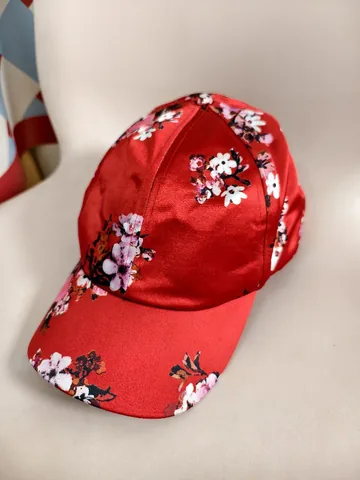 PHONE SHOT
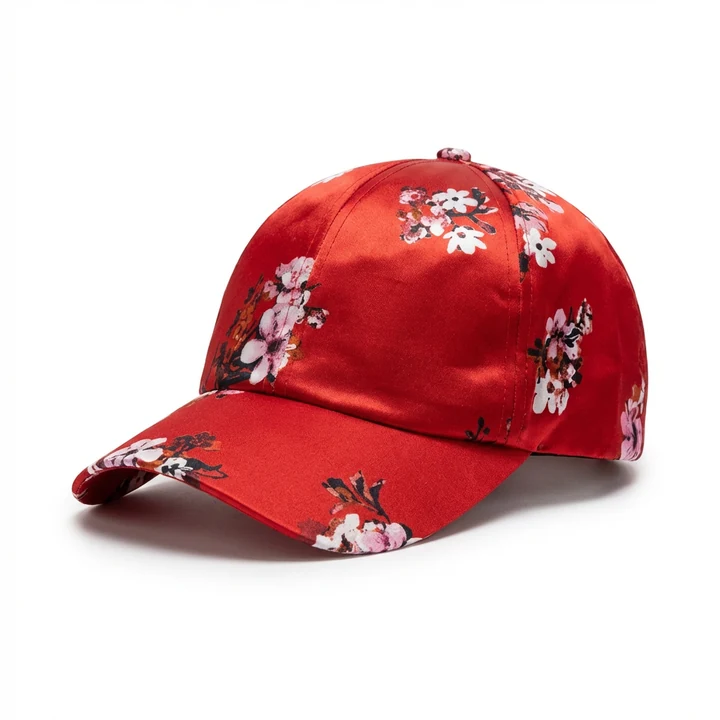 FOCA AI
- Material & texture: matte cotton shouldn't come back looking like satin; the weave should read like the real fabric.
- Pattern & print: stripes, checks, florals and logos drift most — check they're not warped and the scale matches.
- Count the hardware: buttons, pockets, zippers. An extra or missing one is a guaranteed "not as described".
- Color: confirm the shade still matches the real item — especially tricky navies, blacks and saturated reds.
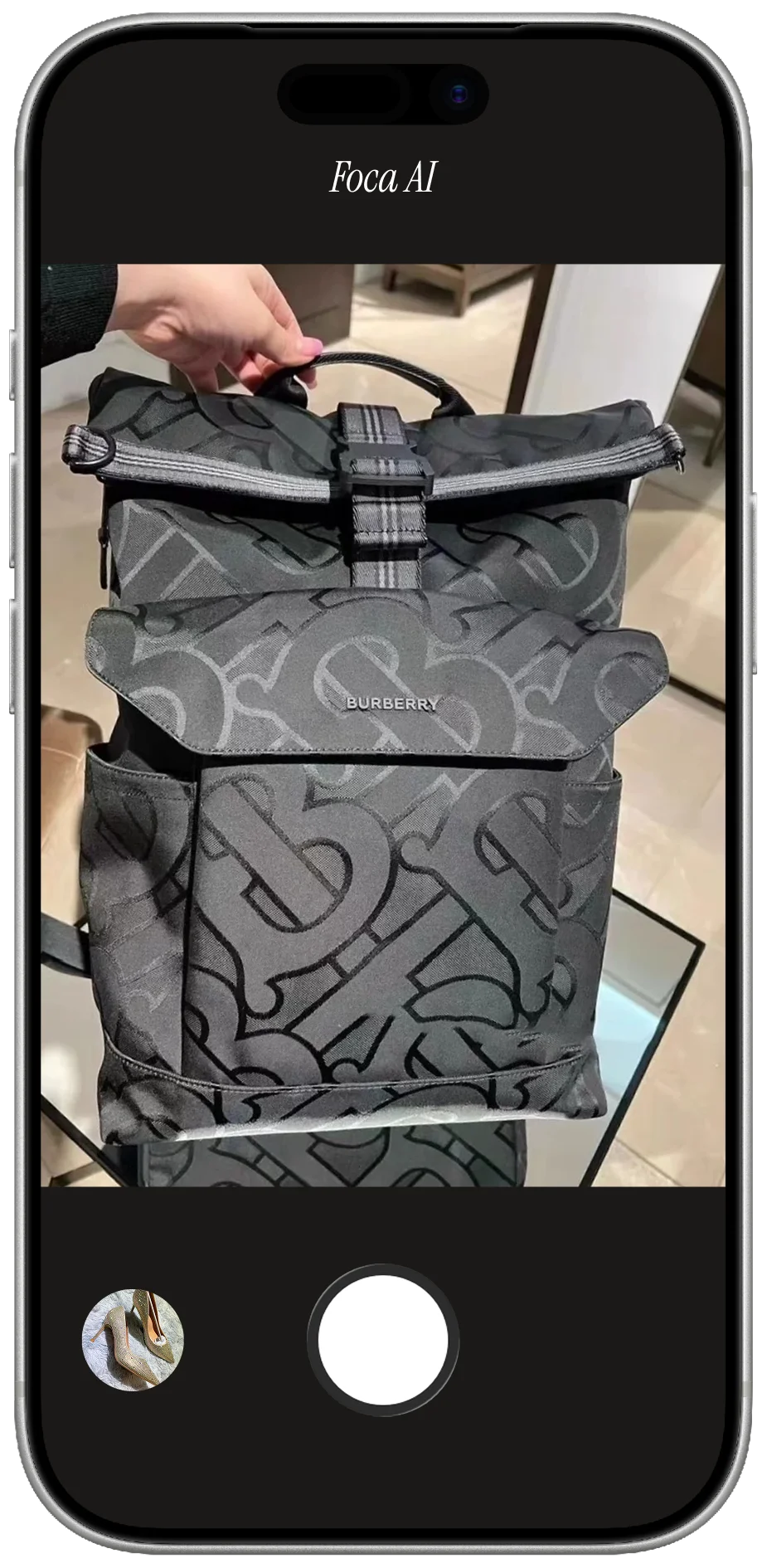
- Logos & labels: must stay accurate and legible — a smeared or invented logo can read as counterfeit.
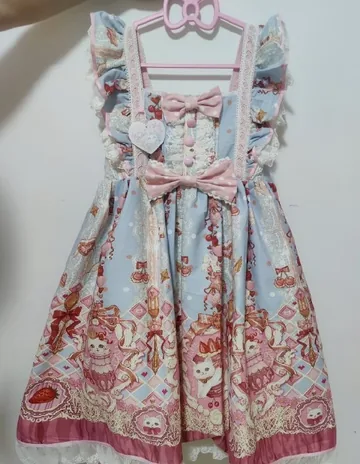 PHONE SHOT
 FOCA AI
 PHONE SHOT
 FOCA AI
A ten-second side-by-side before you publish is the whole discipline. Foca is tuned to preserve these details, but the final check is always worth it.
Questions we hear a lot
Does Foca AI work for all kinds of clothing?
Yes — tops, dresses, knitwear, denim, activewear, kidswear and accessories, whether you shot them flat, on a hanger, or on a form.
Will it keep the fabric color accurate?
It corrects toward a neutral, true-to-life result, which is usually far closer to the real garment than a warm phone snapshot. For critical colors, a clear input shot in daylight gives the best match.
Can it do the ghost-mannequin look?
Yes — that's Foca's default for apparel. You don't need to shoot on an actual form: upload the easiest photo you can take, even a simple flat lay or a garment on a hanger, and Foca returns it as a filled, hollow ghost-mannequin on clean white. So the catalog look is the standard output, not extra work.
What size are the finished images?
Every export is 1024×1024 pixels, sized and formatted for marketplace listings out of the box.
Do I need any equipment?
None. A plain phone photo works as the input — even on a hanger with a messy background. Cleaning that up is the whole point.