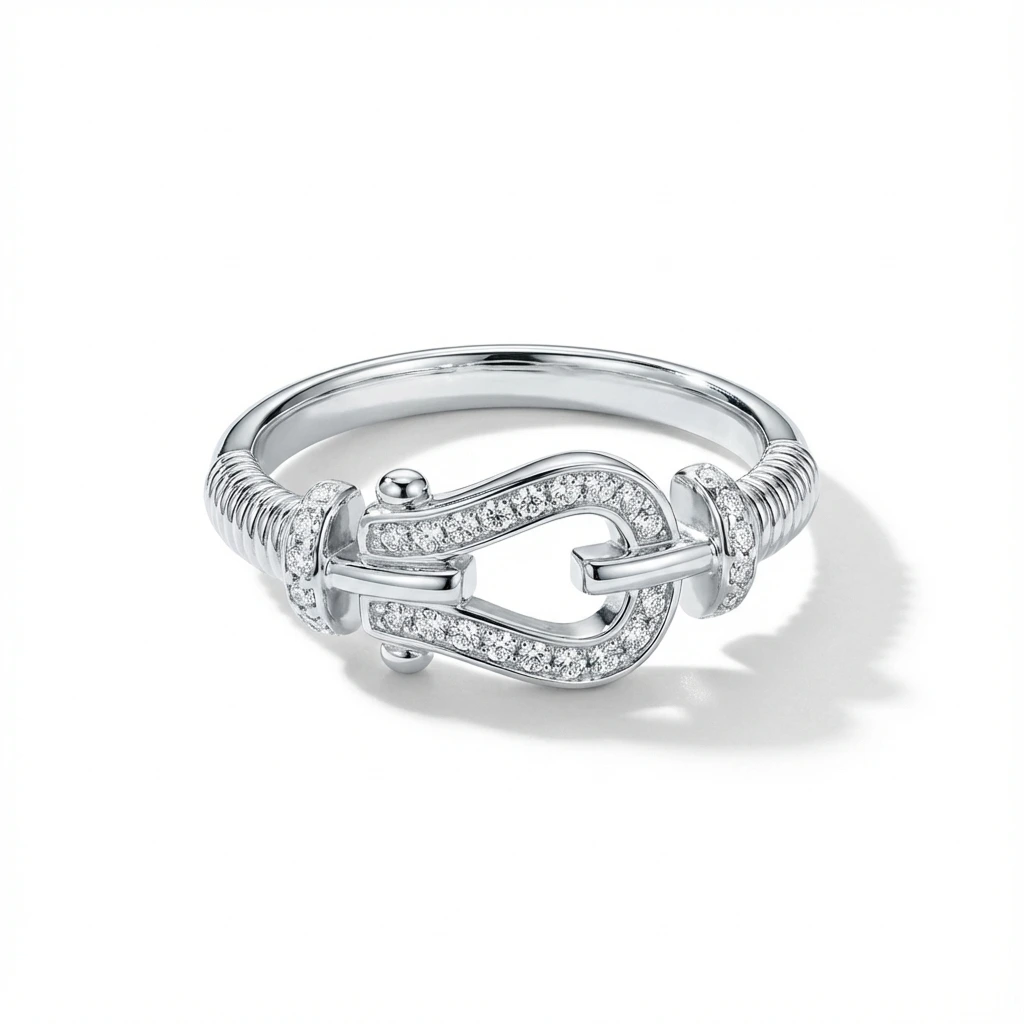
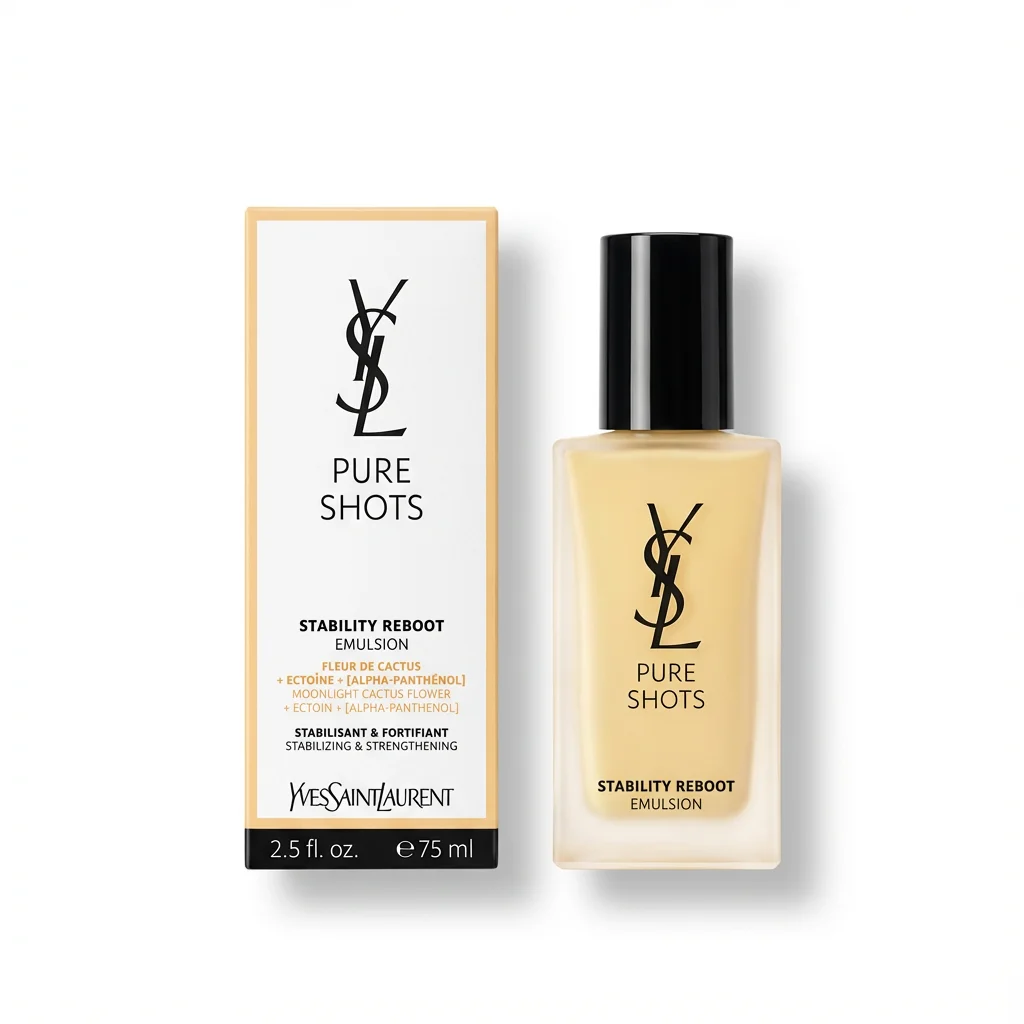
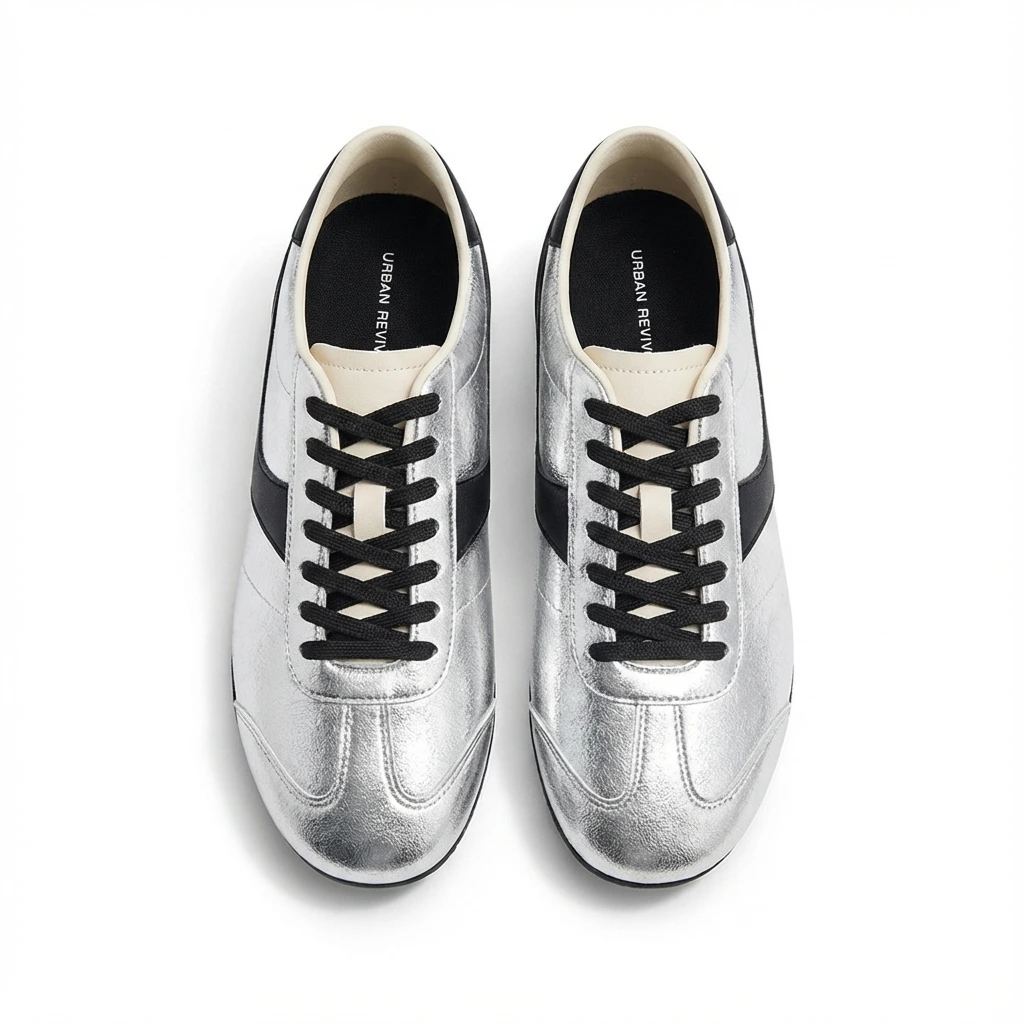
If you've ever had a main image rejected for "background not pure white" while staring at what looks like a perfectly white photo, this is the article for you. Amazon's requirement is exact and unforgiving: the main image background must be pure white — RGB 255, 255, 255, which is hex #FFFFFF. Not "bright white," not "studio white," not 254. The literal maximum value on all three color channels.
This guide explains what that number actually means, why "looks white" isn't good enough, and how to check and hit it on every listing.
What "RGB 255, 255, 255" actually means
Digital color is built from three channels — Red, Green, Blue — each ranging from 0 (none) to 255 (maximum).
0, 0, 0= pure black (no light on any channel)255, 255, 255= pure white (maximum light on every channel)
Hex code is the same value written in base-16: each channel's 0–255 becomes a two-digit pair, so 255, 255, 255 becomes FF FF FF → #FFFFFF. They're two notations for the identical color. Amazon's spec is that the background pixels read exactly this.
| Notation | Pure white |
|---|---|
| RGB | 255, 255, 255 |
| Hex | #FFFFFF |
| What it is | Maximum brightness, zero color information |
Why "looks white" fails Amazon
Here's the trap. These all look white to your eye, but none of them are compliant:
| Background | RGB | Hex | Compliant? |
|---|---|---|---|
| Pure white | 255, 255, 255 | #FFFFFF | ✅ Yes |
| Off-white / paper | 248, 249, 250 | #F8F9FA | ❌ No |
| Warm white | 255, 253, 248 | #FFFDF8 | ❌ No |
| Cool white | 250, 251, 255 | #FAFBFF | ❌ No |
| Light gray | 245, 245, 245 | #F5F5F5 | ❌ No |
The reason it matters in practice: Amazon's own page background is #FFFFFF. When your background is truly 255-white, the product appears to float seamlessly on the page. When it's even slightly off — #F8F9FA, say — your image renders as a faint gray box against Amazon's white page. It looks cheap, and Amazon's systems can flag it.
The four reasons your "white" background isn't 255
- Shadows bleed into the backdrop. A drop shadow under the product is fine, but if your lighting throws shadow across the background, those pixels darken below 255.
- JPEG compression dithers near-white. Even a clean shot can pick up stray 254/253 pixels near the product edges after compression.
- Camera white balance ≠ white background. Correcting white balance fixes color cast; it does not snap the backdrop to 255. A "white" sweep photographed under warm light reads warm.
- Light gray studio sweeps. Many "white" photography backdrops are actually light gray that photographs as
#F2F2F2-ish.
How to check your background's hex code
In Photoshop / Photopea (free):
- Open the image.
- Select the Eyedropper tool.
- Click a few different spots on the background — corners, near the product, top and bottom.
- Read the RGB/hex value in the color picker. Every background sample should read
255, 255, 255/#FFFFFF. If any spot reads lower, that area isn't compliant.
The fastest way: skip the manual sampling and run the file through an automated checker that samples the whole background and tells you pass/fail. The Foca AI Amazon Image Checker flags the exact background value along with fill %, dimensions, and format in one pass.
How to actually get a true #FFFFFF background
You have two reliable routes:
1. Shoot for it, then force it in editing. Photograph the product, mask it out cleanly, and place it on a generated #FFFFFF canvas. The key is replacing the background entirely rather than "brightening" the existing one — brightening near-white rarely reaches a clean, uniform 255 across the whole frame and often blows out the product edges.
2. Use a tool that outputs 255-white by default. AI product-photo tools built for marketplace compliance isolate the product and composite it onto a true #FFFFFF background, keeping the contact shadow on the product (not the backdrop). Foca AI's white-background main image generator does exactly this — phone photo in, pure RGB 255 background out at 1,600 px, with the shadow kept under the product where Amazon allows it.
FAQ
What is the hex code for Amazon's white background?
#FFFFFF, which equals RGB 255, 255, 255 — pure white. This is required for the main image.
Is RGB 254,254,254 acceptable for Amazon?
No. Amazon's requirement is pure white, the maximum 255 on all three channels. Even 254 is technically off-white and can be flagged, especially across a large background area.
Does the white background rule apply to all my images?
Only the main image must be pure white. Secondary images can use lifestyle backgrounds, colors, infographics, and text.
How do I check if my background is exactly #FFFFFF?
Use the eyedropper in any image editor and sample several background spots, or run the file through an automated image checker that samples the whole background for you.
Why does my white background look gray on the live listing?
Because it isn't truly #FFFFFF — an off-white background renders as a faint gray rectangle against Amazon's pure-white page. Regenerate it as a true 255 background.
The bottom line
"Pure white" on Amazon is a single, exact value: RGB 255, 255, 255 = #FFFFFF. Anything less — even values your eye reads as white — can get your main image flagged or your listing suppressed. Check the actual hex before you upload, and when in doubt, generate a clean 255 background rather than trusting the camera.
Check your background with Foca AI →