You log into Seller Central and your listing is gone from search. The status says "suppressed" and points at your main image. Sales stop instantly — a suppressed listing doesn't rank, doesn't appear in search, and often can't be found even by direct link until you fix it.
The maddening part is that Amazon rarely tells you which rule you broke. You get a generic "main image does not meet requirements" notice and you're left guessing. This guide explains exactly why it happens, how to diagnose the real cause, and how to fix it fast.
What "image suppressed" actually means
Amazon suppresses a listing when its main image fails the image policy. The listing still exists in your catalog, but Amazon hides it from search results until the image is compliant. You'll usually see it under Seller Central → Fix Your Products (or "Manage Inventory" with a Suppressed status filter), flagged as an image issue.
It's not a ban or a strike — it's a compliance gate. Fix the image and the listing comes back, usually within minutes to a few hours of the new image being accepted.
The real reasons Amazon suppresses a main image
In rough order of how often they cause suppression:
1. The background isn't truly pure white (#1 cause)
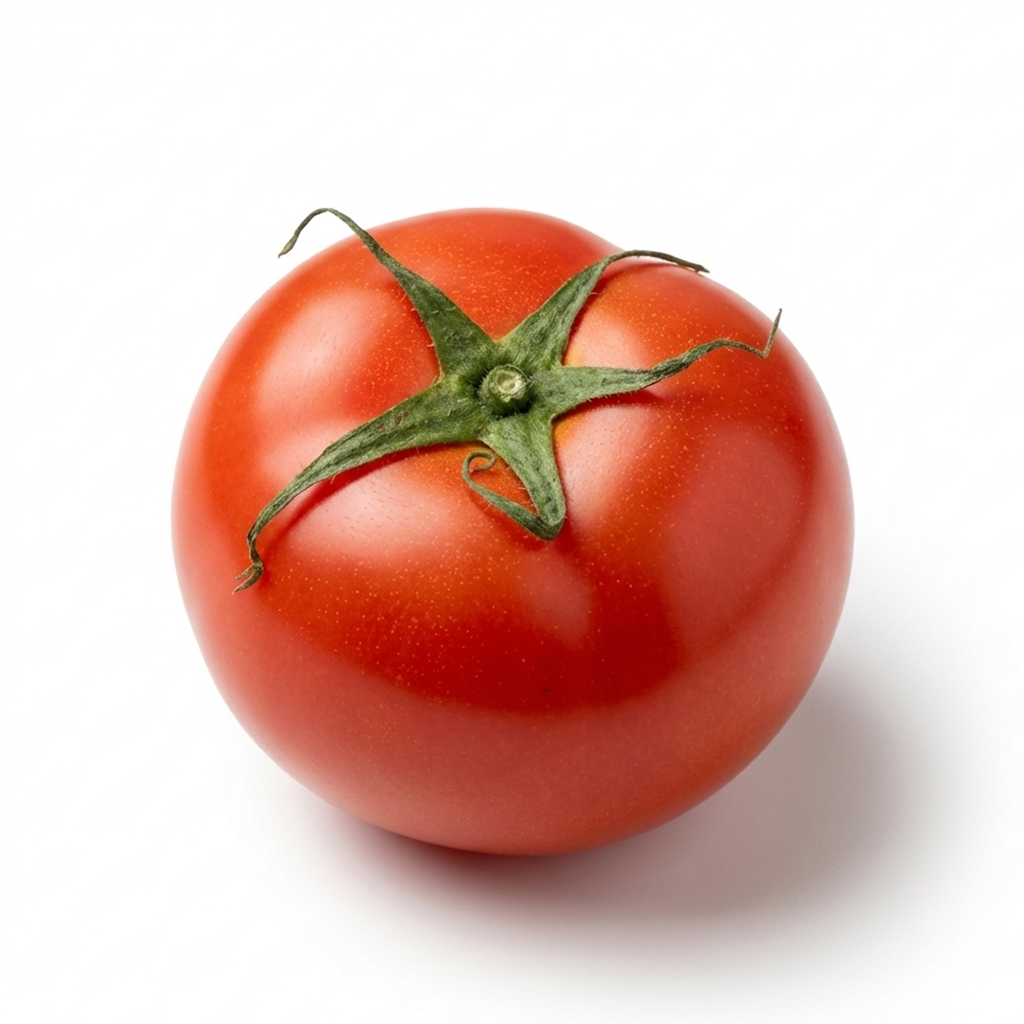
Amazon requires RGB 255, 255, 255 (#FFFFFF). An off-white background that looks white to you — but reads #F8F9FA to Amazon — is the single most common silent trigger. (Full detail: see our guide on the exact white hex code.)
2. Text, logos, or badges on the image
Any overlaid text ("Best Seller," "Free Shipping," size labels), brand watermark, or promotional badge on the main image violates policy.
3. The product fills too little of the frame
The product should occupy 85%+ of the image. Tiny product, lots of empty white = flagged.
4. The image is too small
Under 1,000 px on the longest side disables zoom; very small images can be rejected outright.
5. Props or extra items not included
If your main image shows accessories, packaging, or bonus items the buyer doesn't actually receive, that's a violation.
6. It's a graphic or render, not a photo
The main image must be a real photograph of the real product — no illustrations, 3D renders, or AI-generated synthetic scenes in the main slot.
7. Borders, frames, or colored backgrounds
Anything other than a clean pure-white field behind the product.
How to diagnose which rule you broke
Since Amazon's message is vague, work down this checklist on the exact file you uploaded:
- Sample the background hex with an eyedropper (or an automated checker). Is every background pixel
#FFFFFF? — This catches the #1 cause. - Look for any overlay — text, logo, watermark, badge, border. Zoom in on the corners.
- Estimate fill — does the product take up at least 85% of the frame?
- Check dimensions — is the longest side ≥ 1,000 px (ideally 1,600)?
- Check the contents — is anything in the shot that the customer won't receive?
- Confirm it's a photo, not a graphic.
The fastest path through steps 1, 3, and 4 is to run the file through the Foca AI Amazon Image Checker, which reports background value, fill %, dimensions, and format at once — so you know exactly what to fix instead of guessing.
The step-by-step fix
- Identify the failing rule using the diagnosis above.
- Fix the image. Most often that means generating a true
#FFFFFFbackground and ensuring the product fills the frame at 1,600 px. The fastest route is to regenerate the main image cleanly — Foca AI's create-main-image tool outputs a compliant pure-white, 1,600 px image from your product photo. - Rename the file before re-uploading. This is the step most sellers miss. Amazon's CDN caches images aggressively; if you re-upload with the same filename, Amazon may serve the cached old (non-compliant) version and your listing stays suppressed even though you "fixed" it. Append a version:
sku-main-v2.jpg. - Re-upload the corrected image to the main slot.
- Wait and verify. Reprocessing usually clears the suppression within minutes to a few hours. Check the listing in search.
- If it's still suppressed after 24 hours, open a case with Seller Support and ask specifically which image guideline failed — now that you've already corrected the obvious causes, support can point at anything remaining.
Skip the guesswork with Foca AI
Most suppressions trace back to two things: a background that isn't a true RGB 255 white, and a product that doesn't fill enough of the frame. Foca AI turns an ordinary phone photo into a compliant main image — pure-white (RGB 255) background, product scaled and centered, exported at 1,600 px — so you fix the most common cause in a single step instead of guessing which rule you broke. You can see how it works on the Foca AI homepage, then sign in to run it on your own product. (Foca runs on credits — a few to start, with paid plans for ongoing volume.)
How to avoid it next time
Suppression is preventable with a 2-minute pre-upload routine:
- Check the file against every spec before uploading (image checker).
- Regenerate the main image cleanly if the background or fill fails (create-main-image).
- Upload with a fresh filename.
FAQ
How long does it take for a suppressed Amazon listing to come back?
Once a compliant image is accepted, listings typically reappear within minutes to a few hours. If it's been over 24 hours, open a Seller Support case.
Why is my listing still suppressed after I fixed the image?
Usually the CDN cache — you re-uploaded with the same filename and Amazon is serving the old cached image. Re-upload with a new filename (e.g. add -v2).
Can an AI-generated image cause suppression?
Yes, if it's a synthetic render in the main slot. The main image must be a real photo. AI tools that enhance a real photo (clean background, fix lighting) are compliant.
Where do I see suppressed listings in Seller Central?
Under "Fix Your Products" or by filtering Manage Inventory for a Suppressed status. The flag indicates the image issue.
Does suppression hurt my ranking long-term?
The listing loses sales and visibility while suppressed, which can dent momentum, but fixing the image restores it. It's not a permanent penalty.
Diagnose your image in 30 seconds →