Photoroom is a genuinely good product — fast, mobile-first, packed with templates. But if your job is specifically white-background product photos for marketplace listings, two things send sellers looking for an alternative: the free plan's output isn't licensed for commercial use, and the AI features that matter for clean product staging are throttled below the paid tiers. If you just need compliant white-background images and don't want a template-heavy editing suite, there are simpler, better-fit options.
This guide is fair about Photoroom's strengths and clear about when something else fits better.
Where Photoroom is strong
- Best-in-class mobile app — edit listings from your phone, fast.
- Big template library and design tools for social/marketing creative.
- Background removal doesn't consume AI credits, and higher tiers add batch exports and Shopify publishing.
If you want an all-purpose mobile design + editing app, Photoroom is excellent.
Where it frustrates sellers who just need white backgrounds
| Friction | Detail |
|---|---|
| Free output isn't commercial | Photoroom's licensing means free-plan images can't be used commercially — a problem if you're testing before paying. |
| AI features throttled on free | The AI tools that matter for product staging are limited until you're on a paid tier (Pro $7.99/mo, Max $26.99/mo, Ultra from $99/mo). |
| More tool than the job needs | If all you want is a compliant #FFFFFF listing image, the template/design surface is overhead. |
| Compliance isn't the default | You can produce an Amazon-compliant white background, but it's a setting/template choice, not the out-of-the-box output. |
(Pricing and plan details as of 2026-06-24; check Photoroom's pricing page for current figures.)
What you actually need for white-background listing photos
For marketplace product photos, the essentials are simple:
- A true pure-white background — RGB
255, 255, 255/#FFFFFF, not off-white. - Correct sizing — 1,600 px+ on the longest side so zoom works.
- 85% product fill and a realistic contact shadow.
- Commercial use on whatever you produce, including while testing.
- A quick compliance check before you upload.
You don't need 10,000 templates. You need the finished, compliant image.
Foca AI as a Photoroom alternative
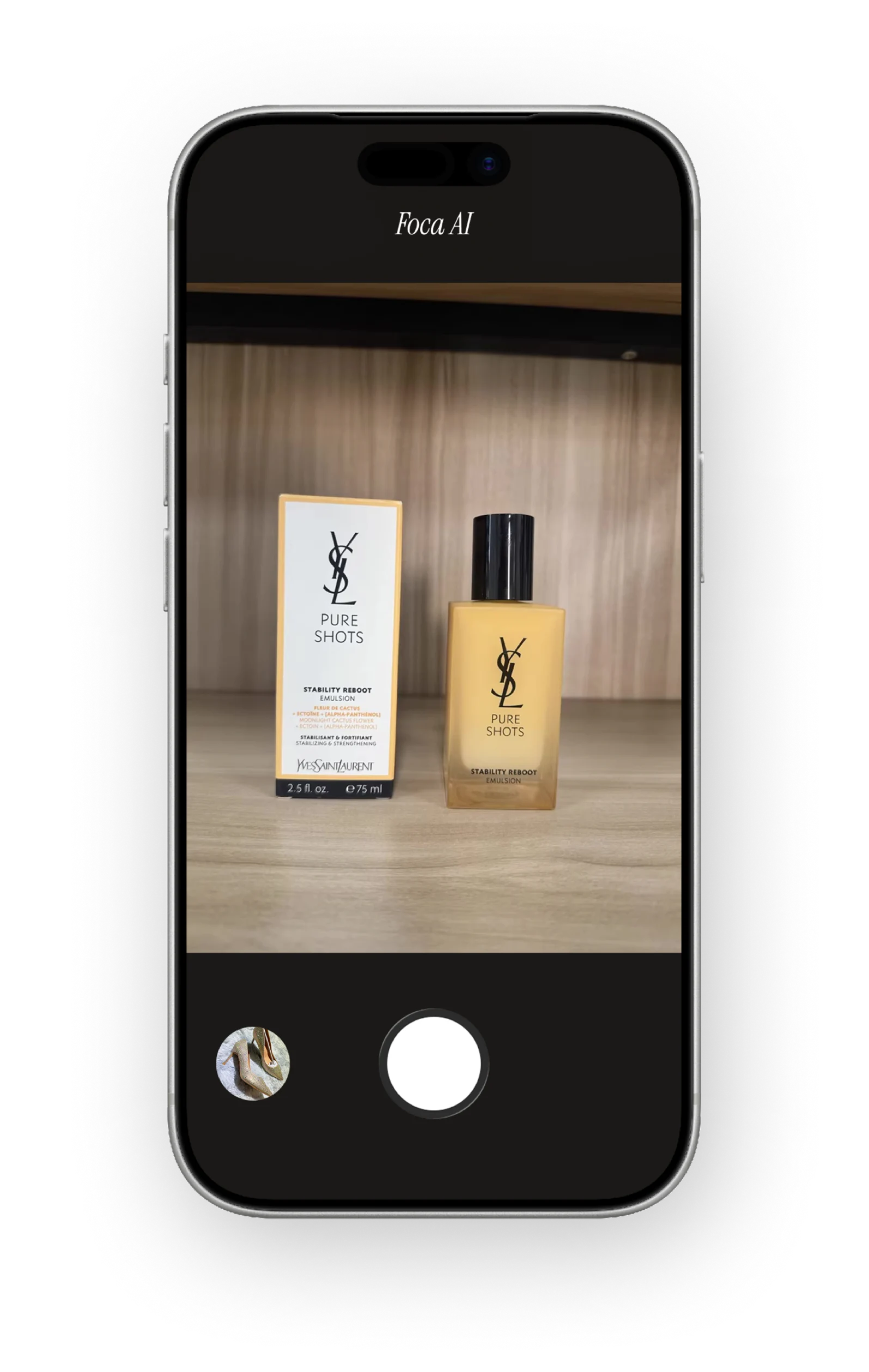
Foca AI is narrower on purpose: it does compliant white-background product photos and does them by default. Upload a phone photo → get a pure RGB 255 white background at 1,600 × 1,600 with realistic lighting and a shadow under the product. No template hunting, no "is this licensed?" question, no digging for the right AI setting.
See how the compliant white-background image is made on the Foca AI homepage, then confirm any file against Amazon's spec with the free Amazon Image Checker.
Photoroom vs Foca AI at a glance
| Photoroom | Foca AI | |
|---|---|---|
| Core focus | All-purpose mobile photo editor + templates | Compliant white-background listing images |
Pure #FFFFFF by default | Template/setting | ✅ Default |
| Commercial use on your output | ❌ Not permitted on free | ✅ Yes |
| Marketplace sizing (1,600 px, 85% fill) | Manual | ✅ Default |
| Learning curve | Higher (feature-rich) | Low (single purpose) |
| Best for | Mobile creative + social + product | Amazon/ecommerce listing photos |
Which should you choose?
- You want a full mobile editing + design suite and will pay for a tier → Photoroom.
- You just need the best-looking, compliant white-background listing images, fast, with commercial rights on your output → Foca AI.
FAQ
Is there a free Photoroom alternative?
Foca AI focuses on compliant white-background listing images with commercial-usable, full-resolution output — a few free credits to try, then paid plans. Pebblely also has a free tier (lifestyle-leaning).
Can I use Photoroom's free images commercially?
Per Photoroom's licensing, free-plan output is not licensed for commercial use. Commercial use requires a paid plan.
Does Photoroom make Amazon-compliant white backgrounds?
It can, with the right template/settings — but pure #FFFFFF at 1,600 px isn't the default output, so you have to set it up and verify.
What's the simplest way to get a pure-white product photo?
Use a tool that outputs #FFFFFF at the correct size by default, then run a quick compliance check before uploading.