remove.bg earned its reputation for a reason: one-click background removal that "just works." But if you're an ecommerce seller producing listing images at any volume, you've probably run into its two real limits — the free tier only outputs preview resolution (around 0.25 megapixels, unusable for a real listing), and full-resolution downloads cost credits or roughly $1.99 per image on pay-as-you-go. For a handful of images that's fine. For a catalog, it adds up fast.
This guide is honest about where remove.bg is strong, what ecommerce sellers actually need, and why a marketplace-focused tool is usually the better fit for product photos.
Where remove.bg is genuinely good
Credit where due — for these jobs remove.bg is hard to beat:
- Speed and simplicity — drop an image, get a transparent PNG in seconds.
- Clean edges on hair and fine detail — its cutout quality is excellent.
- A solid API for developers automating cutouts at scale.
If all you need is a transparent cutout and you're working one image at a time, it's a fine tool.
Where it falls short for ecommerce
The problem is that a transparent cutout is not a finished listing image. Marketplace product photos have requirements remove.bg doesn't address:
| What ecommerce needs | remove.bg |
|---|---|
| Full resolution on the free tier | ❌ Free output is ~0.25 MP preview only |
| Cost-effective at catalog scale | ⚠️ Hi-res downloads cost credits (~$1.99/image PAYG; subscriptions from ~$9/mo) |
| A compliant white background, not just transparency | ❌ Gives you a transparent PNG; you still have to composite a true #FFFFFF background yourself |
| Marketplace-correct sizing (e.g. 1,600 px, 85% fill) | ❌ Not its job — it removes background, nothing else |
| Realistic contact shadow | ❌ Cutout only |
In other words: remove.bg solves step one (remove the background). Ecommerce sellers still have steps two through four — put it on a pure-white canvas, size it for the marketplace, add a natural shadow, and verify compliance.
(Prices and tier limits as of 2026-06-24 — check remove.bg's pricing page for current figures.)
What to look for in a remove.bg alternative
For product photos specifically, the better tool should:
- Output full resolution without a per-image paywall on basic use.
- Deliver a finished marketplace image — pure white background, correct dimensions, realistic shadow — not just a transparent cutout.
- Hit
#FFFFFFand the 85% fill rule for Amazon/marketplace compliance automatically. - Be affordable at catalog volume, not priced per high-res export.
Foca AI as a remove.bg alternative
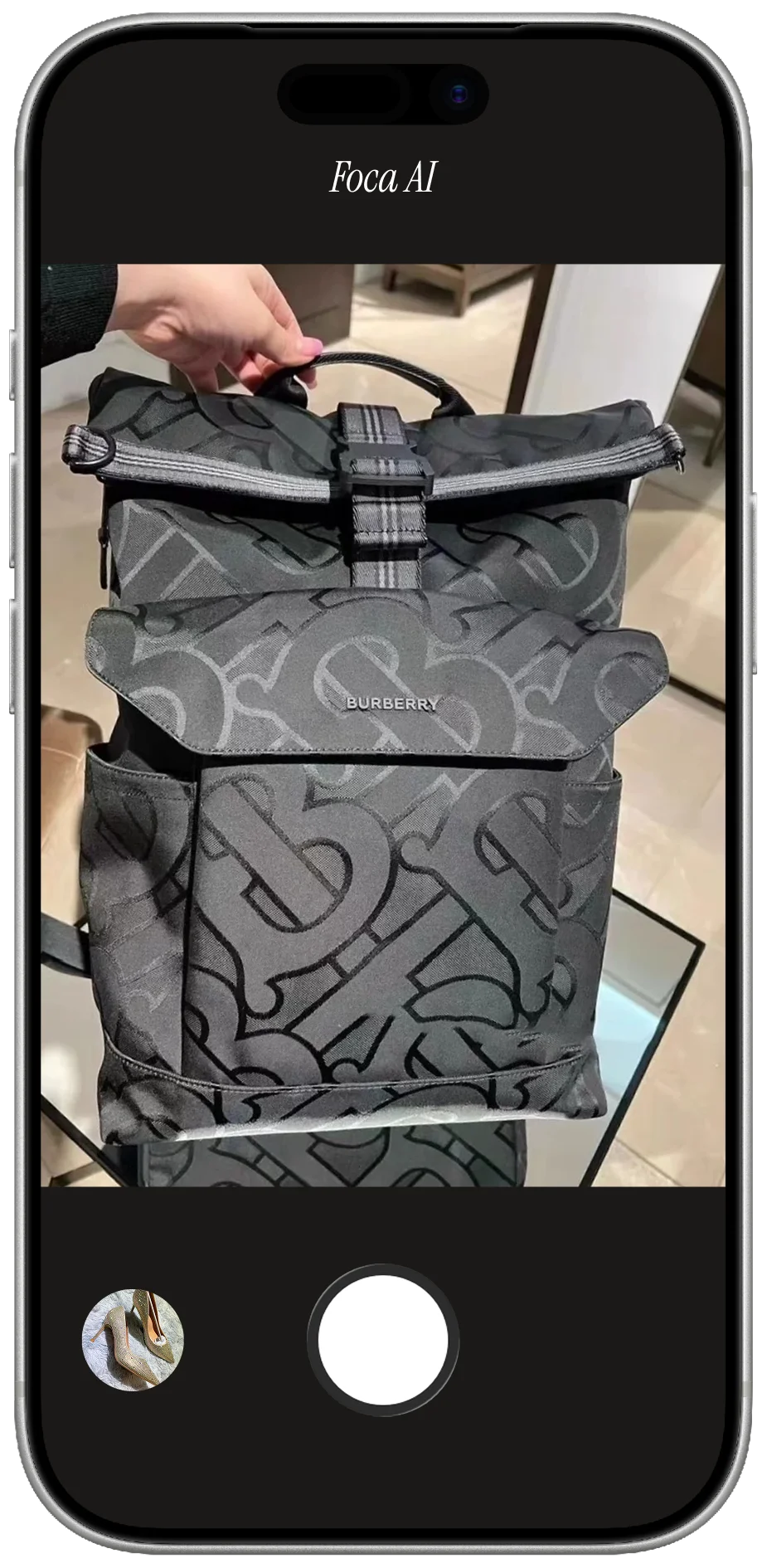
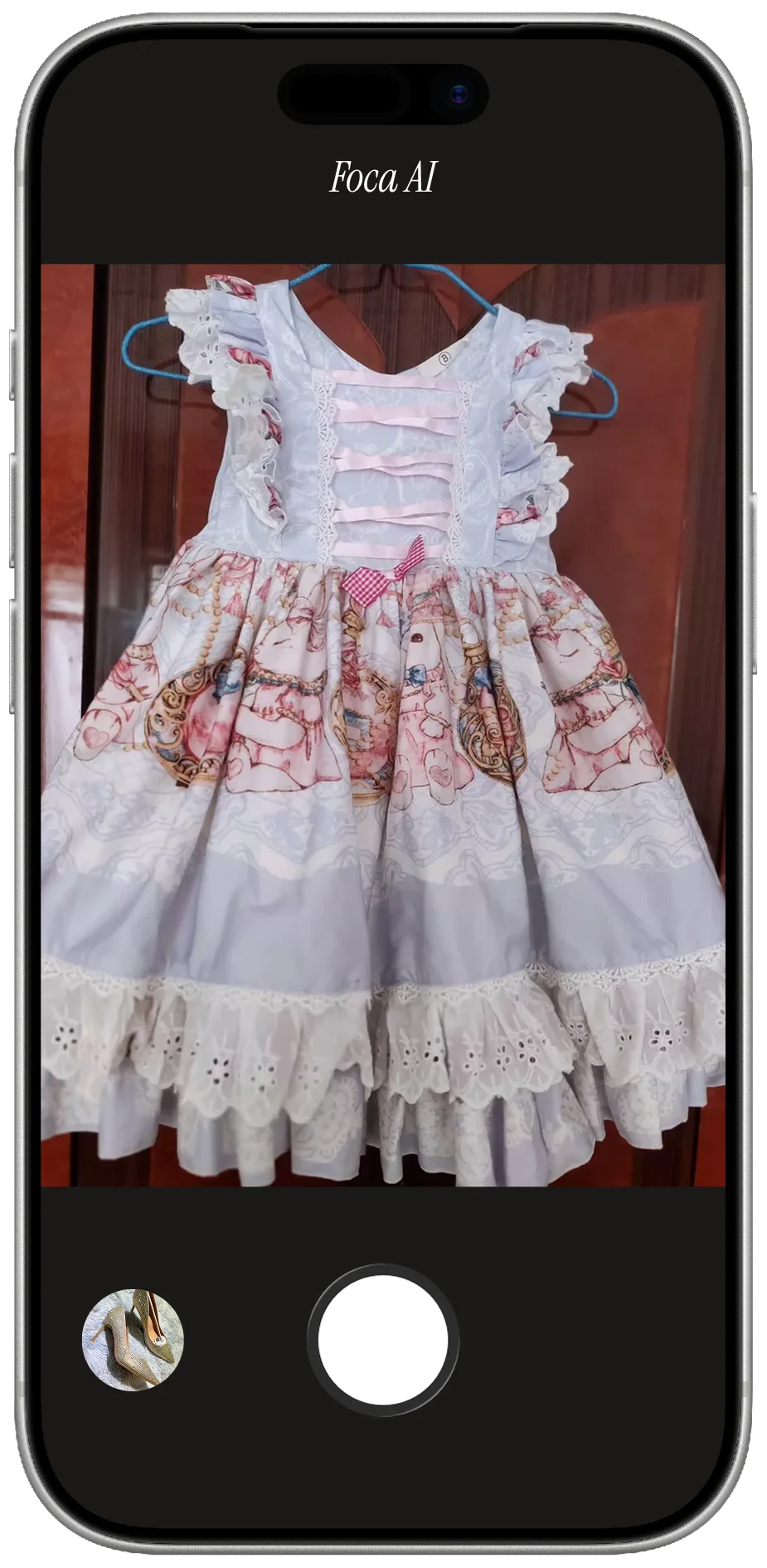
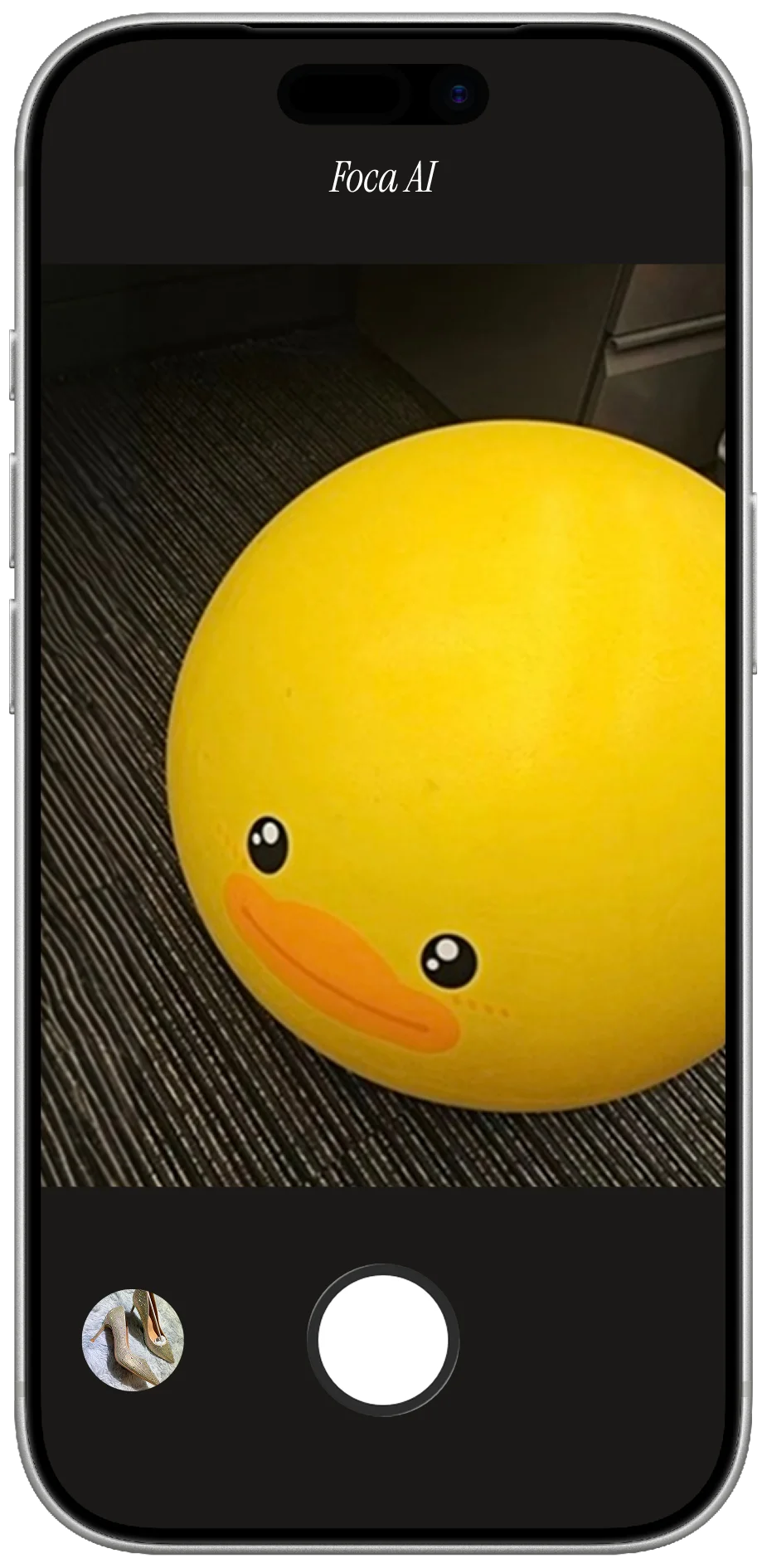
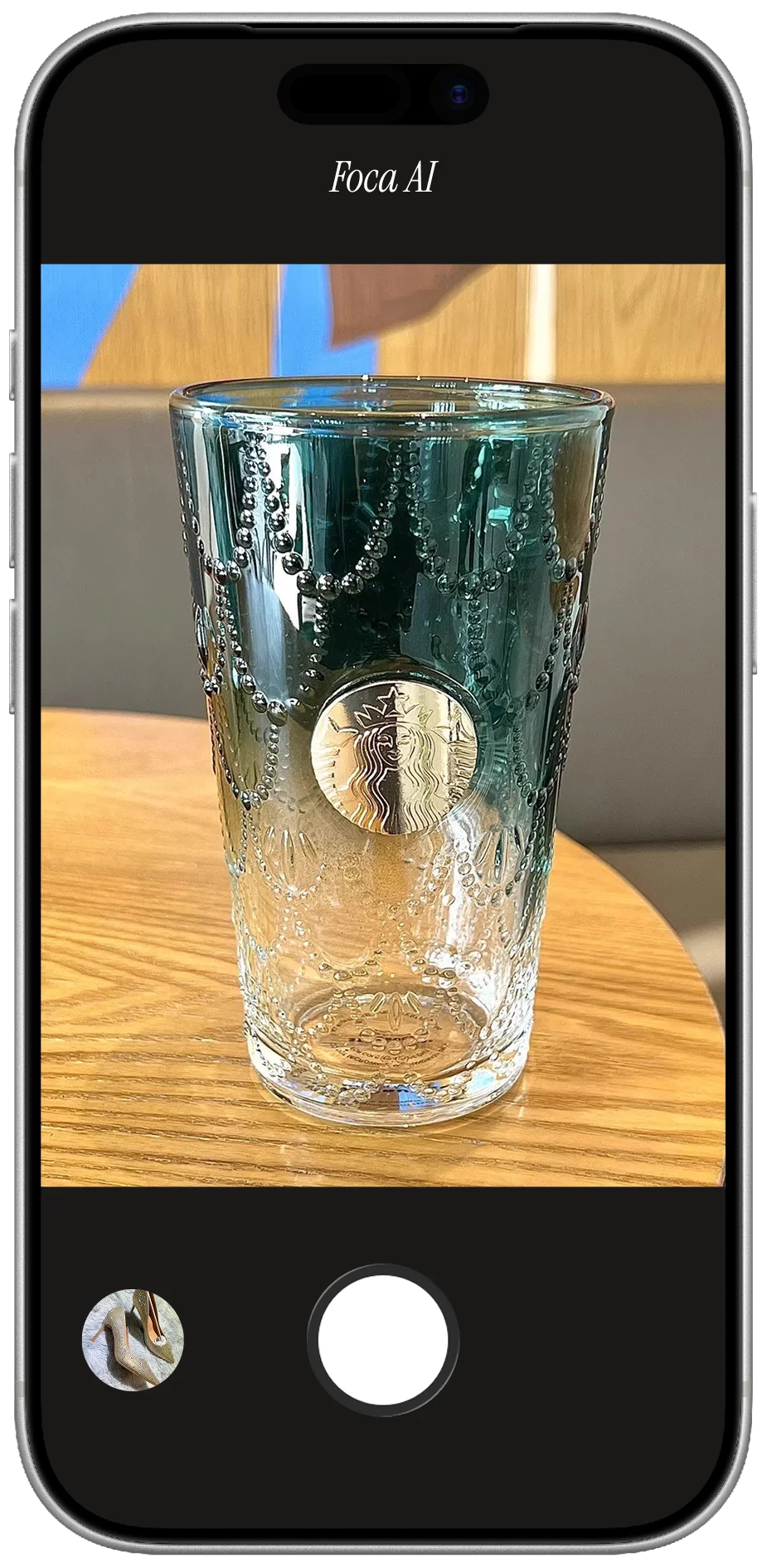
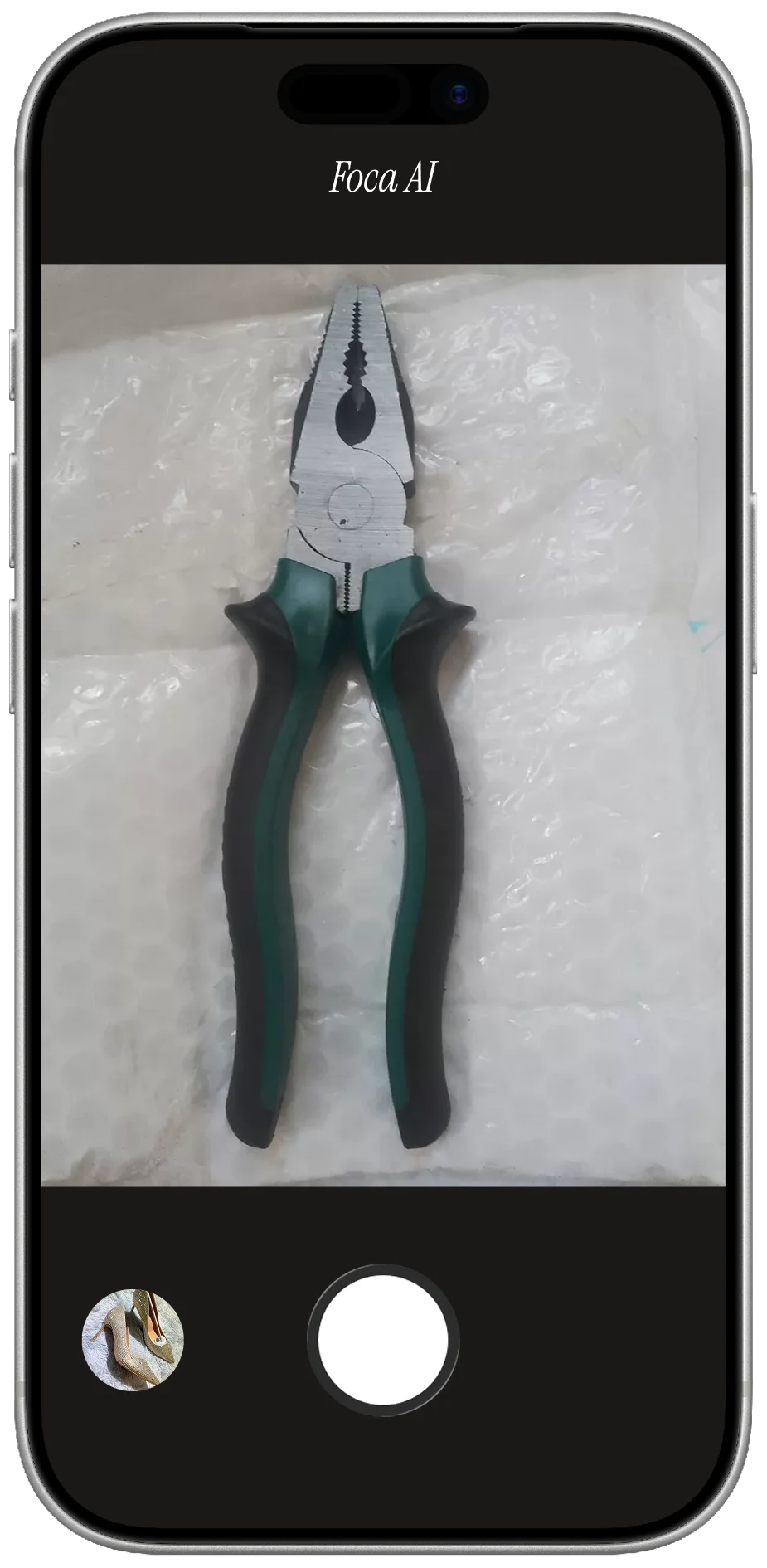
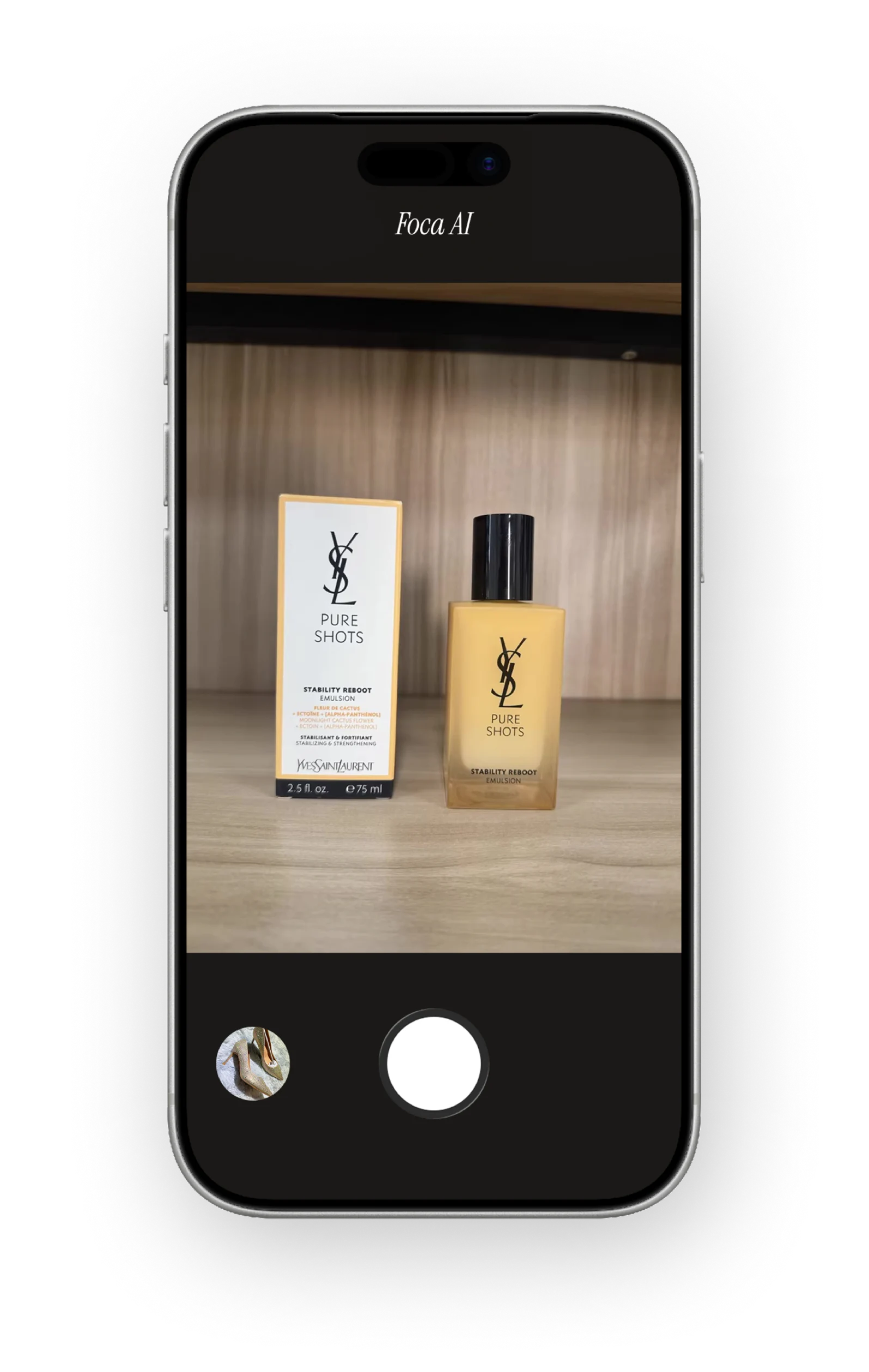
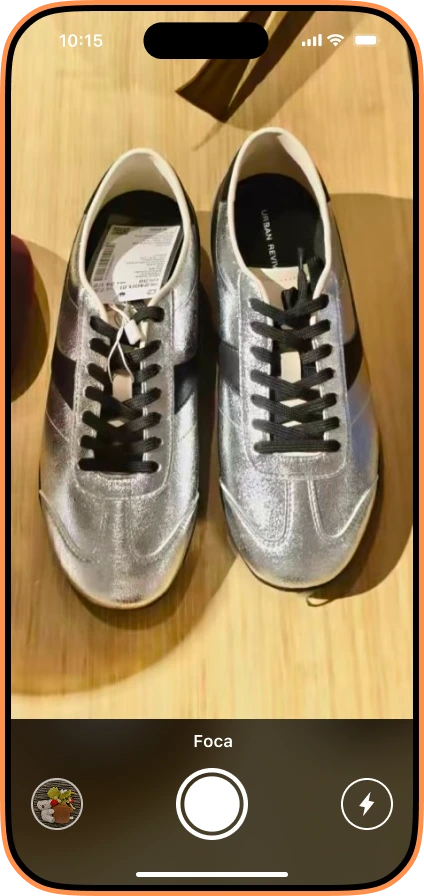
Foca AI is built for the actual end goal — a listing-ready product image — not just the cutout step. You upload a phone photo, and it returns a studio-quality image on a pure RGB 255 white background at 1,600 × 1,600, with realistic product lighting and a contact shadow kept under the product. That's the difference: remove.bg hands you a transparent PNG and leaves the compliance work to you; Foca hands you the finished, marketplace-compliant main image.
See how the finished, marketplace-compliant image is made on the Foca AI homepage, and verify any file against Amazon's spec with the free Amazon Image Checker.
remove.bg vs Foca AI at a glance
| remove.bg | Foca AI | |
|---|---|---|
| Core job | Background removal (transparent PNG) | Finished listing image |
| Output resolution | ~0.25 MP on the free tier | Full resolution |
| White background | You composite it yourself | Pure #FFFFFF by default |
| Marketplace sizing | Not handled | 1,600 px, 85% fill |
| Realistic shadow | No | Yes |
| Best for | Quick one-off cutouts, dev API | Amazon/ecommerce listing images |
FAQ
Is there a free alternative to remove.bg for product photos?
Foca AI outputs full-resolution, marketplace-ready images rather than preview-resolution cutouts — a few free credits to try, then paid plans. Pebblely and Photoroom also have free tiers, each with its own commercial-use and export limits.
Why isn't remove.bg enough for Amazon listings?
It gives you a transparent cutout, but Amazon needs a pure white #FFFFFF background, 1,600 px sizing, and 85% product fill. You'd still have to composite and size the image after using remove.bg.
Does remove.bg's free tier work for ecommerce?
Not really — the free output is around 0.25 MP preview resolution, too small for a real listing. Usable exports require credits or pay-as-you-go.
What's the cheapest way to make compliant white-background images at scale?
A tool that outputs the finished compliant image directly (white background + sizing + shadow) saves the multi-step workflow of cutout → composite → resize → check. That's where a marketplace-focused tool beats a pure cutout tool on total cost.