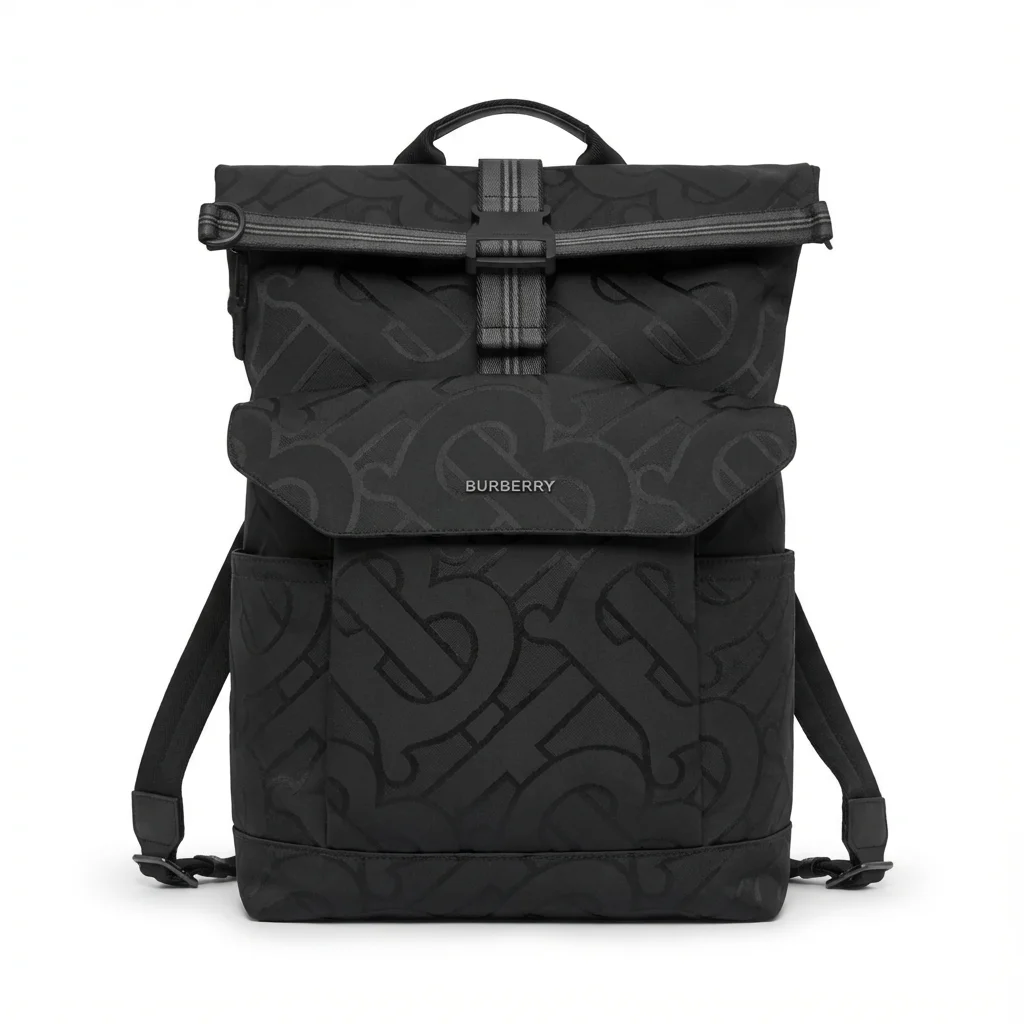
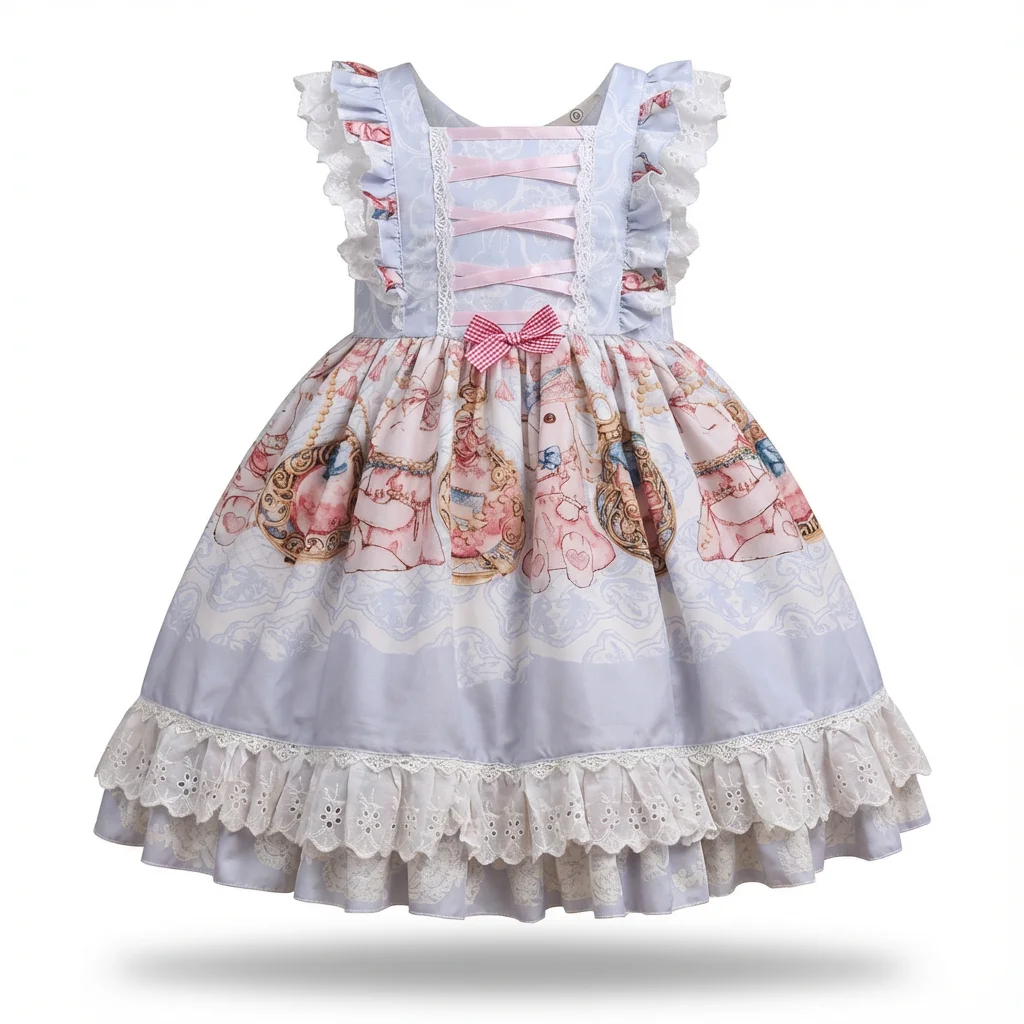
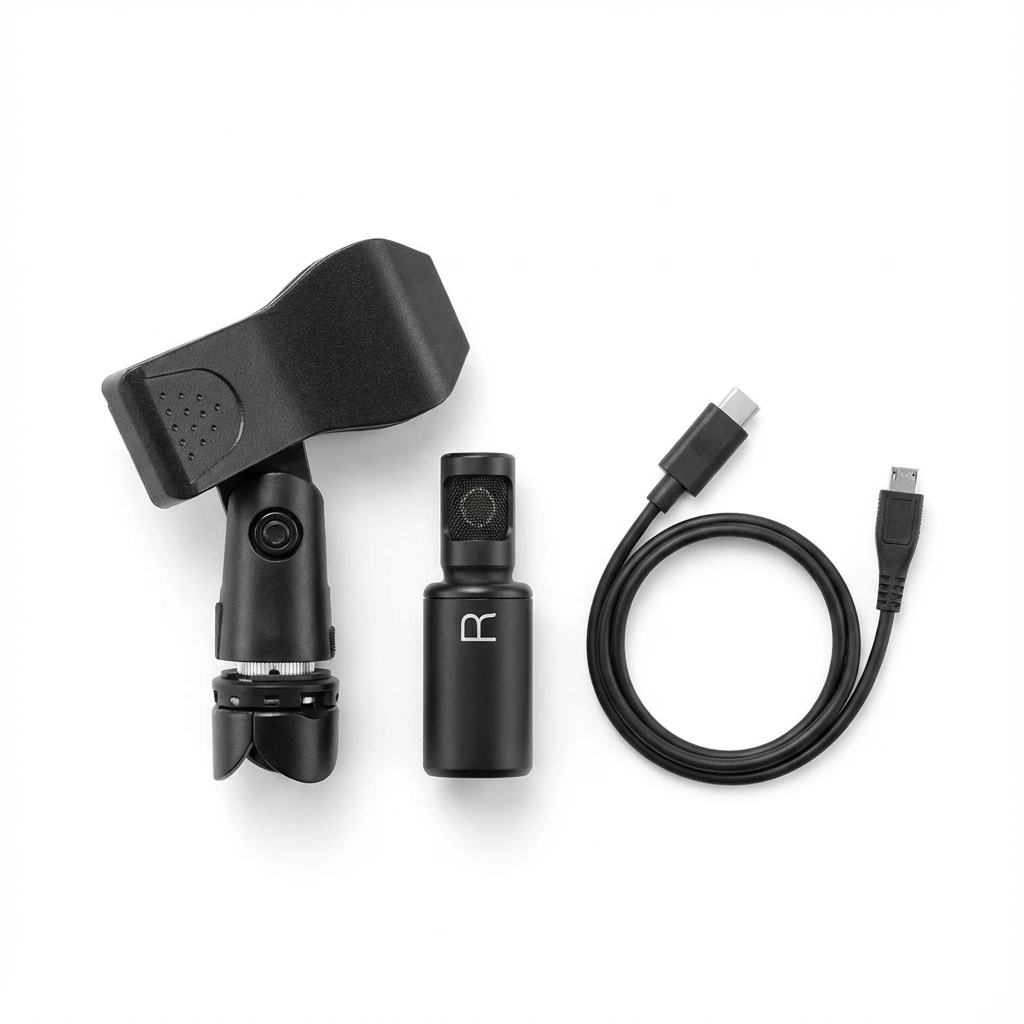
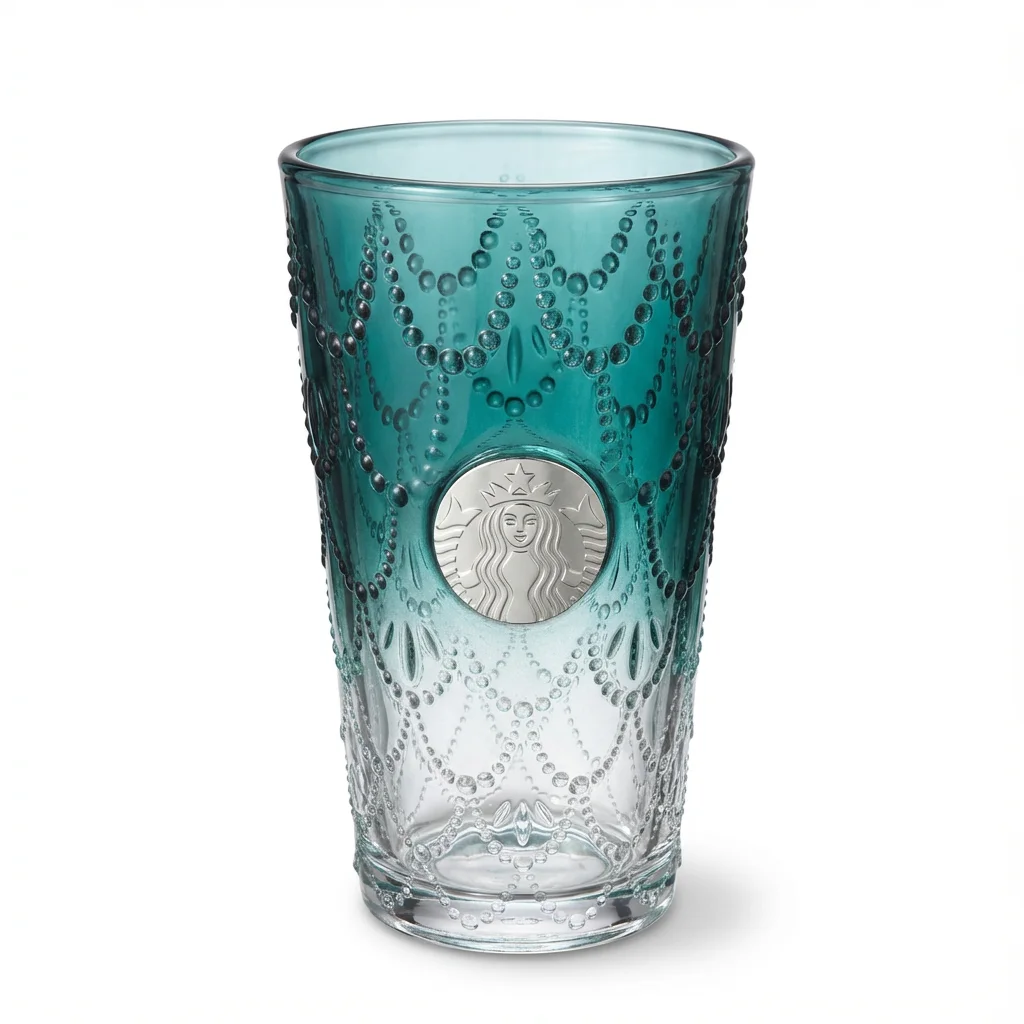
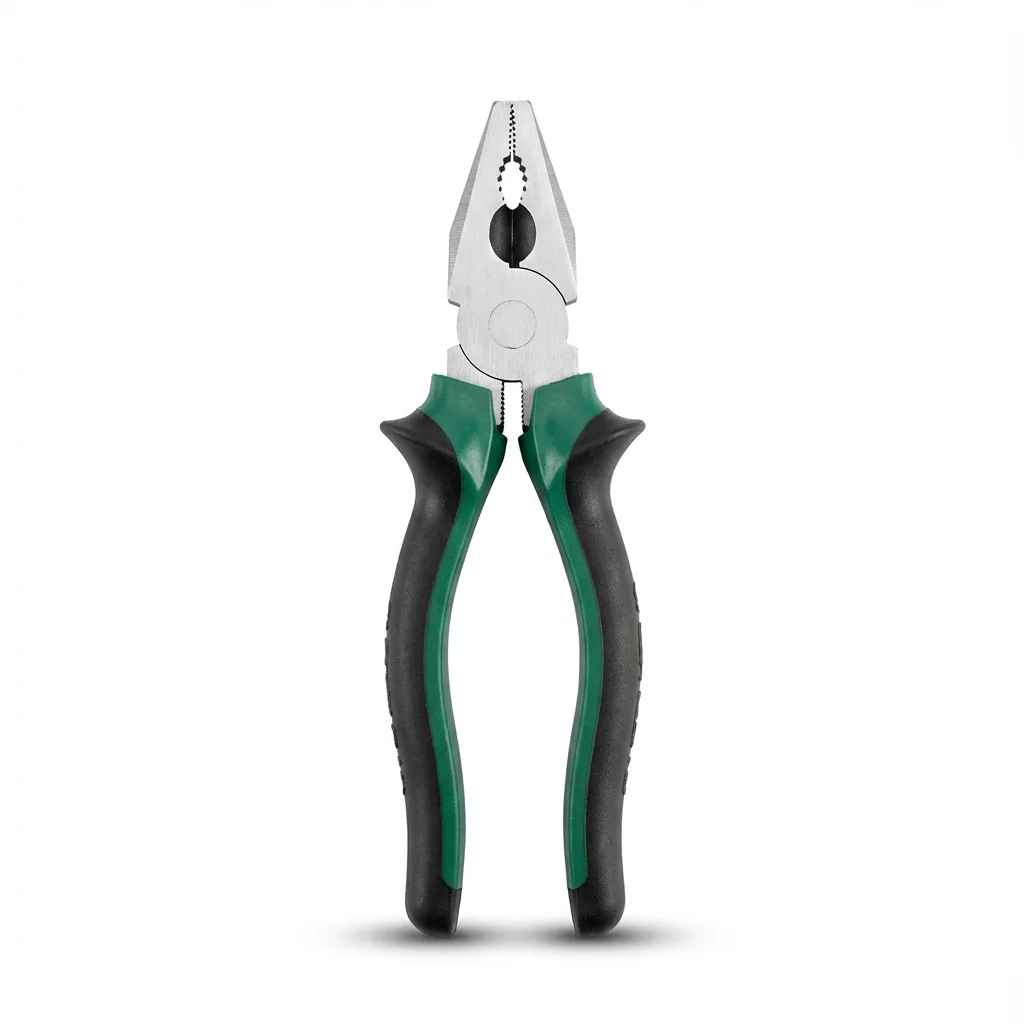
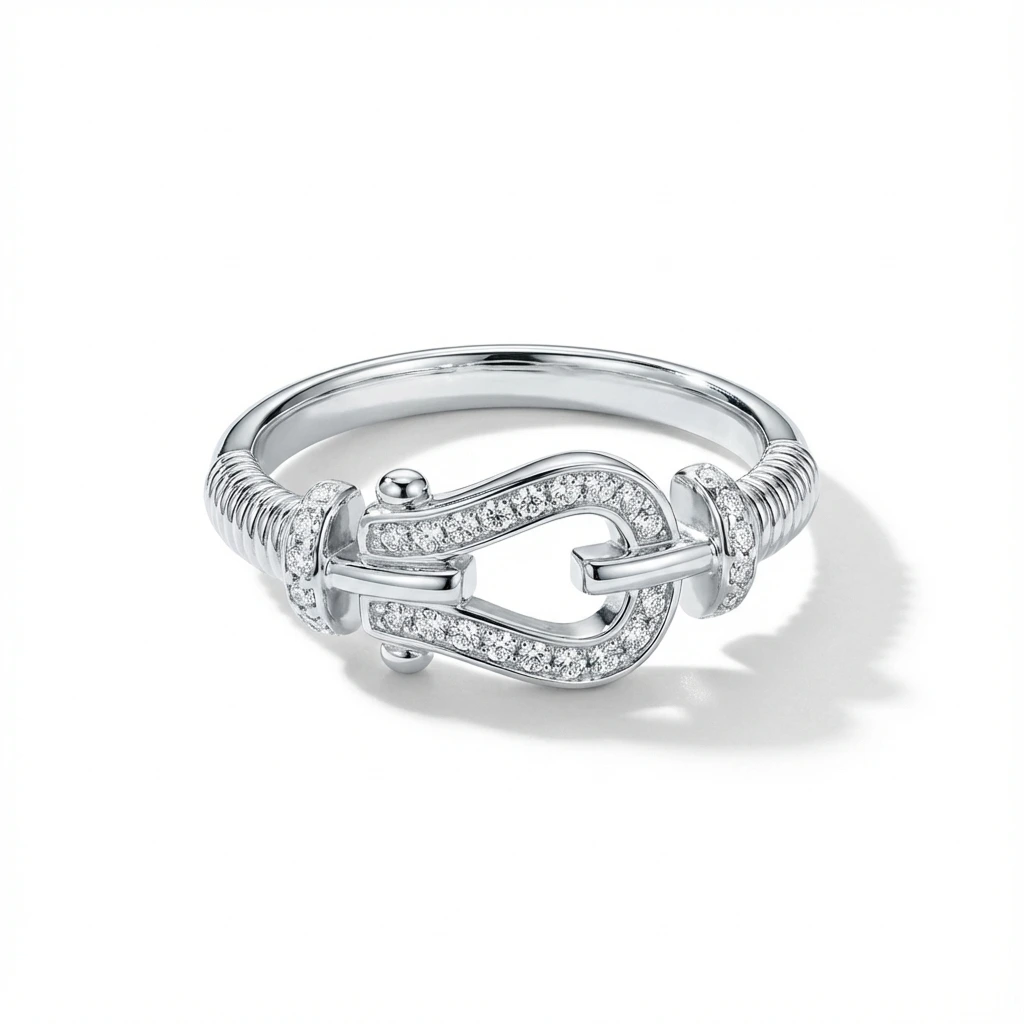
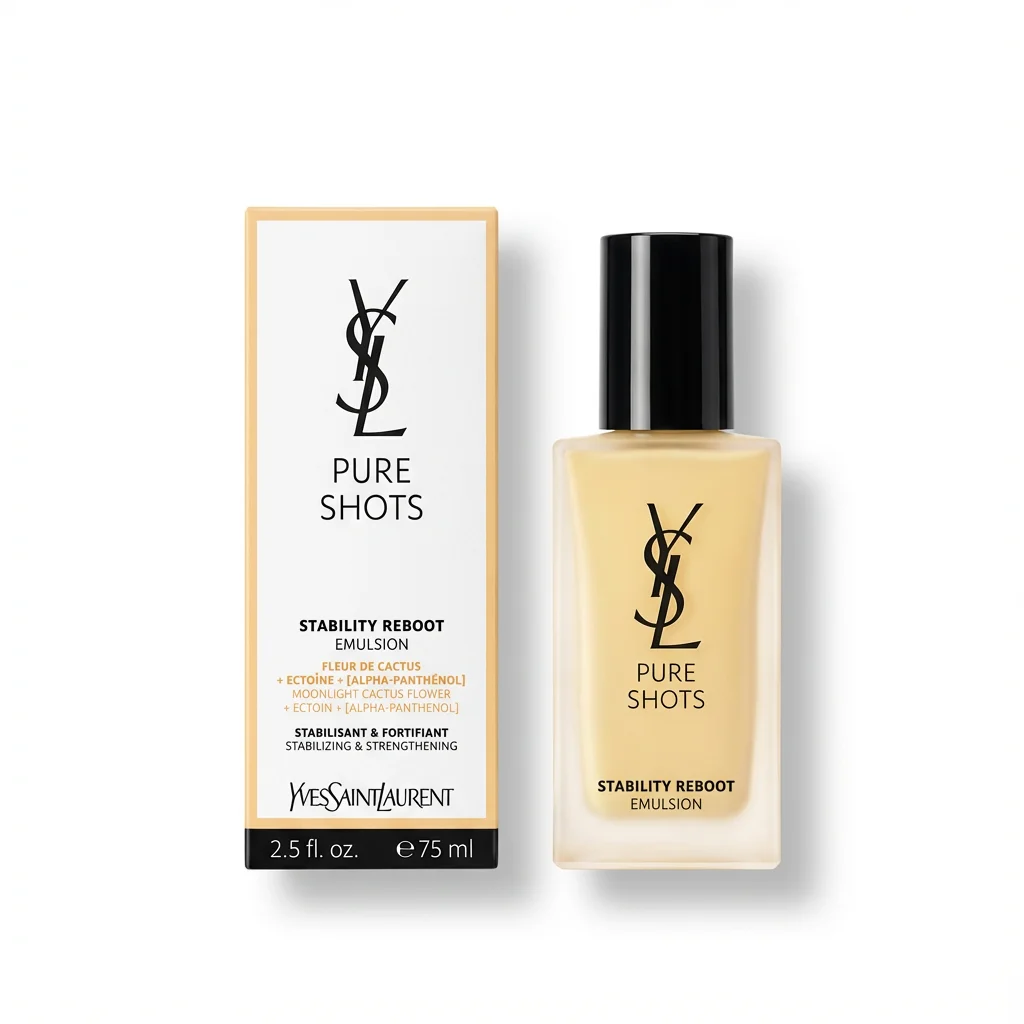
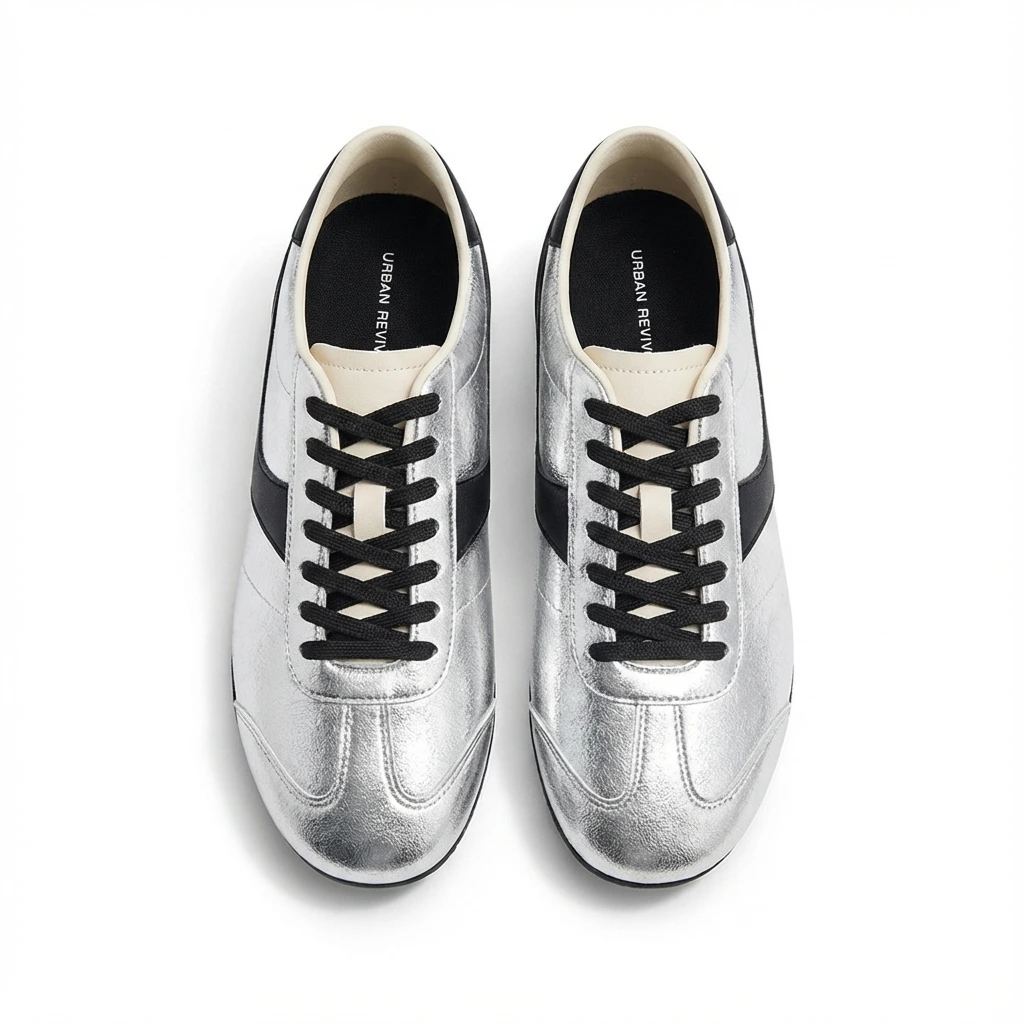
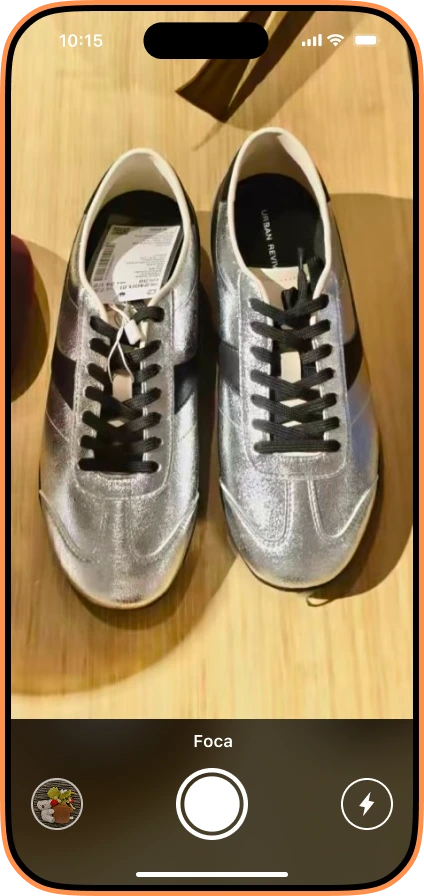
Your main image is the single most important asset on your Amazon listing. It's the first thing a shopper sees in search results, it carries your click-through rate, and — unlike your bullet points or A+ content — it's the one element Amazon will suppress your entire listing over if you get it wrong. A suppressed listing doesn't rank, doesn't convert, and doesn't show up in search at all until you fix the image.
The frustrating part: Amazon's main image rules are scattered across half a dozen Seller Central help pages, and the numbers (pure white means exactly what? 85% of what?) are easy to get almost-right and still fail. This is the complete, current Amazon main image requirements checklist for 2026 — every hard spec plus the real-world reasons listings get flagged.
The complete Amazon main image checklist (2026)
| # | Requirement | The exact spec | Pass / fail |
|---|---|---|---|
| 1 | Background | Pure white — RGB 255, 255, 255 | Any off-white, gradient, or shadow-fill background = fail |
| 2 | Product fill | Product occupies ≥ 85% of the image frame | Too much empty space = fail |
| 3 | It must be a real photo | An actual photograph of the actual product | Illustrations, renders, or graphics in the main slot = fail |
| 4 | No added elements | No text, logos, watermarks, badges, borders, inset images, or props that aren't part of the product | Anything overlaid = fail |
| 5 | Longest side | 1,600 px recommended (minimum 1,000 px to enable zoom) | Under 1,000 px = no zoom; under 500 px = won't upload |
| 6 | Maximum dimension | Up to 10,000 px on the longest side | Larger = fail |
| 7 | Color mode | sRGB (not CMYK) | CMYK shifts colors in-browser |
| 8 | File format | JPEG (.jpg) preferred; PNG, TIFF, non-animated GIF also accepted | Animated GIF = fail |
| 9 | File size | Up to 10 MB per image | Larger = upload rejected |
| 10 | Focus & lighting | Sharp, well-lit, true-to-life color, the whole product in frame | Blurry / cropped product = fail |
| 11 | What's shown | Only what the customer receives | No accessories or bonus items not included = fail |
| 12 | Apparel/category nuances | Some categories require on-model or flat-lay; others forbid mannequins in the main slot | Check your category style guide |
1. The background must be pure white — and "pure" is literal
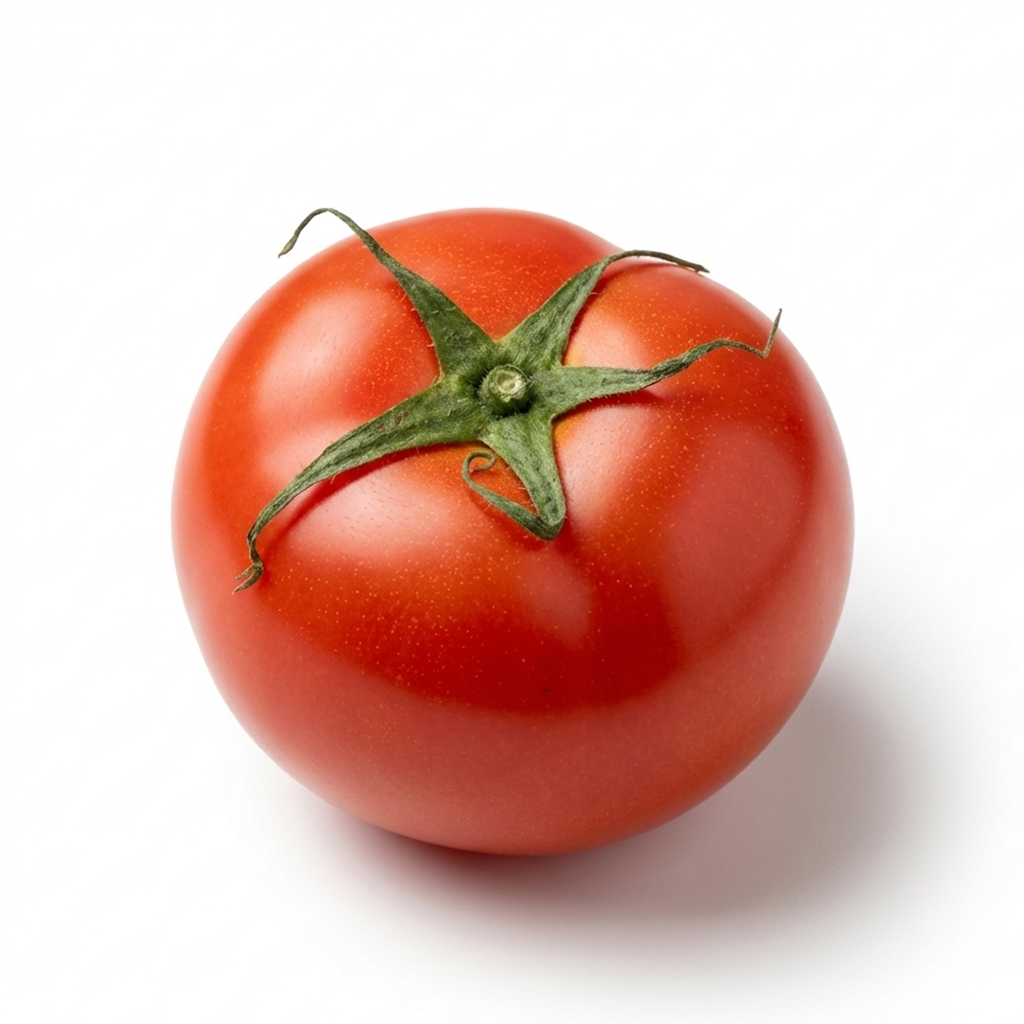
This is the rule that trips up the most sellers. Amazon doesn't mean "a white-ish studio backdrop." It means RGB 255, 255, 255 — the maximum value on all three channels, i.e. true digital white with zero color information.
Why it matters: Amazon's site background is also pure white. A truly 255-white product background blends seamlessly into the page, so the product appears to float. An off-white background (say RGB 248, 249, 250 — which looks white to your eye) renders as a faint gray rectangle against Amazon's page, looks unprofessional, and can be flagged.
A few practical traps:
- Soft shadows leak gray into the background. A natural drop shadow is fine on the product's contact point, but if your lighting throws shadow across the backdrop, those pixels are no longer 255-white.
- JPEG compression dithers near-white. Even if you shot on white, compression can introduce stray off-white pixels near the product edge.
- "White balance" ≠ "white background." Correcting your camera's white balance fixes color cast; it does not force the backdrop to 255.
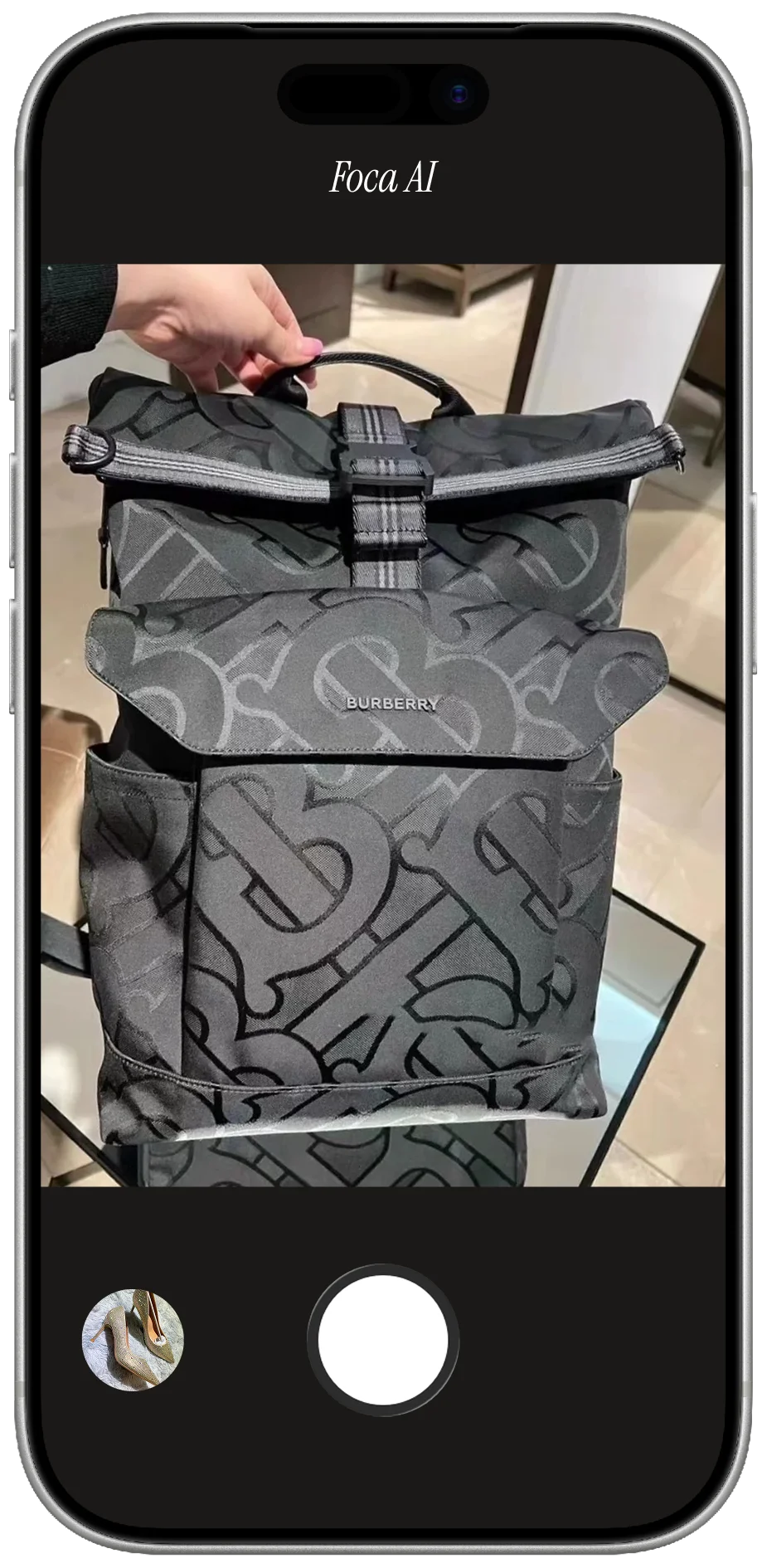
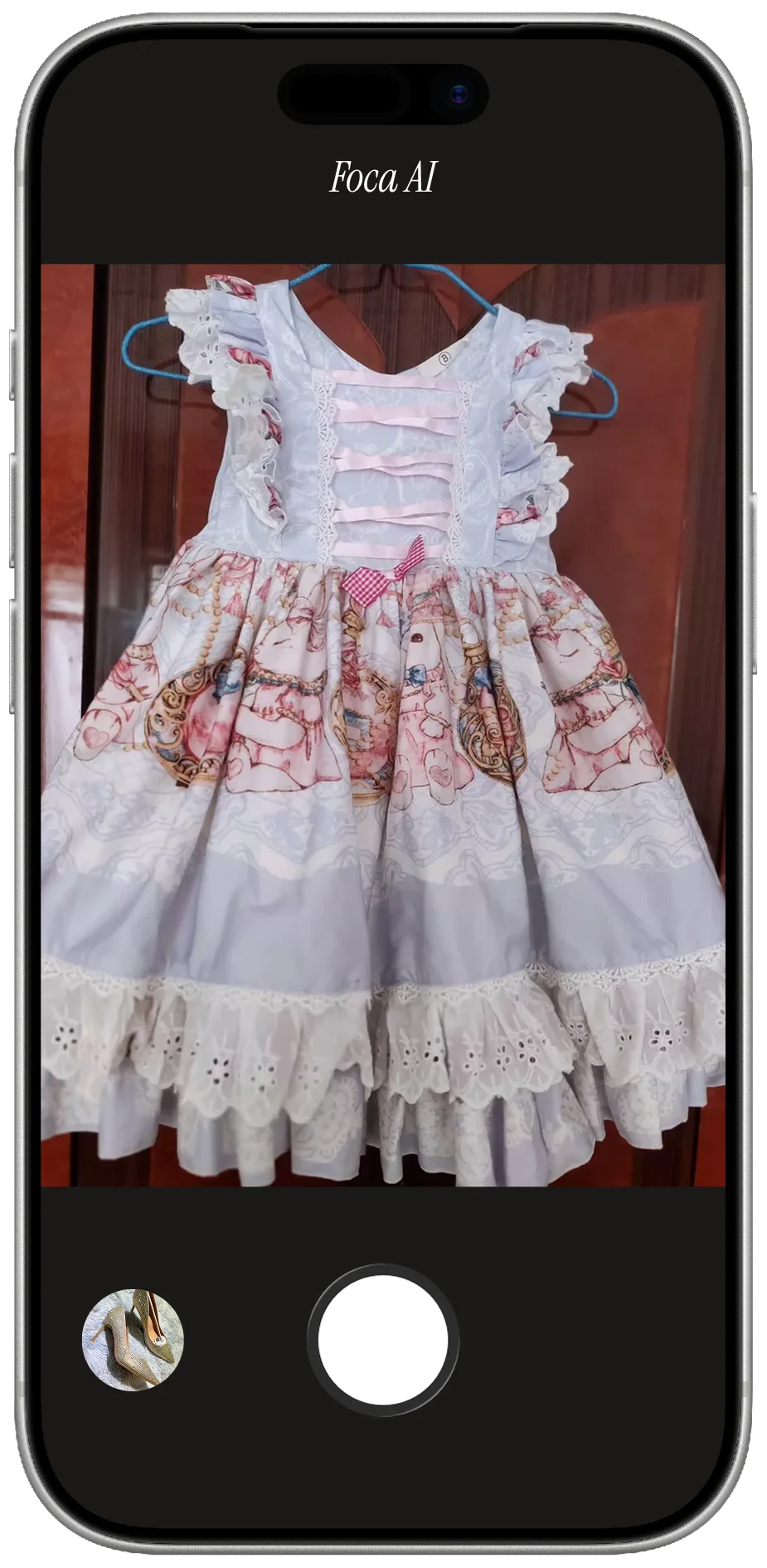
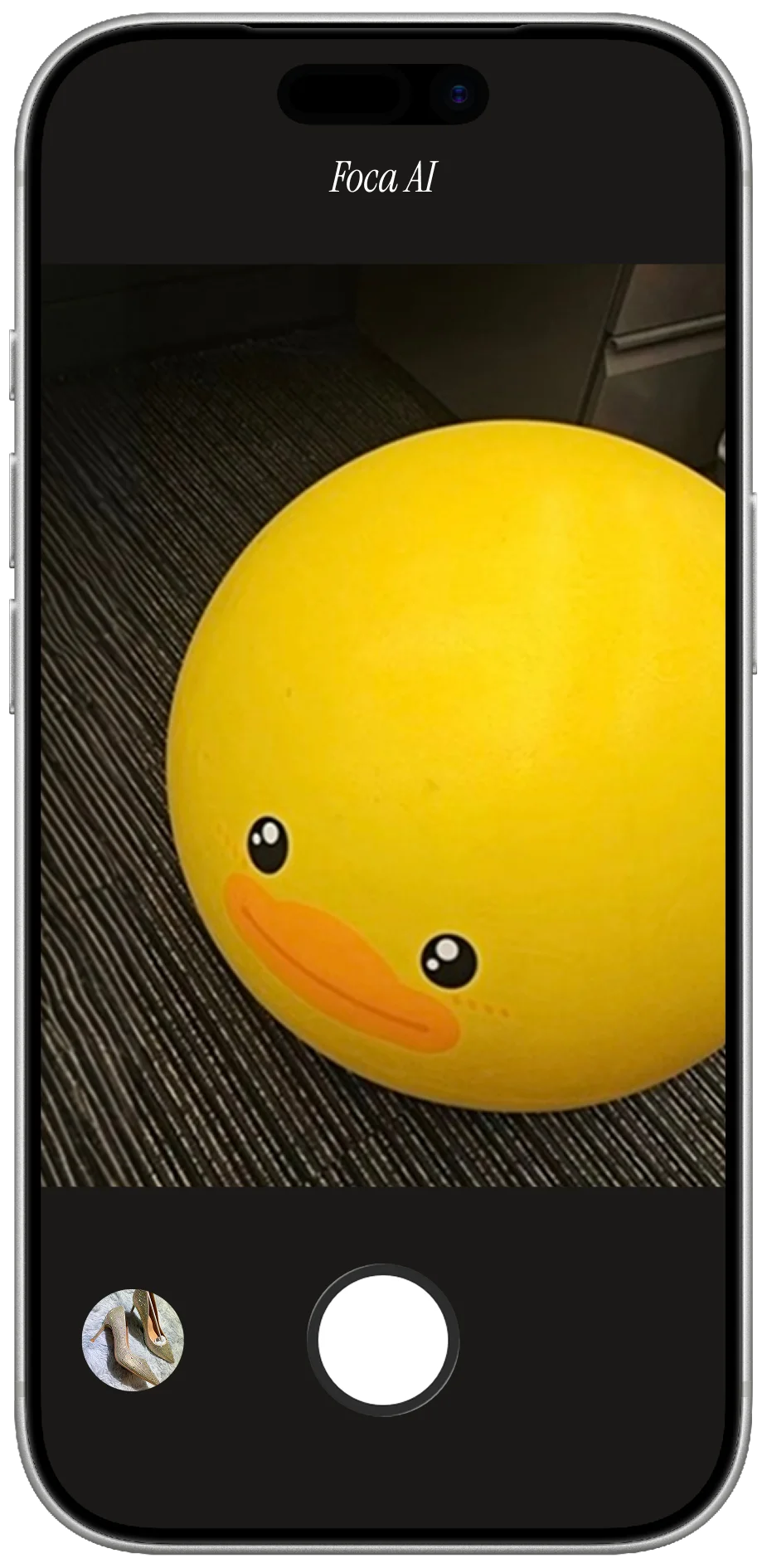
The reliable fix is to isolate the product and place it on a generated 255-white canvas rather than trusting the camera. Foca AI's White Background Generator outputs exactly RGB 255 backgrounds with realistic contact shadows kept on the product, not bleeding into the canvas.
2. Fill 85% or more of the frame
Amazon wants the product to be the unmistakable subject. The rule of thumb is that the product should occupy at least 85% of the image area. Lots of empty white margin makes your thumbnail look small and weak in search results next to competitors who fill the frame.
Don't overcorrect, though: leave a small, even margin so the product doesn't touch the edges or look cramped. Aim for the product centered, edge-to-edge fill around 85–90%, with a thin breathing border.
3. It has to be a real photograph
The main image must be a genuine photo of the genuine product. No 3D renders, no illustrations, no clip-art, no graphic mockups in the primary slot. (Some of those can appear in your secondary/lifestyle images, but not the main.) Amazon's image-recognition systems and human reviewers actively look for this, and "it looks real" is not the same as "it is a photo."
This is exactly why AI product-photography tools that enhance a real photo are compliant while pure text-to-image generators are risky for the main slot: Foca starts from a photo you actually took of your actual product, then cleans the background and lighting — the subject is still the real thing.
4. Nothing added: no text, logos, watermarks, or props
The main image shows the product and nothing else:
- ❌ No text or callouts ("Best Seller", "50% Off", size/quantity labels)
- ❌ No logos or brand watermarks overlaid on the image
- ❌ No borders, frames, or colored backgrounds
- ❌ No inset/secondary images (the little "picture-in-picture" boxes)
- ❌ No props, packaging, or accessories that aren't part of what the buyer receives
If a customer buys it and doesn't get it, it can't be in the main image.
5–6. Pixel dimensions: hit 1,600 px to unlock zoom
| Threshold | What happens |
|---|---|
| < 500 px longest side | Won't upload |
| 500–999 px | Uploads, but no zoom |
| ≥ 1,000 px | Zoom enabled |
| 1,600 px (recommended) | Crisp zoom across desktop + mobile |
| Up to 10,000 px | Allowed maximum |
Zoom is a conversion lever, not just a compliance box — listings where shoppers can zoom in on detail tend to convert better. Shoot and export at 1,600 px or more on the longest side. Foca AI outputs 1,600 × 1,600 by default, which clears the zoom threshold with margin.
7. Use sRGB, not CMYK
Save in the sRGB color space. CMYK is for print; web browsers interpret it inconsistently and your reds and blues can shift noticeably between your editing software and the live listing. If your product's color is part of the buying decision (and it usually is), sRGB keeps what the customer sees true to what you approved.
8–9. Format and file size
- JPEG (.jpg) is preferred — best quality-to-size balance for photos. PNG, TIFF, and non-animated GIF are also accepted, but JPEG is the safe default.
- Keep each file under 10 MB.
File-naming tip: Amazon's CDN aggressively caches images. If you're replacing a main image that was previously rejected or suppressed, change the filename (e.g. append a version: sku-main-v2.jpg) so Amazon treats it as a new asset instead of serving the cached old one. This is one of the most common reasons sellers think "I fixed it but nothing changed."
10–12. Focus, lighting, and category nuances
The product must be in sharp focus, well-lit, color-accurate, and shown in its entirety (not cropped at the edges). Beyond the universal rules, some categories have their own main-image style guides — apparel may require on-model or flat-lay shots, certain categories restrict mannequins, and shoes have specific angle conventions. Always cross-check your category's image style guide in Seller Central before you finalize.
Why listings get suppressed (and how to avoid it)
Amazon suppresses or flags main images most often for these reasons — in rough order of frequency:
- Background isn't truly RGB 255 (the #1 silent killer — looks white to you, reads gray to Amazon).
- Text, logos, or badges overlaid on the image.
- Product fills too little of the frame.
- Too small to zoom (under 1,000 px).
- Props or extra items not included in the purchase.
- It's a graphic/render, not a photograph.
The trap is that Amazon doesn't always tell you which rule you broke — you get a generic "main image doesn't meet requirements" notice. That's why checking against the spec before you upload saves the back-and-forth.
FAQ
What is the exact white background color for Amazon main images?
Pure white — RGB 255, 255, 255 (hex #FFFFFF). Anything less than maximum on all three channels is not compliant, even if it looks white to the eye.
What size should my Amazon main image be?
At least 1,600 px on the longest side is recommended; the hard minimum to enable zoom is 1,000 px, and the maximum allowed is 10,000 px. Square (e.g. 1,600 × 1,600) works well for most categories.
Can I use an AI-generated image as my Amazon main image?
The main image must be a real photograph of the real product. AI tools that enhance an actual photo (clean the background, fix lighting) are compliant; fully synthetic text-to-image renders are risky and can be flagged in the main slot.
Why was my Amazon listing image suppressed?
Most commonly an off-white background that isn't true RGB 255, added text/logos, a product that fills too little of the frame, or an image too small to zoom.
Does the main image need a white background in every category?
The main image yes — pure white is required across categories. Your secondary images can use lifestyle backgrounds, infographics, and text.
Get a compliant main image in minutes
The fastest path from a phone photo to an Amazon-compliant main image:
- Shoot the actual product (any decent lighting; messy background is fine).
- Generate a pure RGB 255 white background at 1,600 px with the Foca AI White Background Generator.
- Verify every spec in this checklist with the Amazon Image Checker.
- Upload with a fresh filename — and you're compliant.