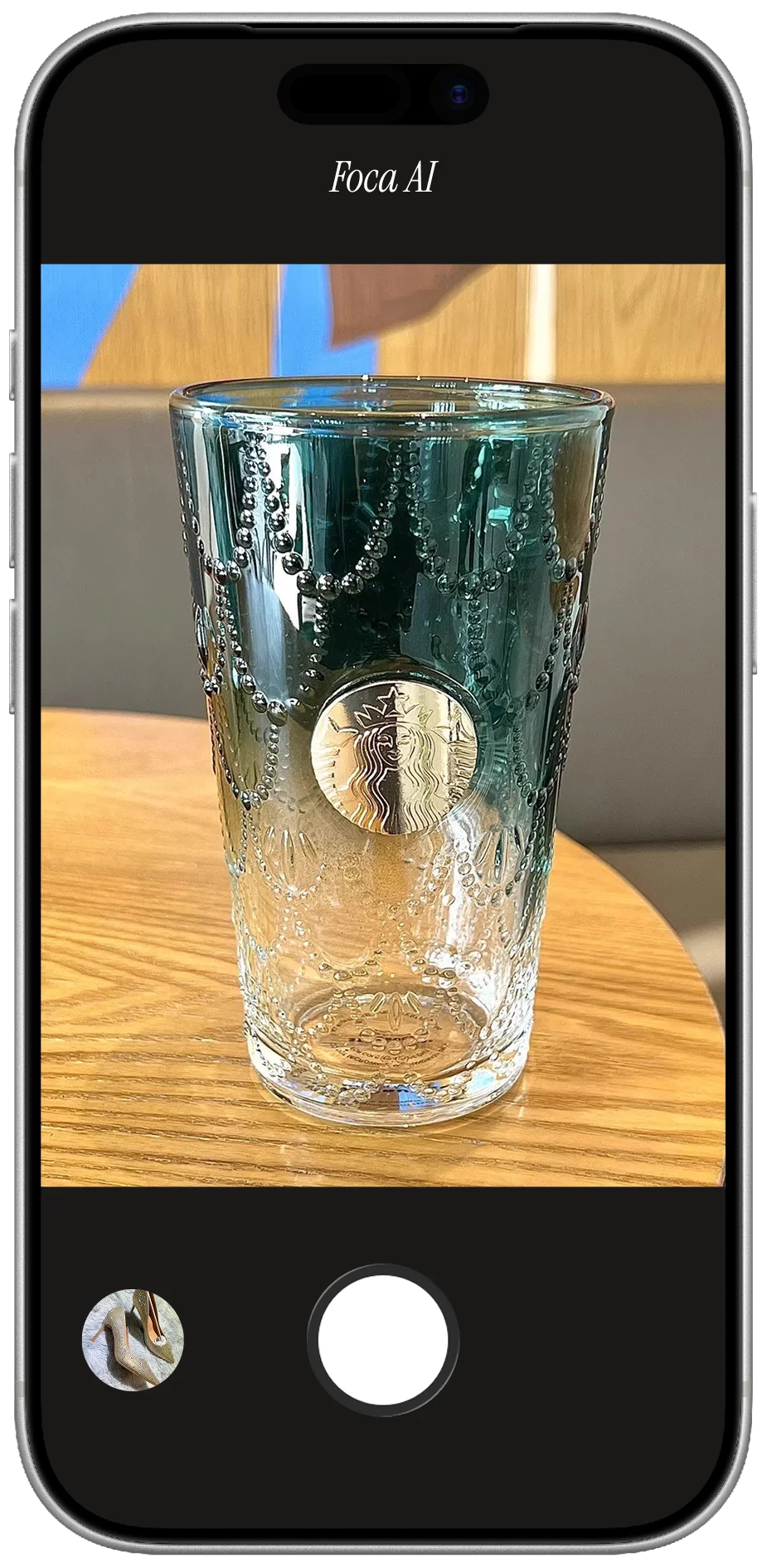
Why electronics punish a quick phone shot
Three things go wrong, and tech hits all three hard. Reflections: glossy black plastic and glass screens are mirrors — they catch the room, the window, your phone and your hand. Fingerprints & dust: every smudge shows on a dark surface and reads as used. Finish: a phone shot flattens brushed metal and glass into dull grey, when the premium look is the whole pitch. Control the reflection and the finish and a gadget looks worth the price; miss them and it looks like a return.
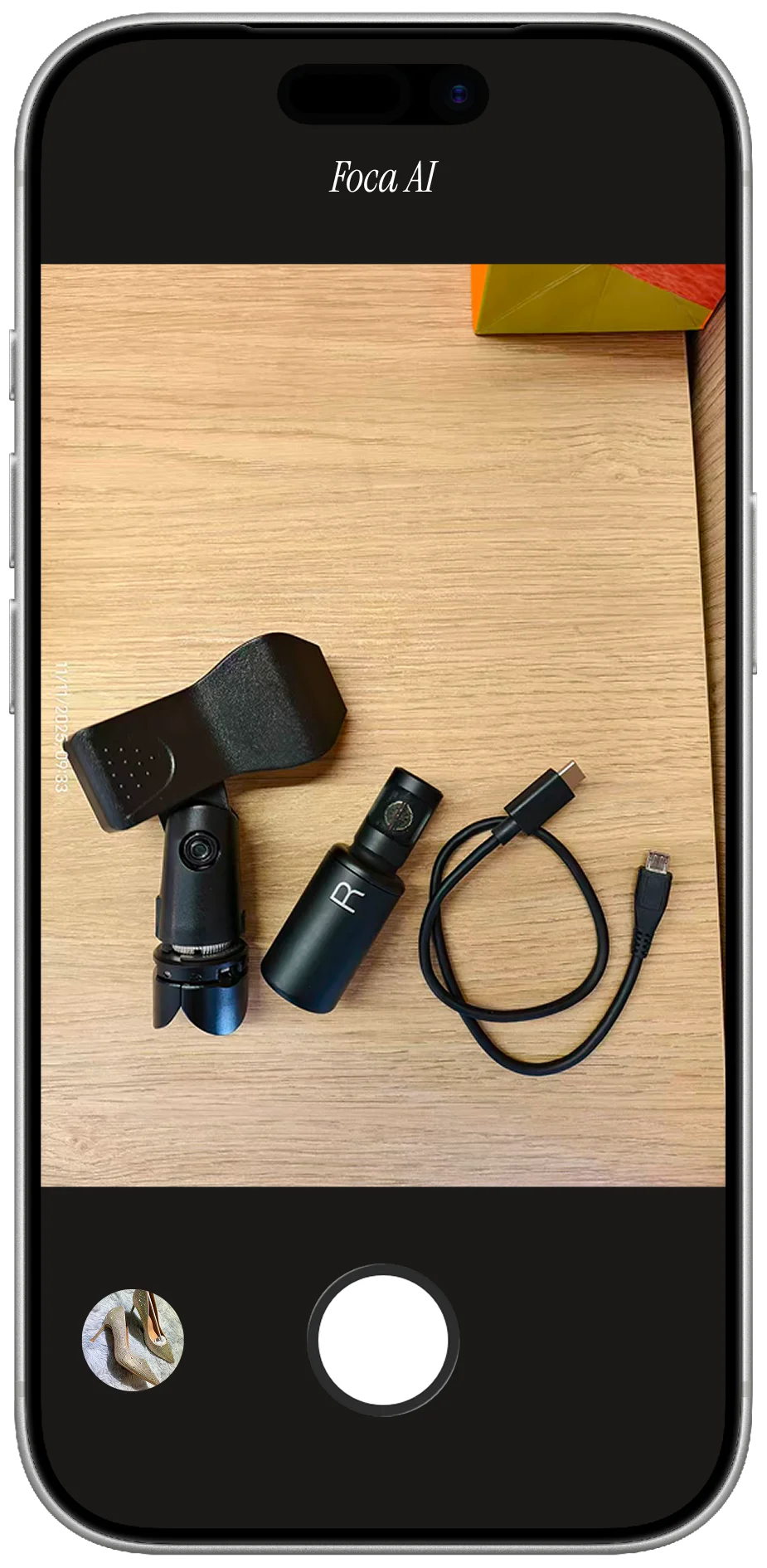
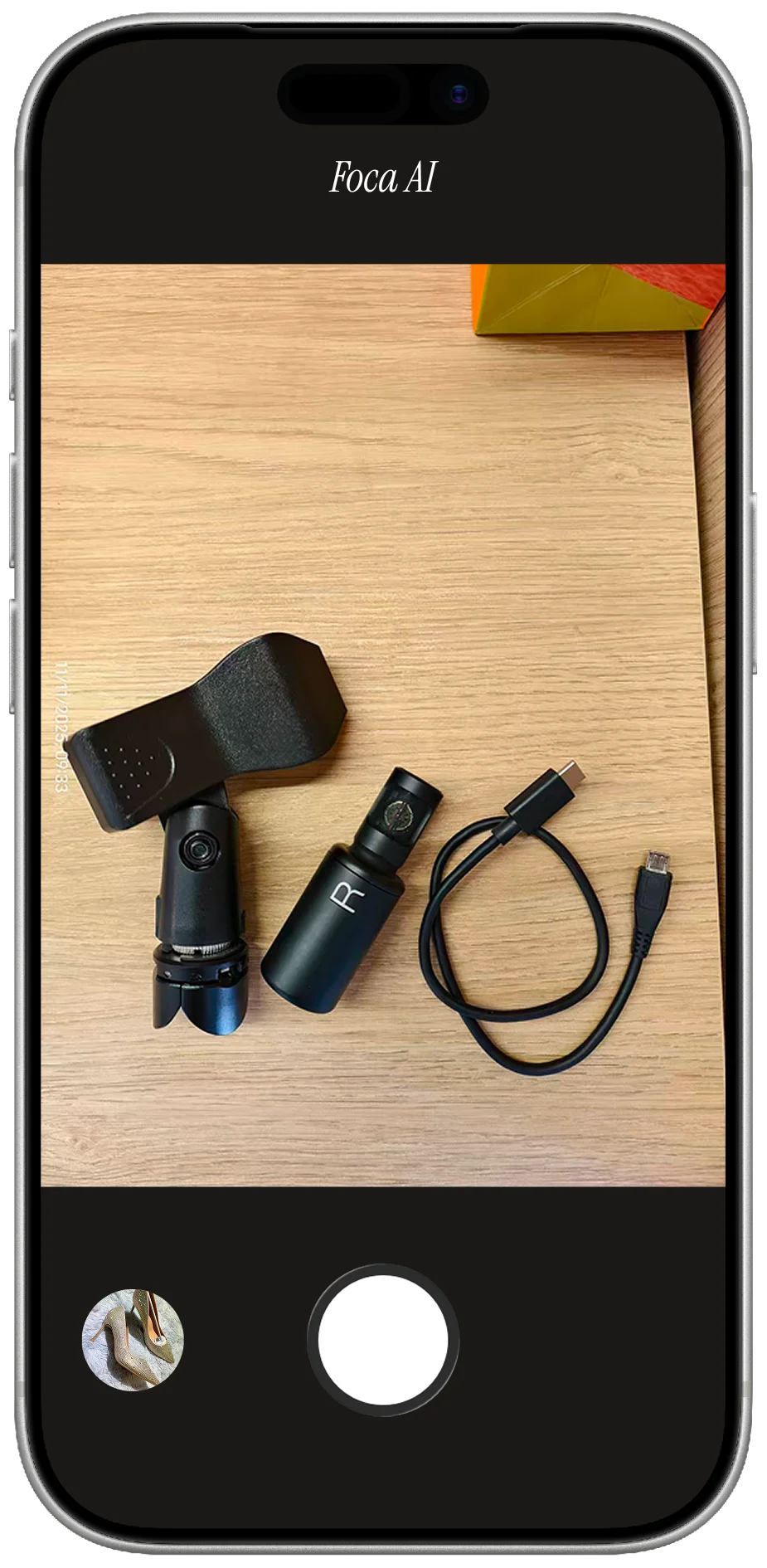
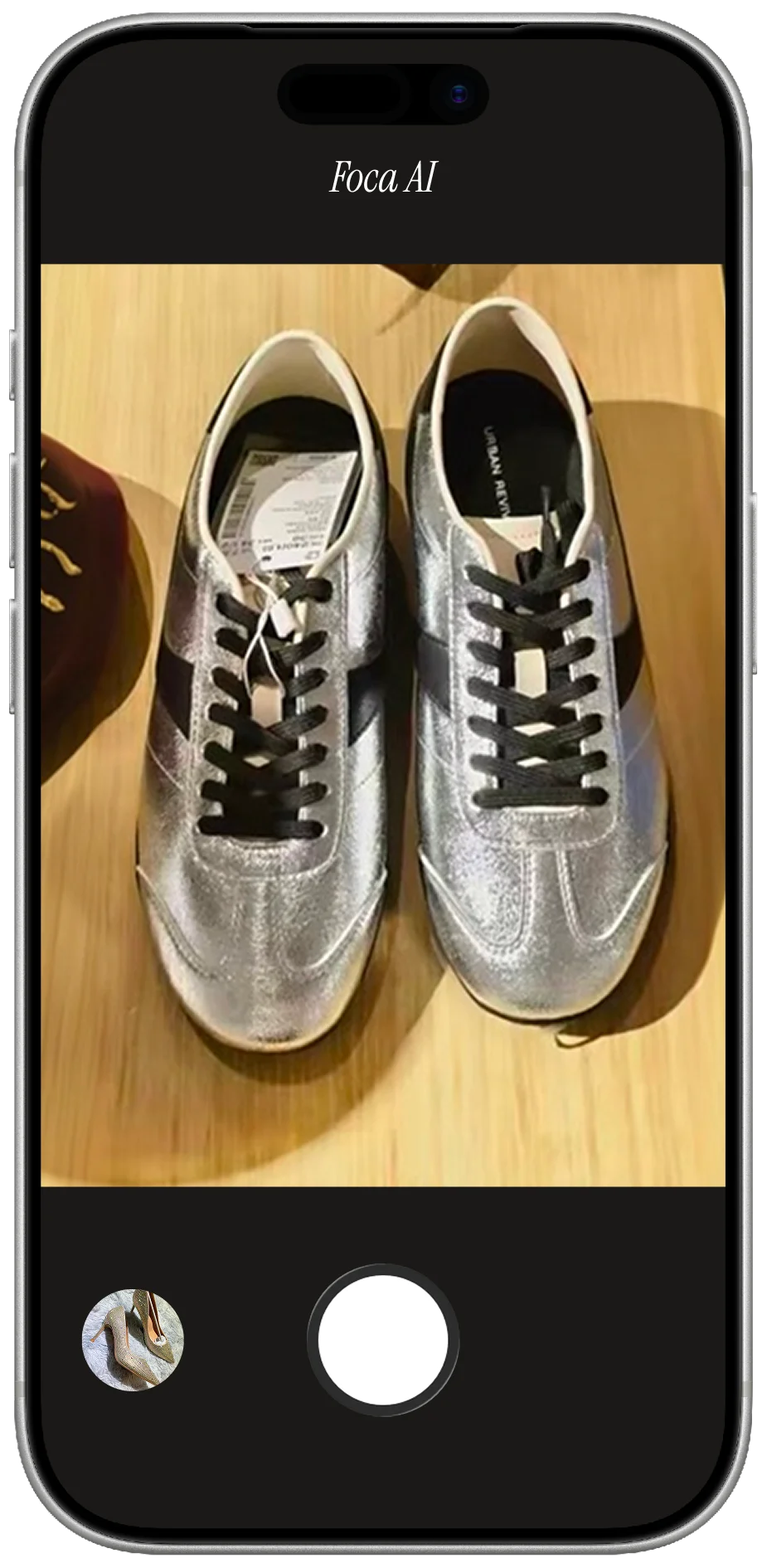
PHONE SHOT
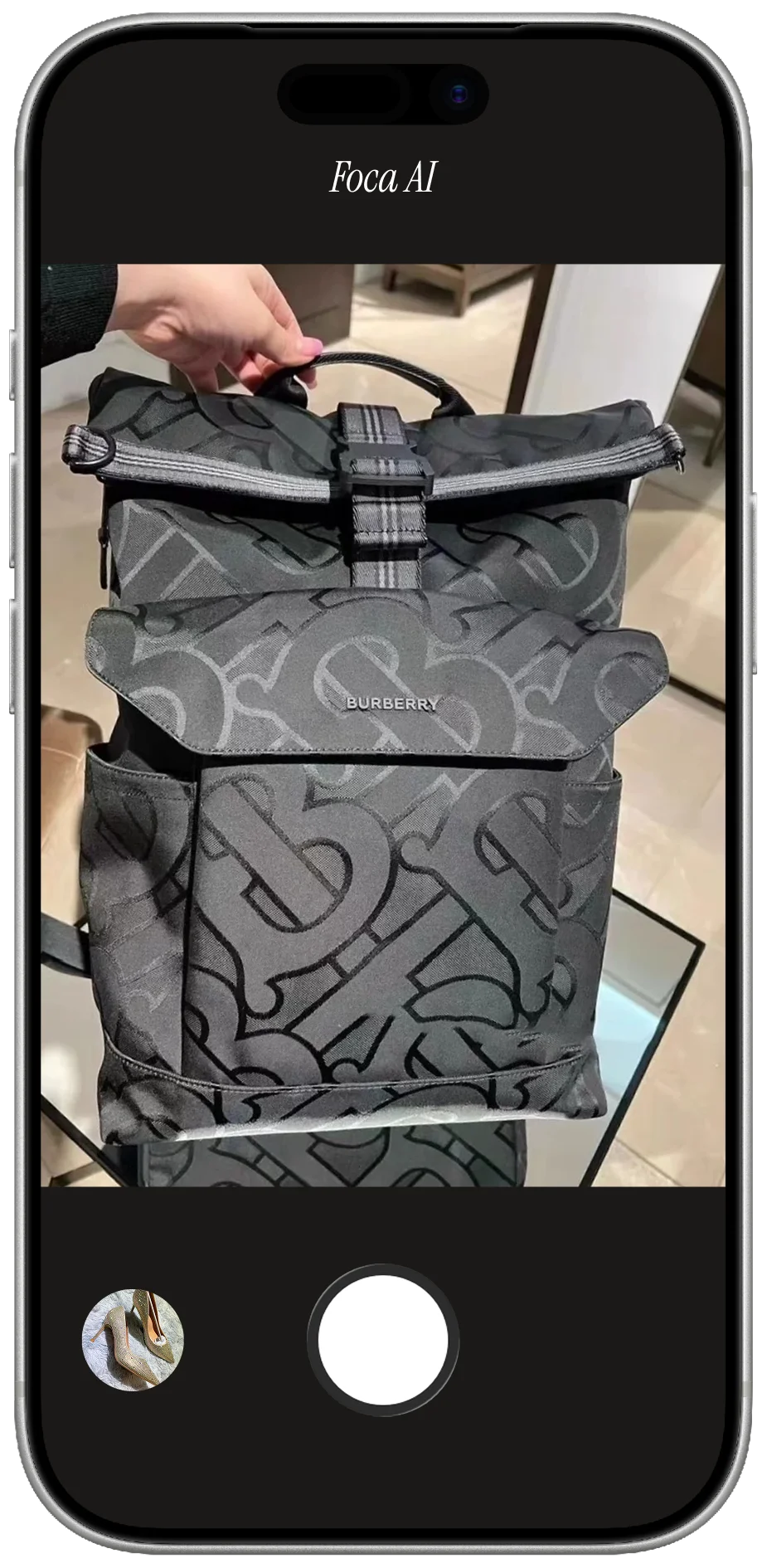
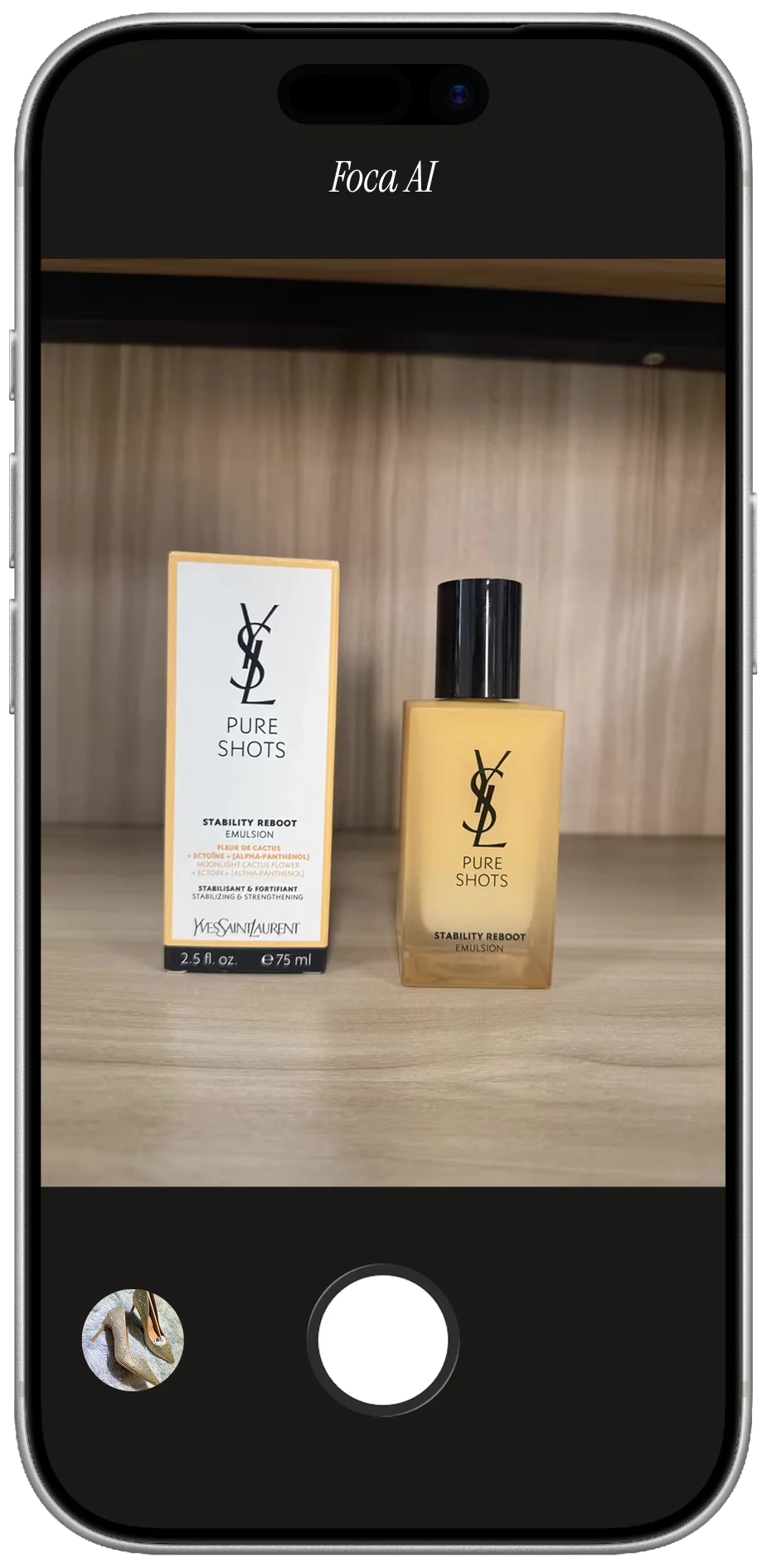
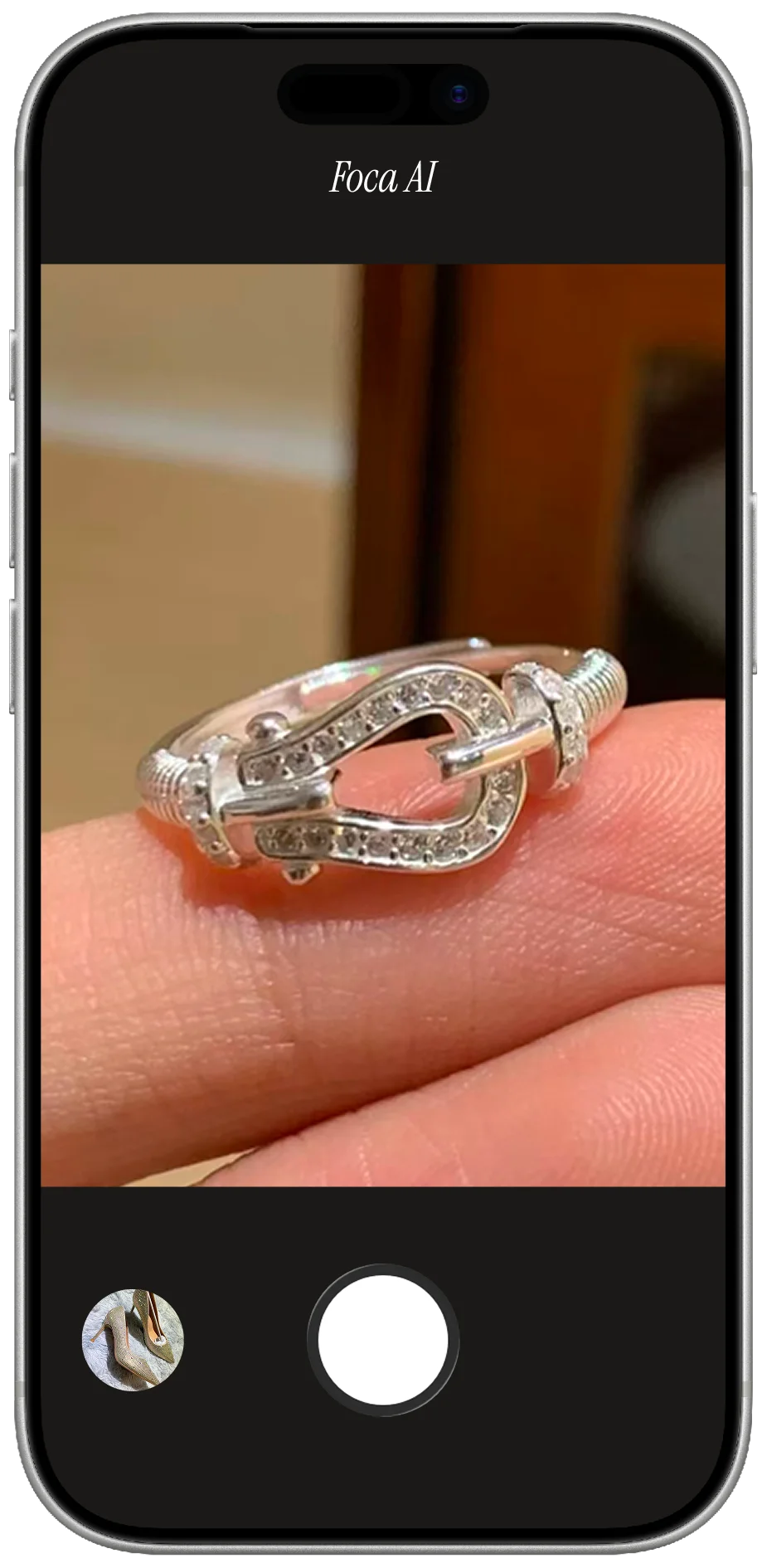
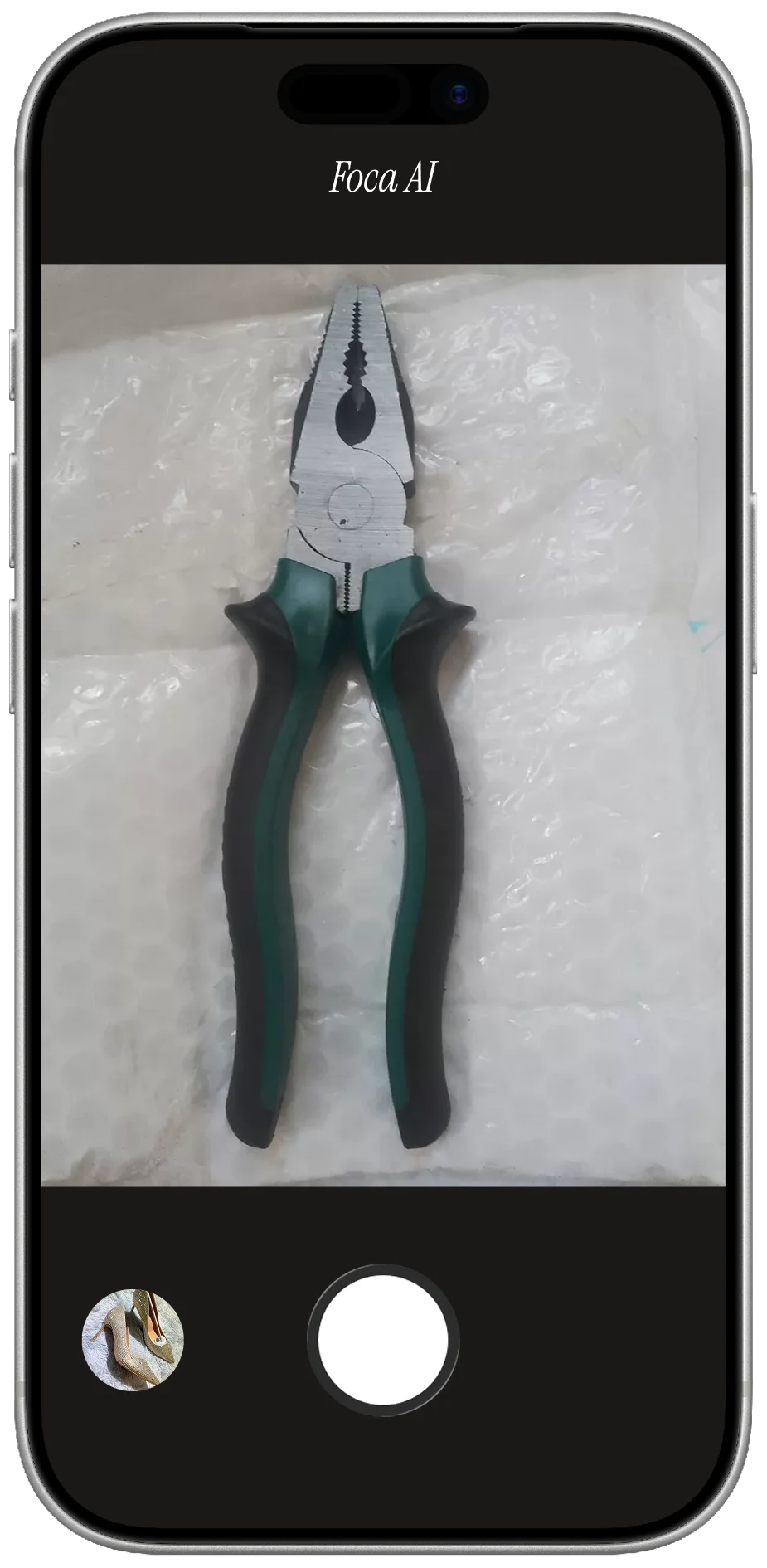
- Shot on a desk — no white background, fails Amazon's main-image rule
- Reflections of the room and lights smear across the glossy surface
- Fingerprints, dust and harsh shadows make it read as second-hand
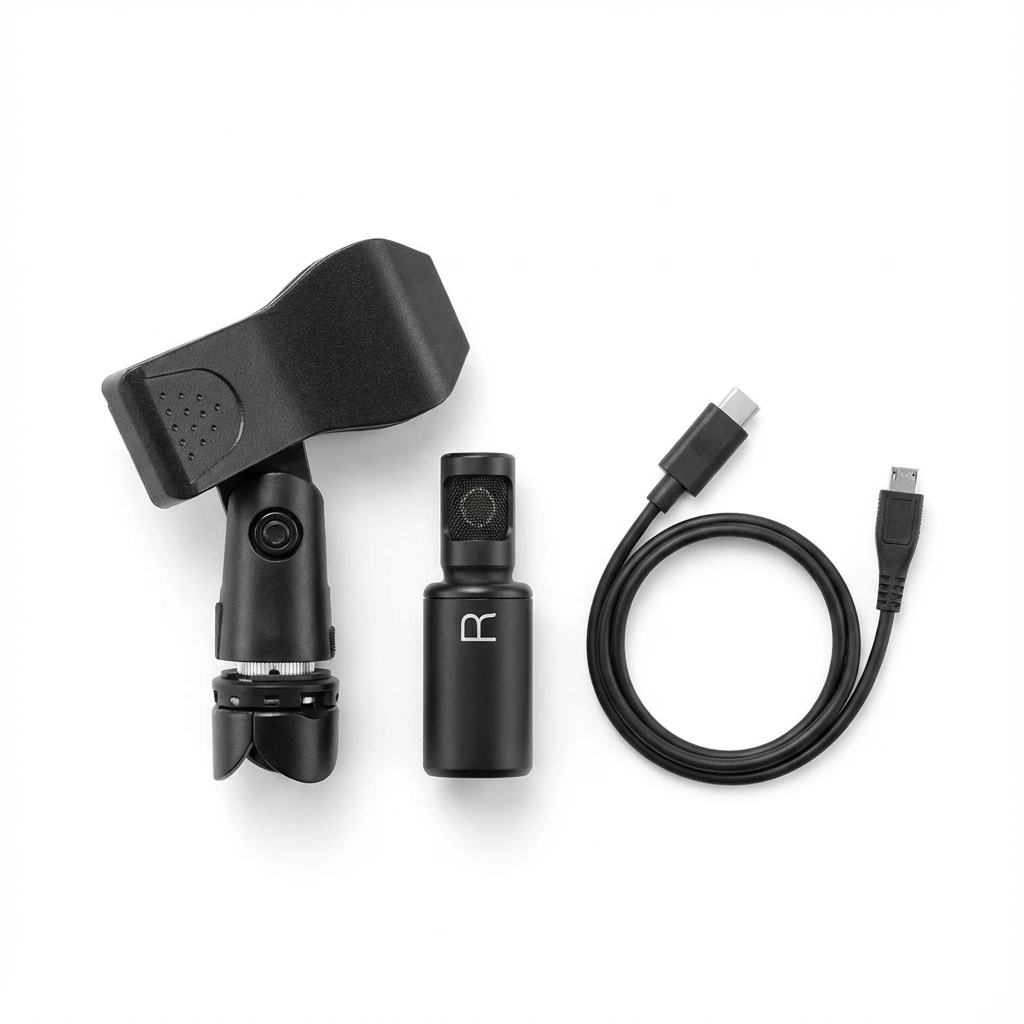
FOCA AI
- Pure RGB 255 white, device centered and filling the frame — listing-ready
- Room reflections calmed so the finish reads as premium metal and glass
- Clean edges and a soft shadow so it sits, not floats
Killing reflections
This is the electronics-specific skill. The enemy is any small, bright light source — it becomes a hard streak or a mirror of the room. Make the light big and soft: shoot near a large window with a sheer, or bounce an LED through tracing paper, so the highlight becomes a soft gradient that actually flatters the curve. Shoot slightly off-axis and keep yourself out of frame by wearing dark clothes and using a dark surround. Wipe the device with a microfiber cloth first — fingerprints are the number-one reason tech looks cheap. Then clean to white, which is the miserable-by-hand part.
Screens, ports & scale
For the main image, show the device as sold with a clean, neutral or off screen — if you composite a UI, it must be real and accurate, and that's better kept for secondary images. Use the additional slots to show what buyers actually ask about: the ports and buttons, the cable and what's in the box, and a sense of scale (in a hand or beside a common object). A straight-on hero plus a few honest detail shots beats one cluttered photo every time.
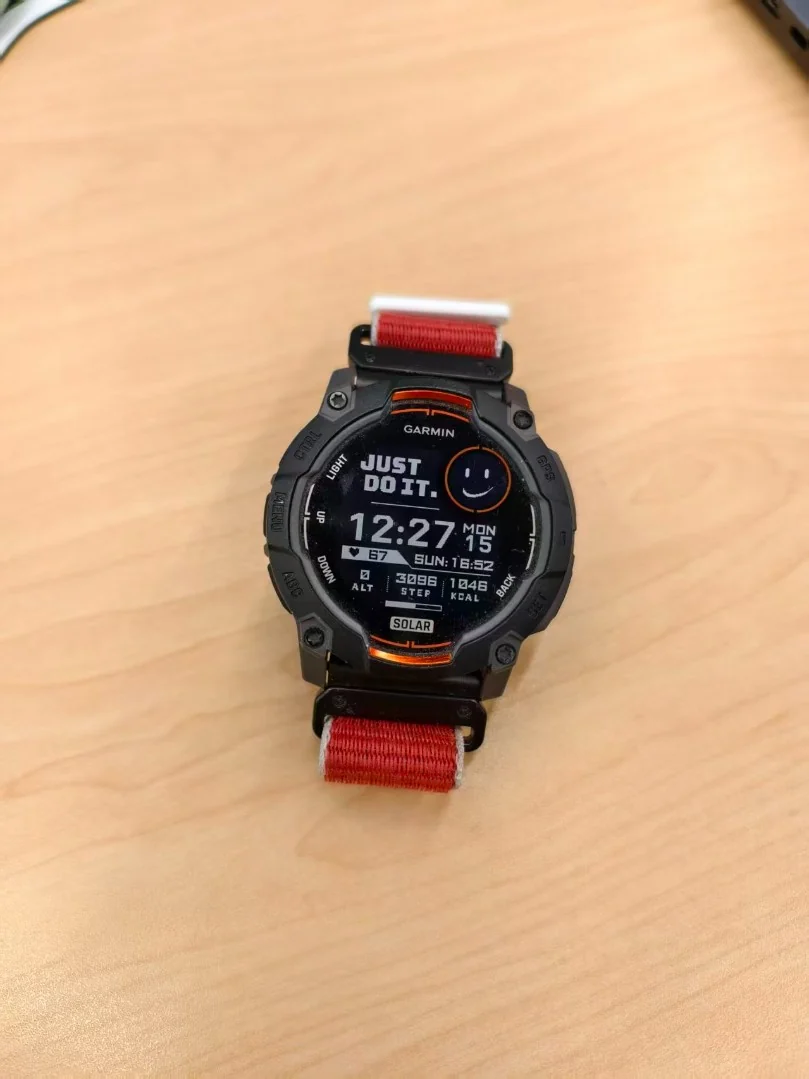 PHONE SHOT
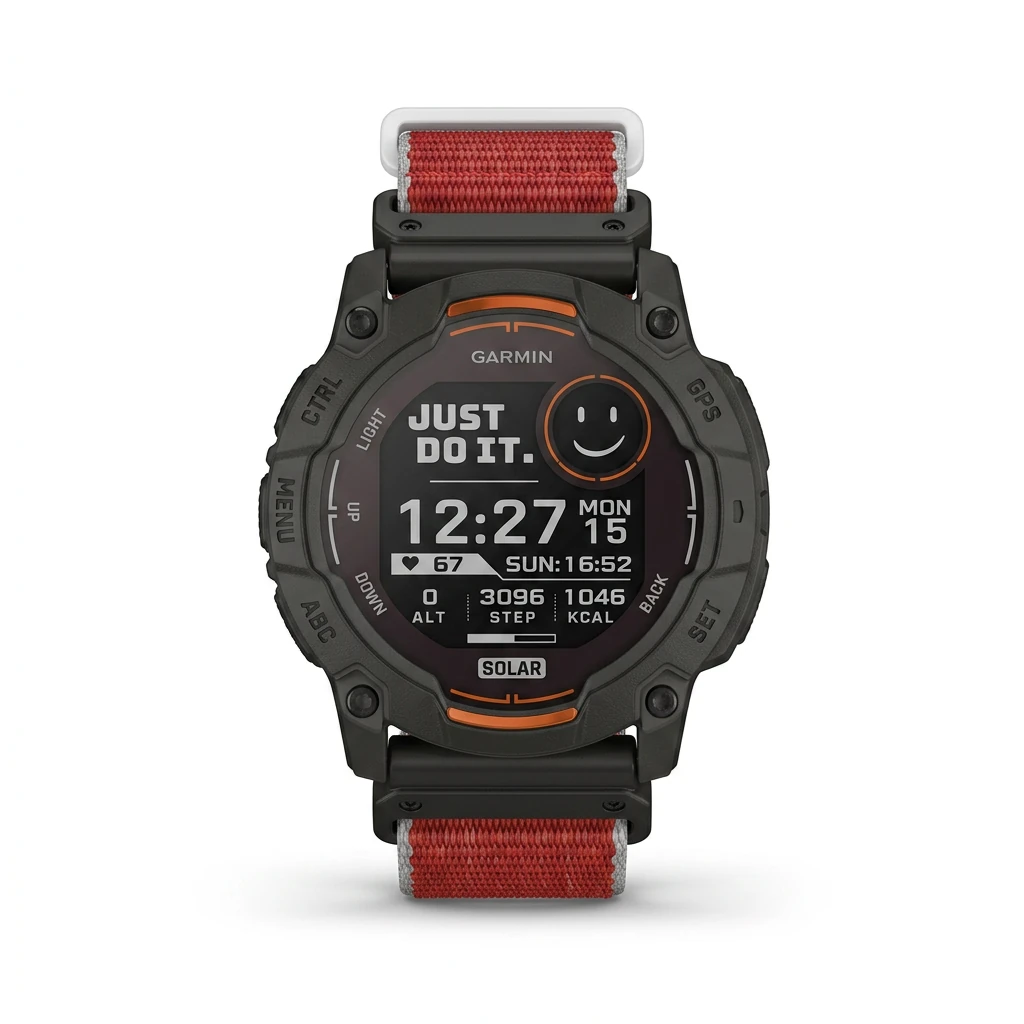 FOCA AI
The honest math: when DIY stops being worth it
One device done right — clean, diffuse, kill reflections, then mask the glossy edges and color-correct — is genuinely fiddly. Tech also lives on variants and bundles: a gadget in three colors, with-and-without accessories, the kit shot. Masking reflective edges and matching them across the set by hand is where the day disappears. At that scale, editing each one stops paying off — which is why most electronics sellers outsource the white-background hero.
Quick fixes by product type
- Phones & tablets: wipe the screen, shoot slightly off-axis to avoid mirroring the room; keep the screen clean or a real UI.
- Laptops: a three-quarter open angle shows the keyboard and screen; diffuse so the glossy lid doesn't catch a hotspot.
- Headphones & earbuds: show the case and buds together; soft side light brings out matte vs glossy finishes.
- Cameras & lenses: straight-on hero; mind the deep glass reflections on the front element and the metal mount.
- Cables & chargers: coil neatly and lay out deliberately — a tidy arrangement is the difference between cheap and premium.
- Wearables & smartwatches: show the face and band; a slight angle gives the case depth without blowing out the glass.