By Category

Food & Beverage Product Photography

Appetizing color, clean white, no studio — how to shoot packaged food, drinks, and dishes for Amazon, menus, and delivery apps.

Why food photography is harder than it looks

Three things go wrong. Appetite: color is everything for food, and a warm kitchen bulb or a green fridge light makes fresh look tired and a vibrant snack look muddy. Reflections: foil wrappers, glossy pouches and glass jars mirror the room and your hand. Trust: buyers read the label and the nutrition panel, and soft focus there makes them hesitate. Fix the color and the background and the same product suddenly looks fresh and legit.
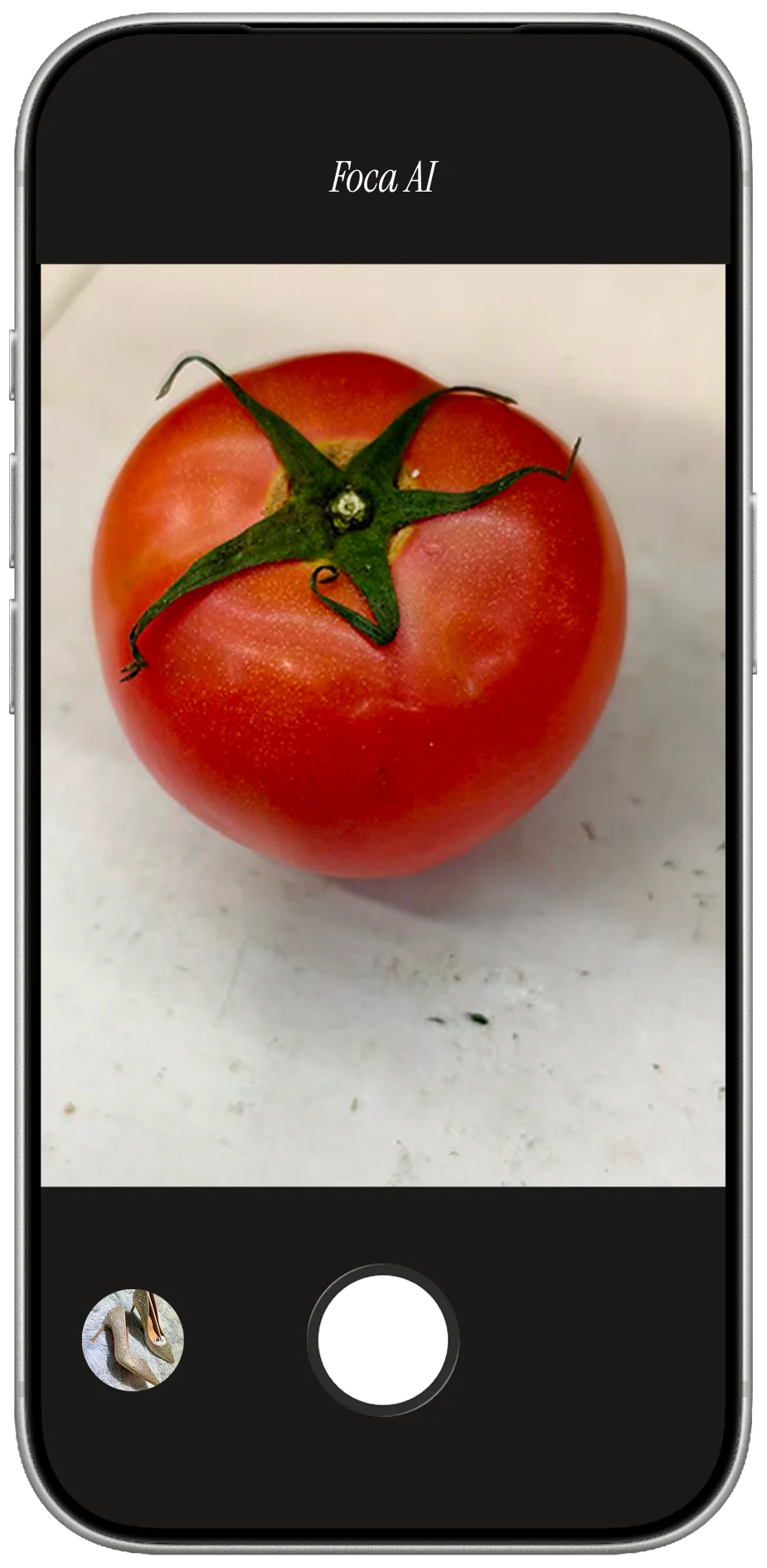
Fresh produce shot on a phone, on a counter in warm indoor light

PHONE SHOT

  • Shot on a counter — no white background, fails Amazon's main-image rule
  • Warm room light dulls the color — fresh starts to look stale
  • Cluttered backdrop and shadows pull the eye off the product
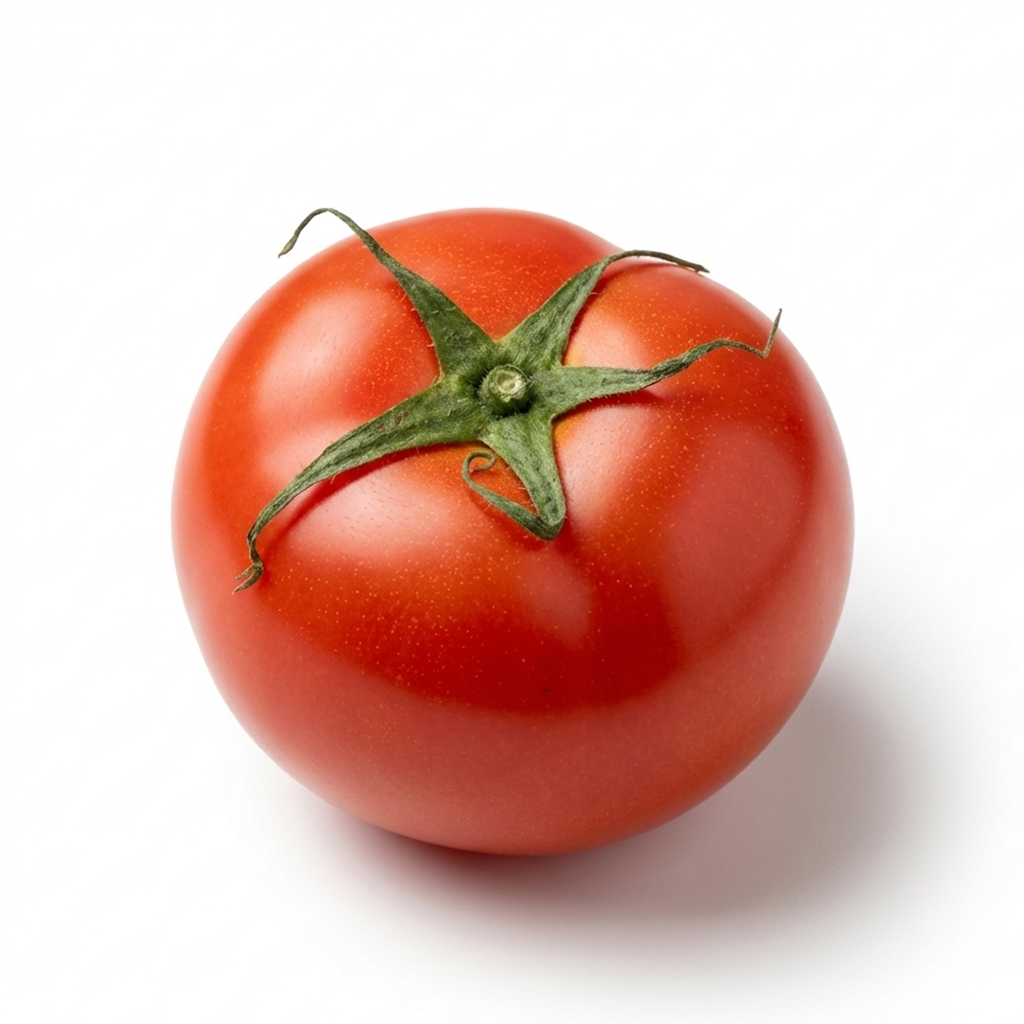
The same produce on pure white background after Foca AI: vibrant true color, clean, soft shadow

FOCA AI

  • Pure RGB 255 white, product centered and filling the frame — listing-ready
  • Color corrected to look vibrant and fresh, the way it really is
  • Clean edges and a soft shadow so it sits, not floats

Make it look fresh & true

Set white balance off a grey card or plain white paper, and never trust auto under warm or fluorescent bulbs — that's the single biggest fix for food color. Use soft, even daylight (a big window with a sheer, or diffused 5500K LEDs) so there are no harsh shadows and no blown-out highlight on glossy packaging. For fresh produce, shoot it at its peak and a little cool rather than warm — over-warm reads as old. Keep the surface and backdrop neutral so nothing tints the food, then clean to white afterward.
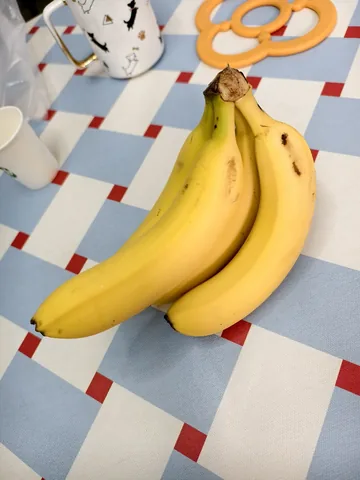
A bunch of bananas shot on a phone, on a checkered tablecloth among clutter PHONE SHOT
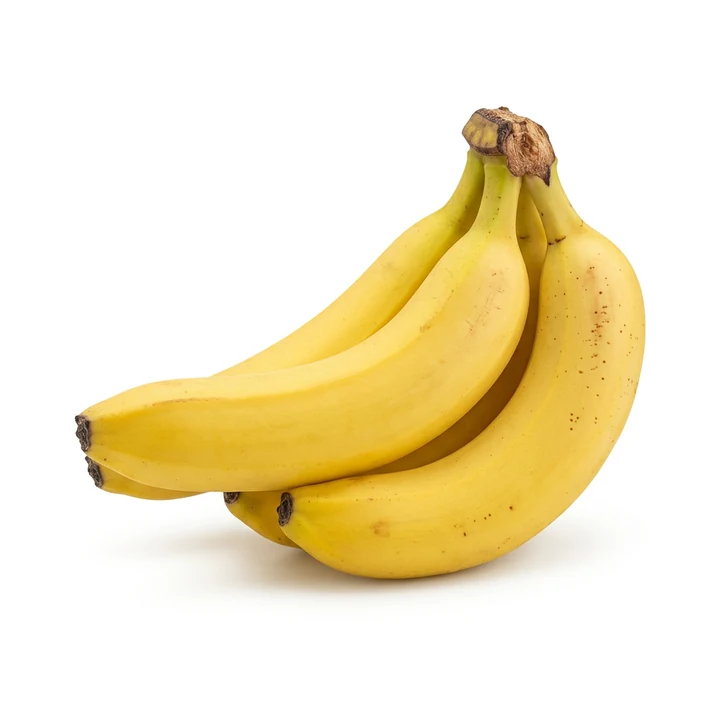
The same bananas on pure white after Foca AI — vibrant, fresh, true color, soft shadow FOCA AI

Quick fixes by product type

  • Boxes & cartons: a slight three-quarter shows two faces; square the front and keep the type crisp and straight.
  • Jars & glass: light the background separately so glass stays bright and the contents read; mind the lid hotspot.
  • Bottles & drinks: straight-on at label height; for clear drinks, a clean backlight keeps the liquid color true.
  • Pouches & bags: fill or prop so they stand without slumping; diffuse hard to stop the glossy film from glaring.
  • Cans & tins: rotate so the brand faces front and the curved label isn't lost; tame the metallic highlight.
  • Fresh produce: shoot at peak, cool not warm; a light mist can add life, but don't let drops blow out as hotspots.

Restaurant menus & delivery apps

If you run a restaurant, café or cloud kitchen, your menu is a photo gallery now — on the printed menu and table tents, on Google Business, and above all on delivery apps like DoorDash, Uber Eats, Grubhub, Meituan and Ele.me. And a dull dish photo on a delivery app costs orders directly: those apps even report that listings with good photos sell noticeably more. The trouble is the shot is usually grabbed at the pass under warm restaurant light, on a busy counter, in a rush — so the food looks yellow and flat, the table is cluttered, and the dishes don't match each other.

The fix is the same as packaged goods: correct the color so the dish looks fresh and true, then drop it on a clean, consistent background so every item on the menu looks like a set. Foca takes the phone photo your kitchen already shot and returns an appetizing, color-true dish on a clean background — run the whole menu in an afternoon, and re-do it in minutes whenever you add a special. Keep it honest, though: the photo should still show the dish the way it's actually served.
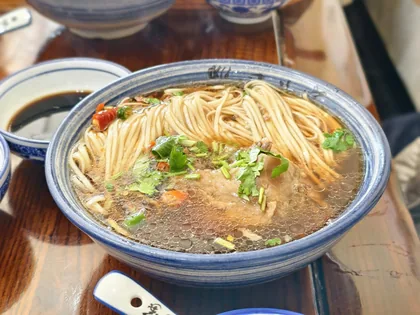
A bowl of noodles shot on a phone at a restaurant table under warm light, with other bowls around PHONE SHOT
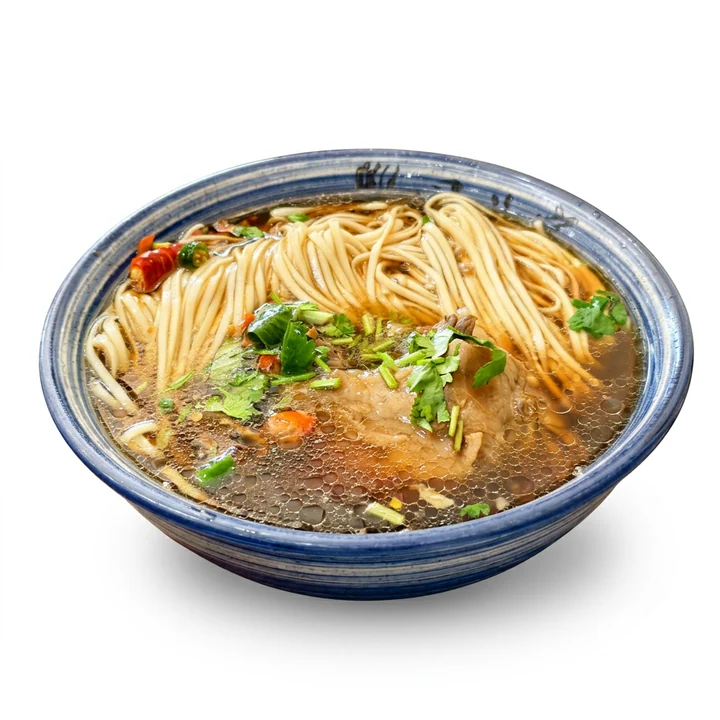
The same noodle bowl on pure white after Foca AI — appetizing, true color, clean menu photo FOCA AI

Coffee, bubble tea & journal check-ins

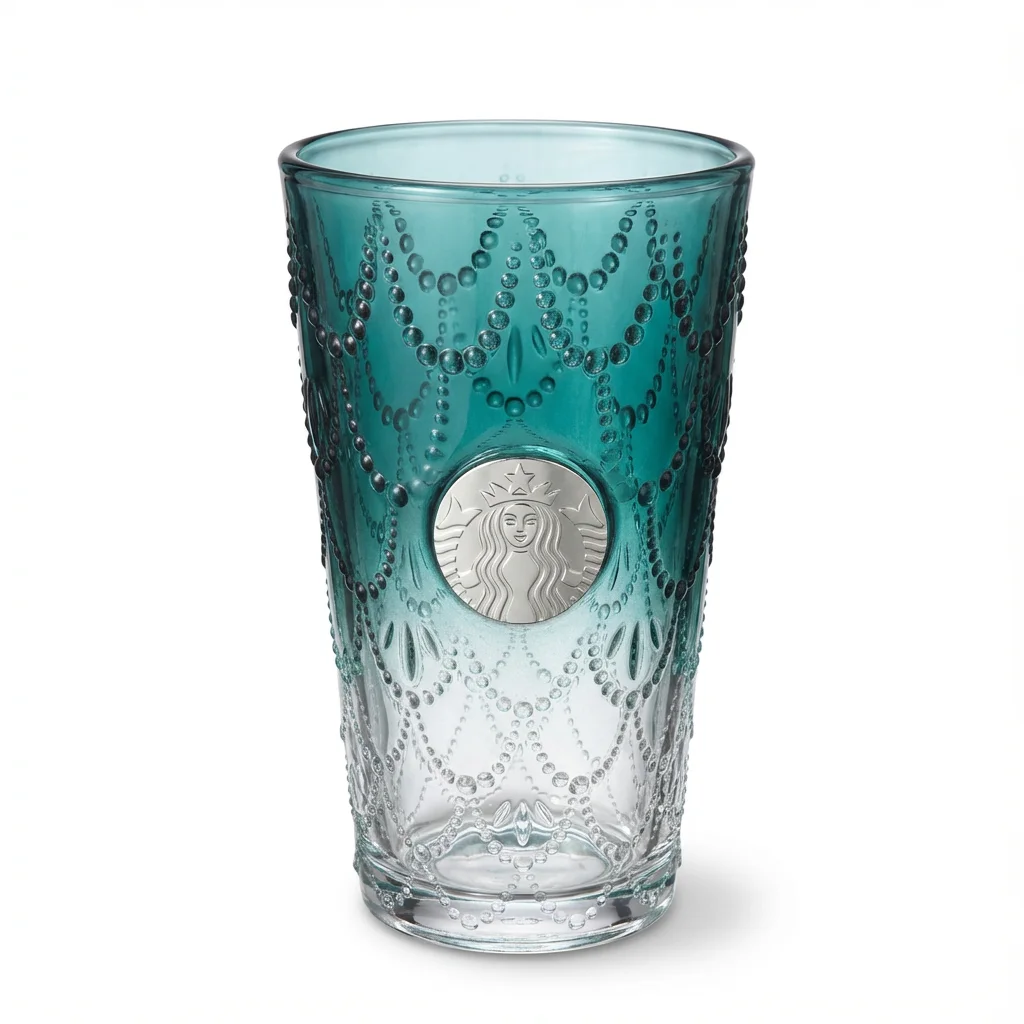
Not every food photo is for a store. A whole community documents what they drink — bubble tea and coffee "check-ins" for Instagram and 小红书, and 手账 (journal / scrapbook) pages where a pretty cut-out of today's cup sits next to the date. The catch is the same one sellers hit: the café table is cluttered, the light is moody, and the cup gets lost in the scene. Drop the photo into Foca and you get a clean cut-out of just the cup on white — perfect to layer into a journal spread, a collage or a sticker, or to post as a tidy check-in. The brand on the cup and the drink's color stay true, so your latte still looks like your latte.
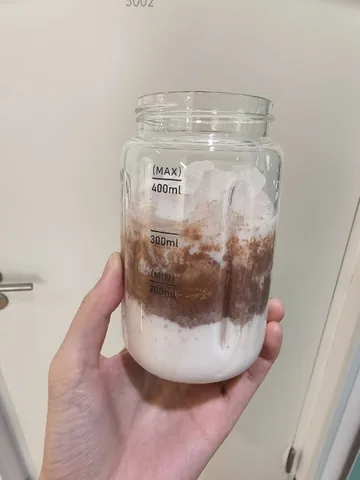
A homemade iced coffee in a measuring jar, held up against a door PHONE SHOT
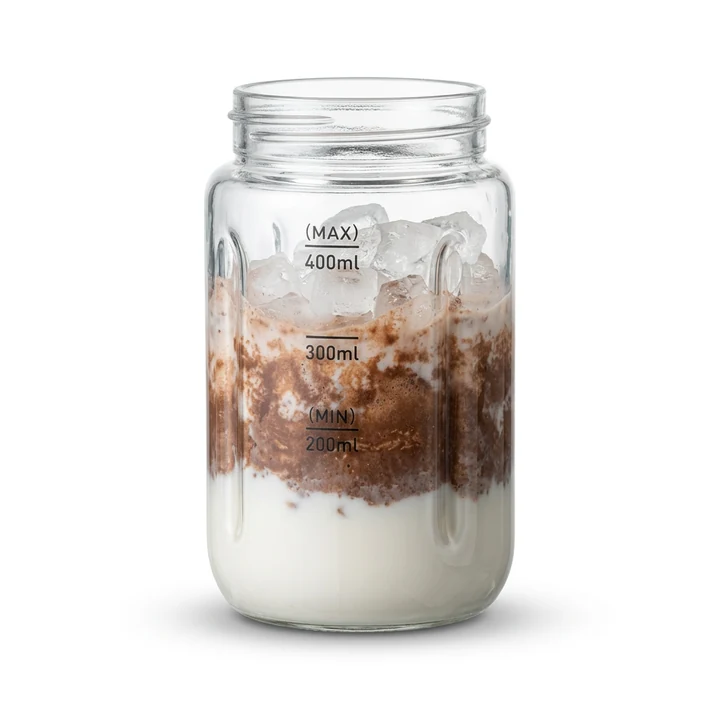
The same iced coffee jar on pure white after Foca AI — clean glass, true layers, soft shadow FOCA AI
A KOI PLUS pink fruit tea in a clear cup with a straw, shot on a phone on a café table PHONE SHOT
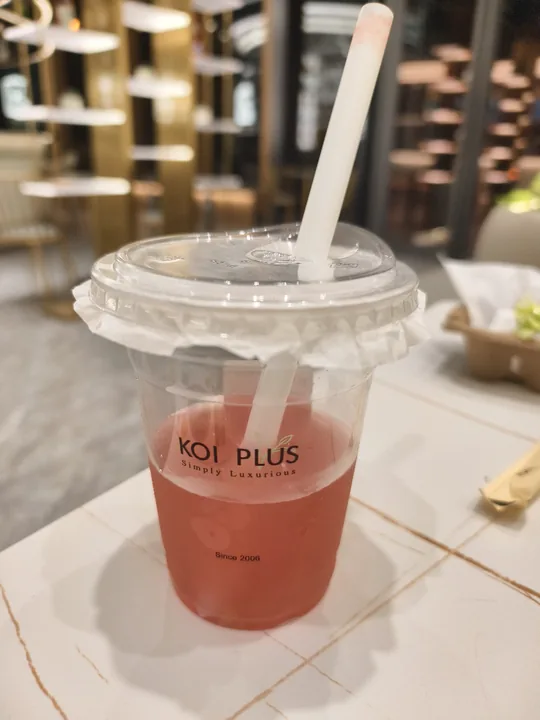
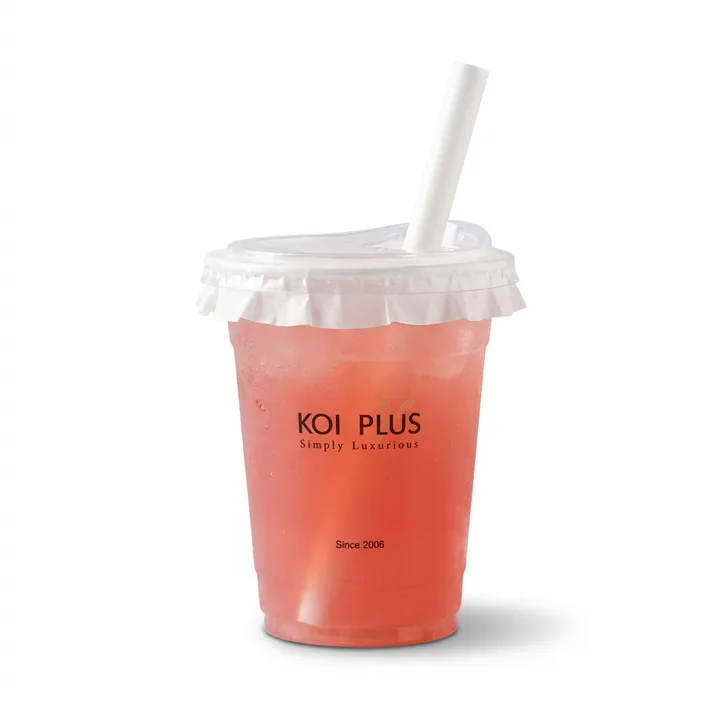
The same KOI PLUS cup on pure white after Foca AI — the pink drink and logo read clearly FOCA AI

Skip the studio, keep the shot

Drop in your café or kitchen photo. Foca AI returns a clean, true-color food image on white — in about a minute.

Try Foca AI Free
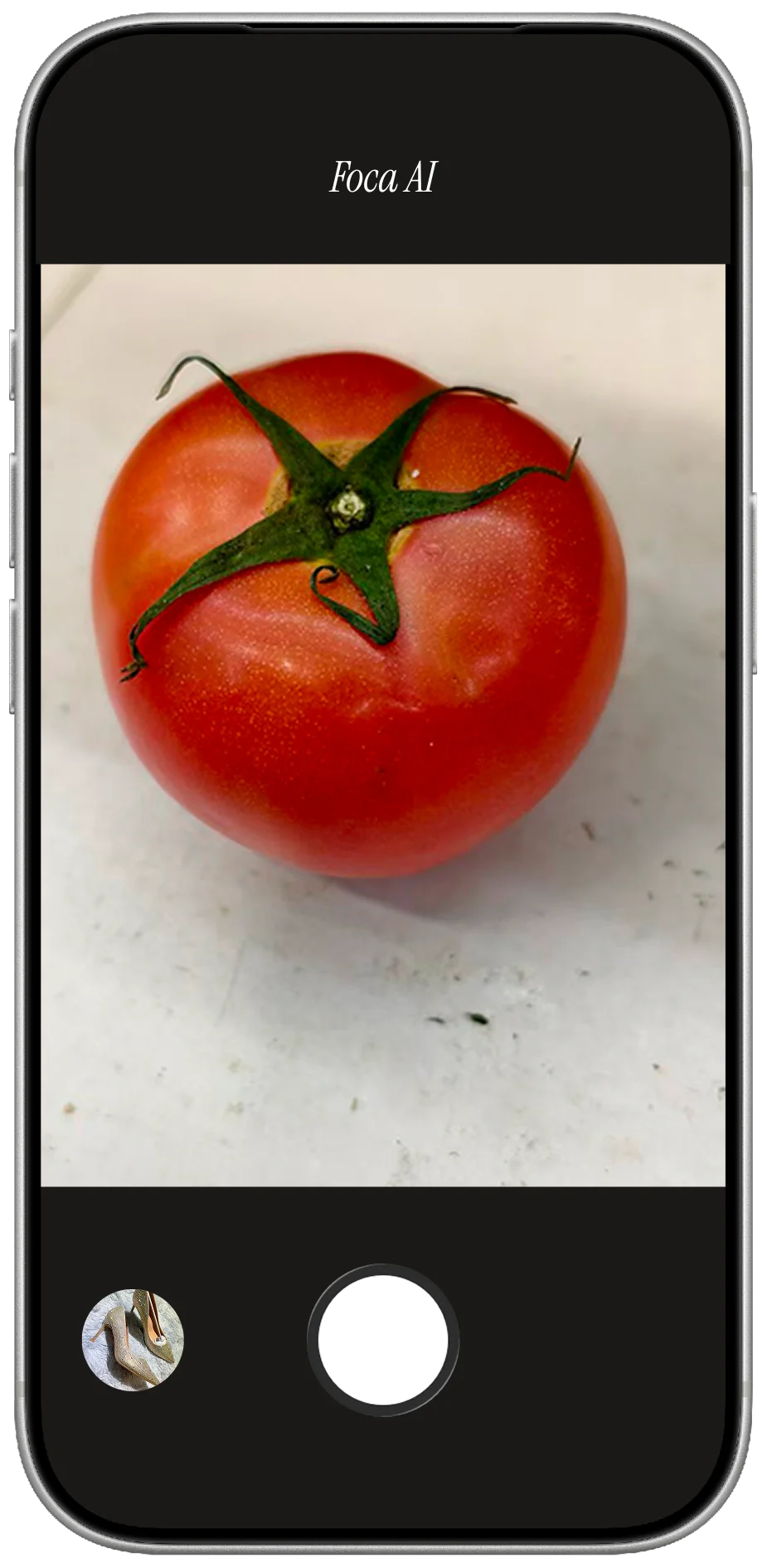
Foca AI: tomatoes on pure white background
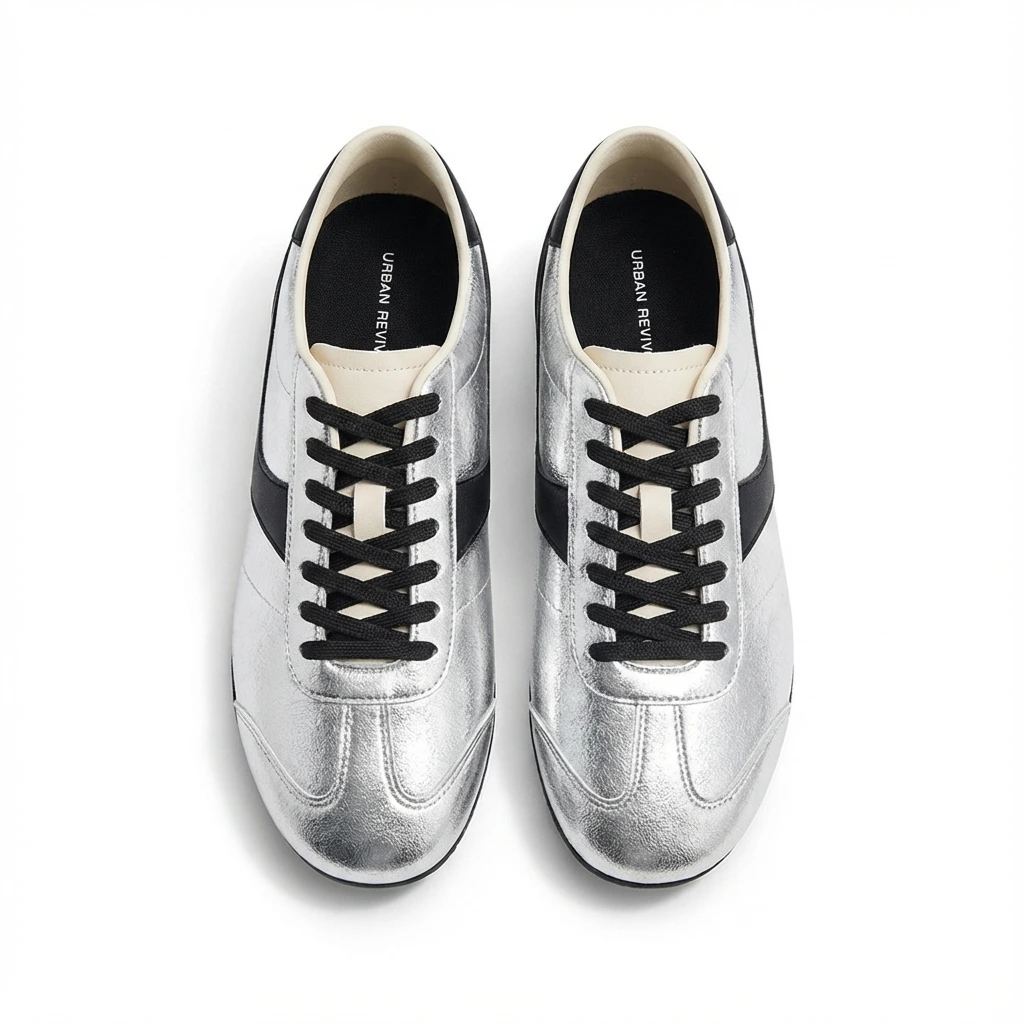
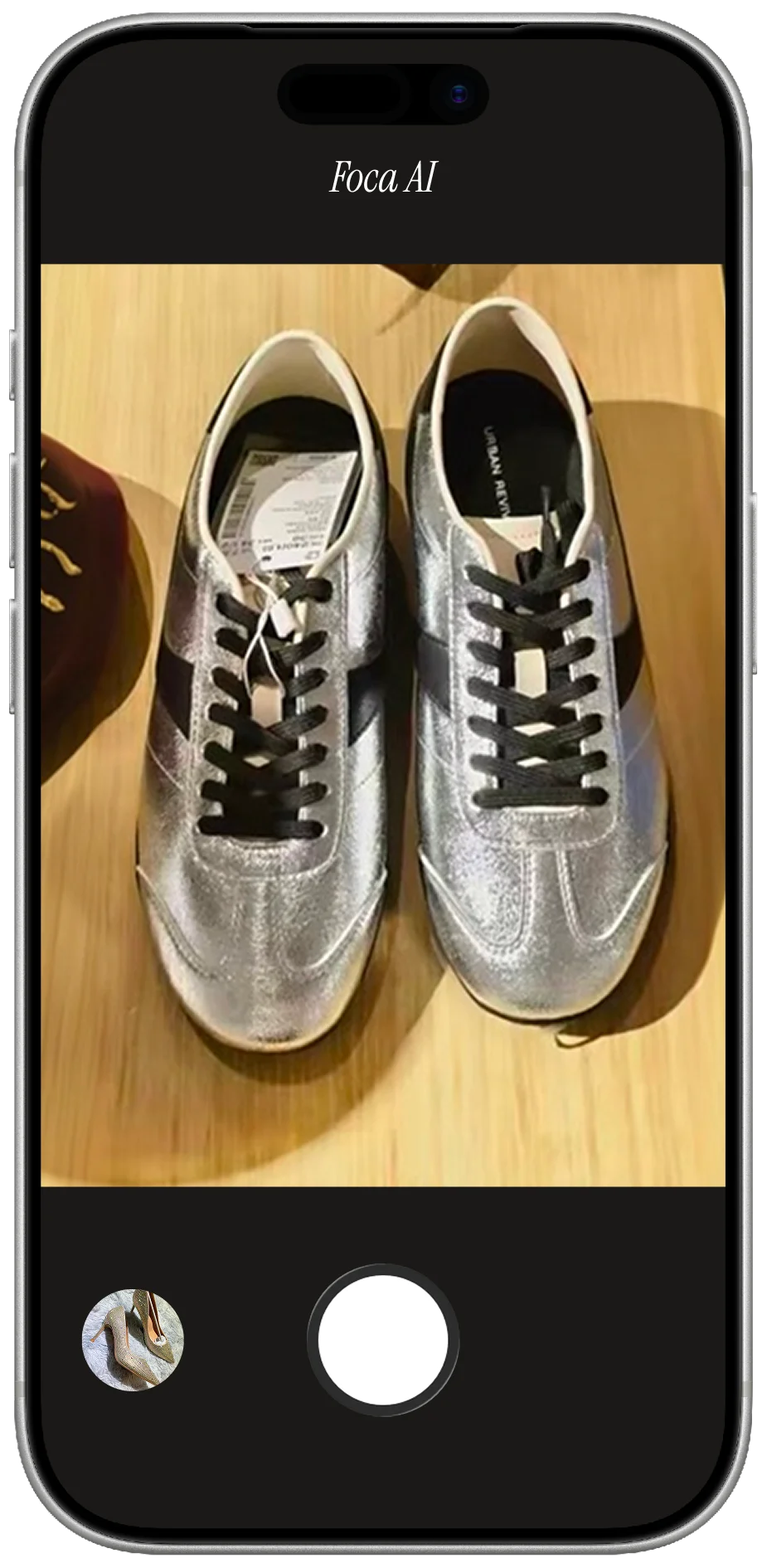
Foca AI: shoes on white background
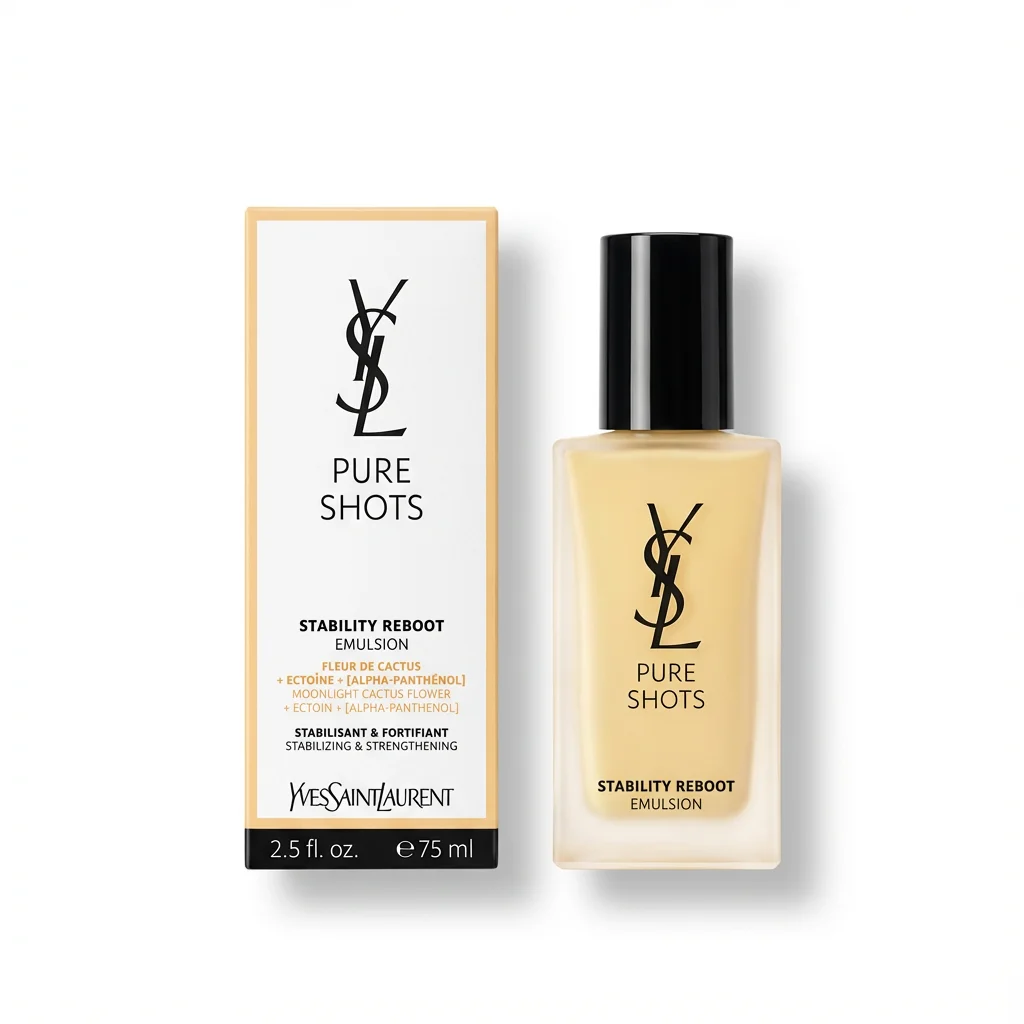
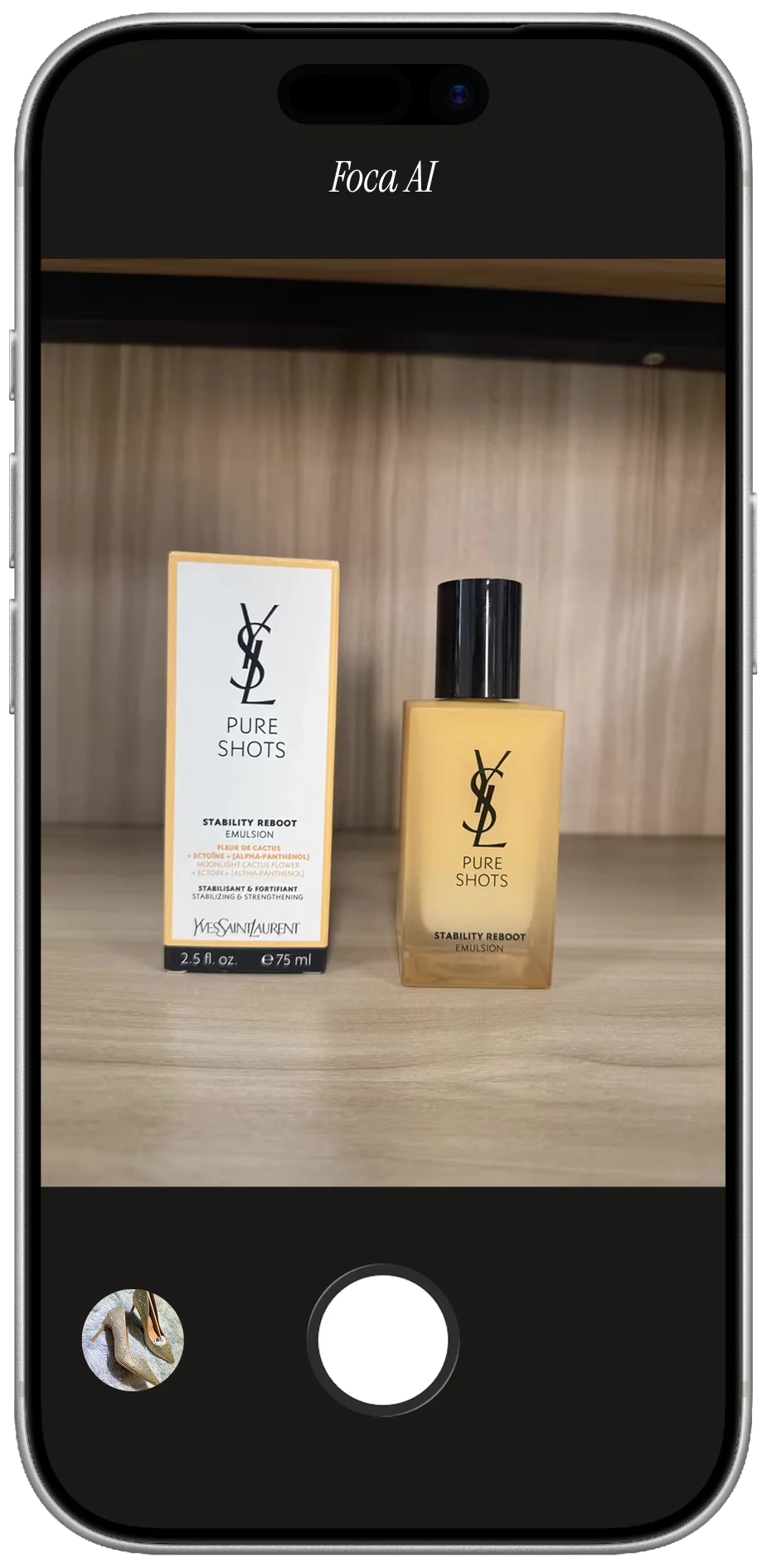
Foca AI: skincare on white background
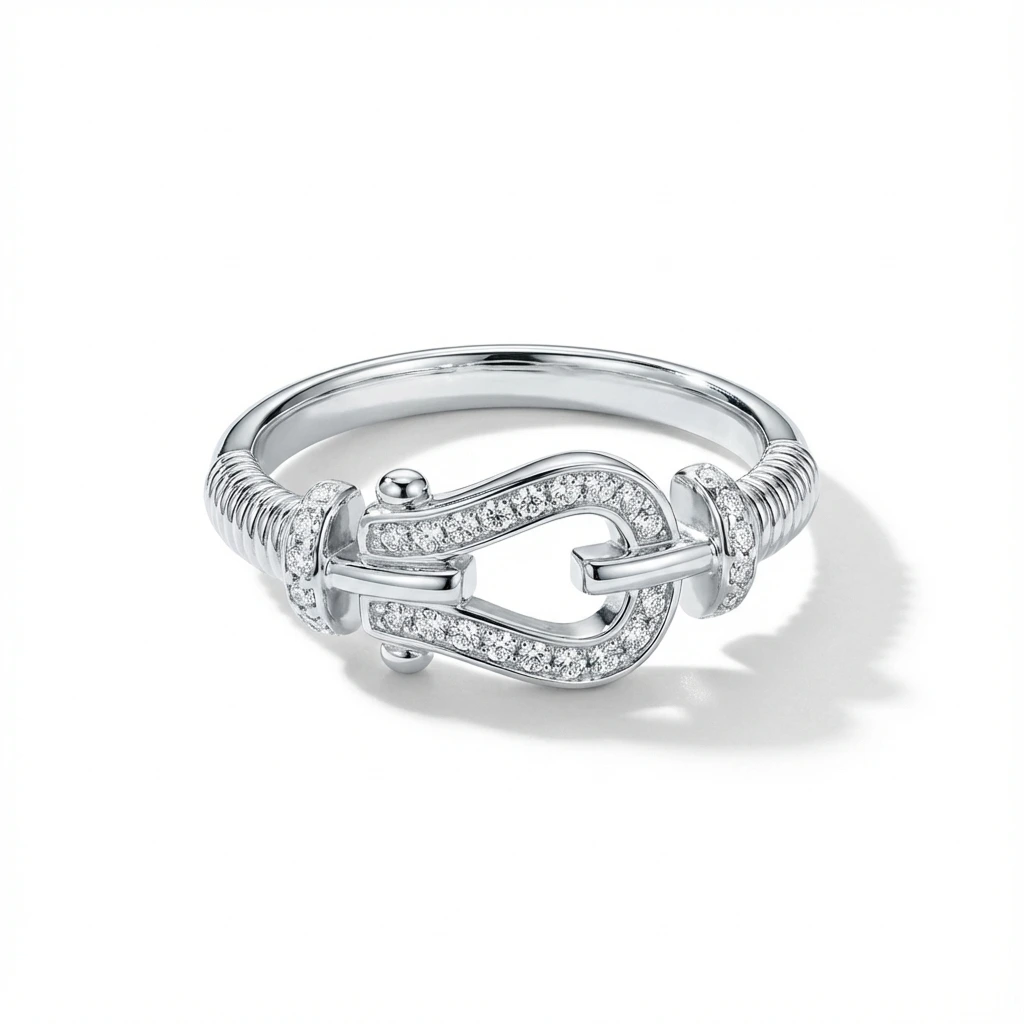
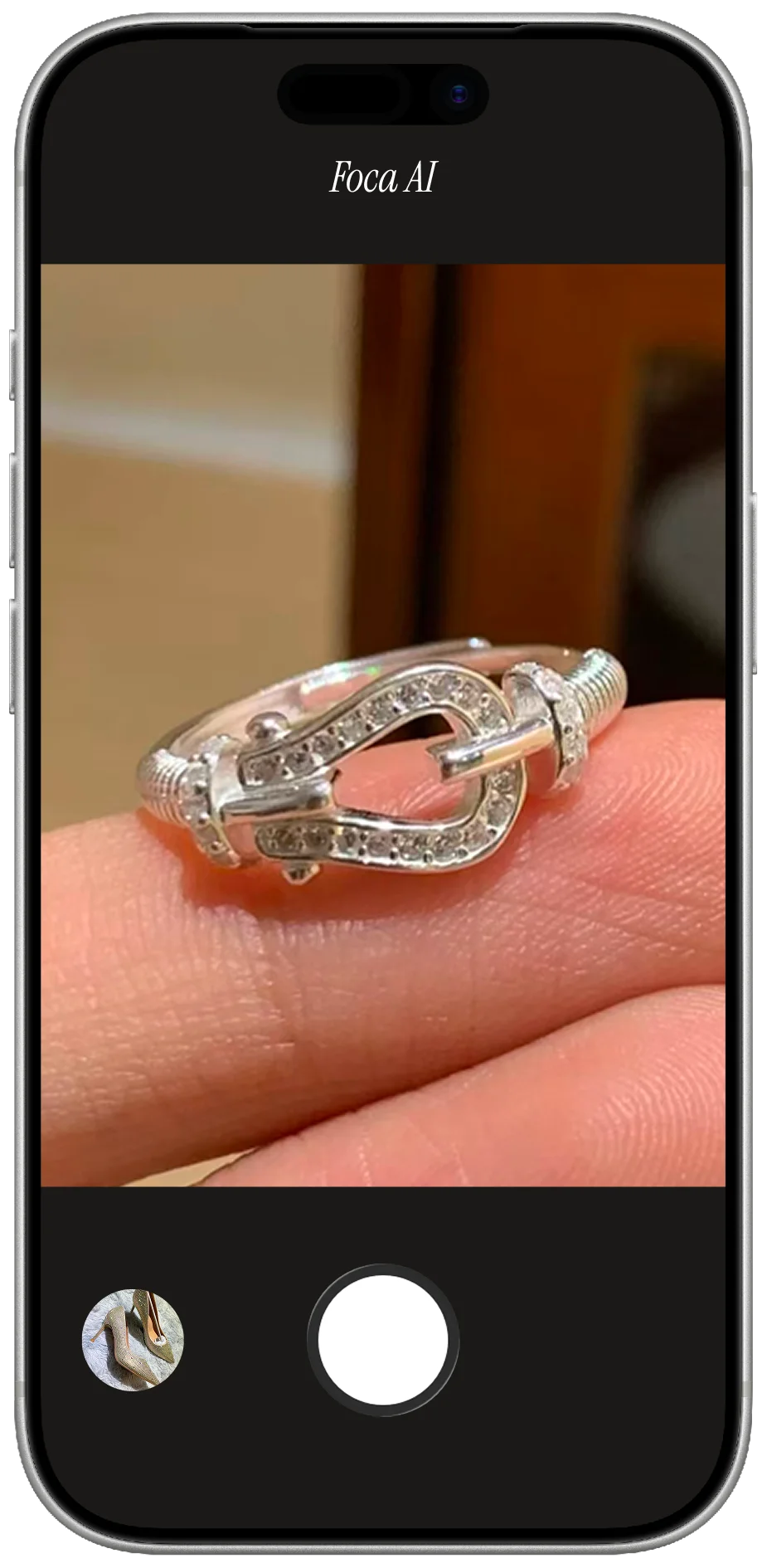
Foca AI: jewelry on white background
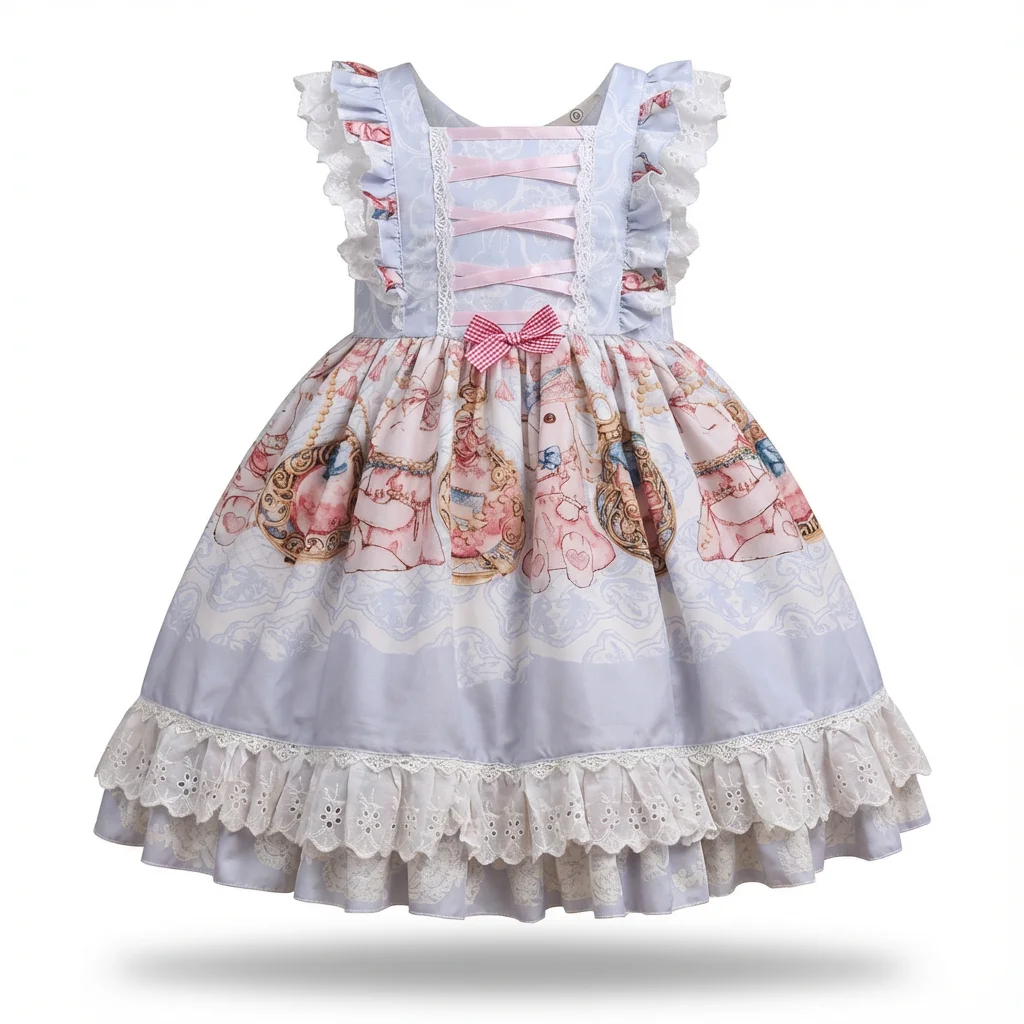
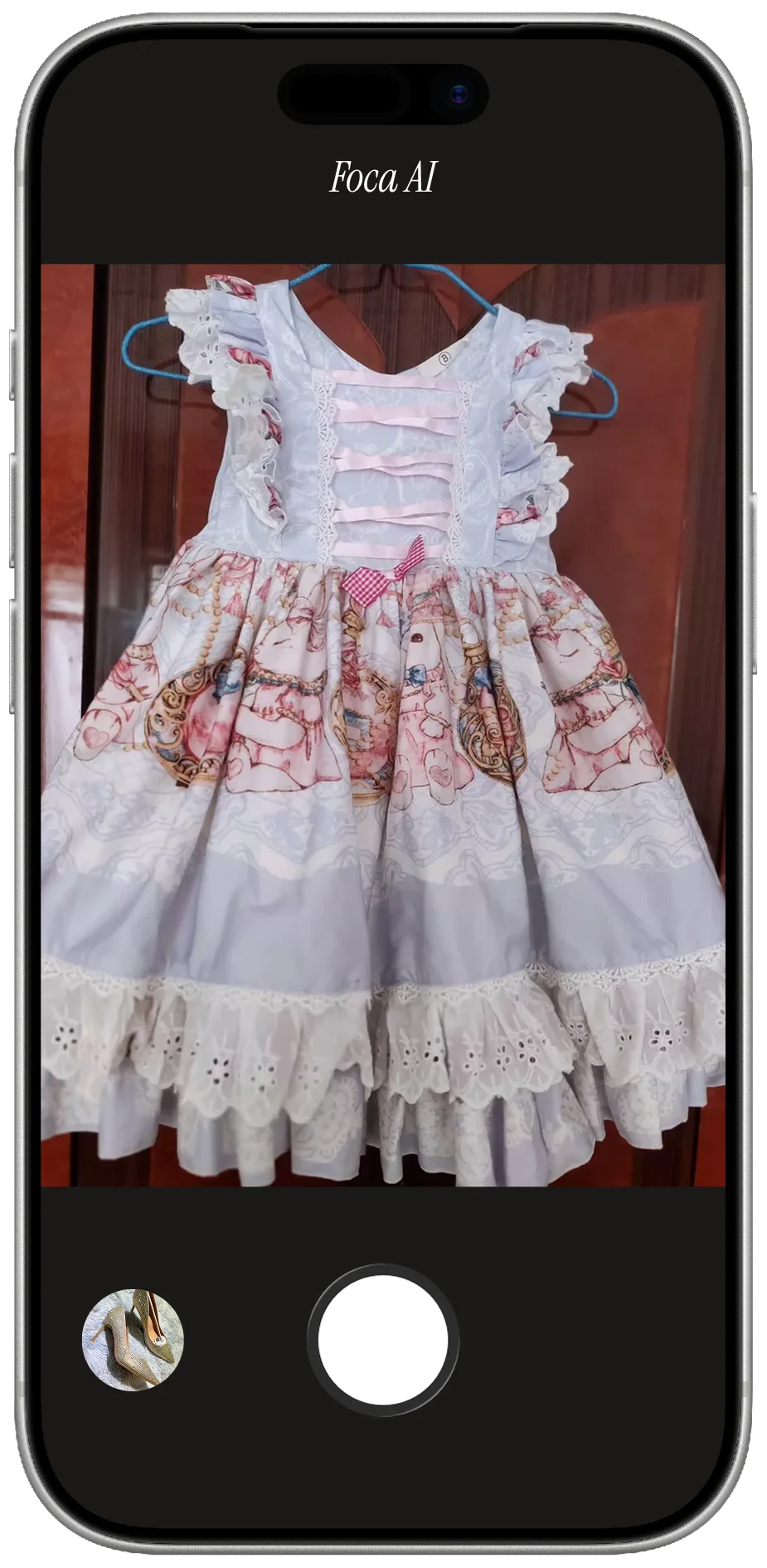
Foca AI: apparel on white background
Foca AI: tomatoes on pure white background
Foca AI: shoes on white background
Foca AI: skincare on white background
Foca AI: jewelry on white background
Foca AI: apparel on white background
Original food photo before Foca AI
Original shoes photo before Foca AI
Original skincare photo before Foca AI
Original jewelry photo before Foca AI
Original apparel photo before Foca AI
Original food photo before Foca AI
Original shoes photo before Foca AI
Original skincare photo before Foca AI
Original jewelry photo before Foca AI
Original apparel photo before Foca AI

The honest math: when DIY stops being worth it

One SKU done right — stage, diffuse, color-check, then mask and clean to white — is manageable. But food and beverage lives on ranges: a flavor in eight variants, three pack sizes, a bundle. Matching color and white background across all of them by hand is where the afternoon goes. At that scale, editing each one stops paying off — which is why most food sellers outsource the white-background hero.

Skip the studio, keep the shot

All of that works — it's also a grey card, a diffuser and a lot of color-checking, which is why most sellers stop doing the white-background part by hand. Foca AI takes your café or kitchen shot and does the studio work: clean white background, reflections calmed on foil and glass, color corrected so it looks fresh, label kept sharp — square and ready for Amazon. For flavor ranges and pack sizes it's the difference between an afternoon and a coffee break.

Amazon's food image rules

Packaged food follows the standard main-image rules — miss them and the listing can be suppressed:

BackgroundPure white, RGB 255,255,255
Minimum size1,000 px on the long side, so zoom works
Product fill85%+ of the frame
Not allowedAdded text, badges, watermarks or props on the main image
Main imageThe product in its packaging as sold — keep plated, styled and serving-suggestion shots for secondary images

Every Foca export clears the technical bar by default — 1024×1024, true white, product centered and filling the frame.

Before you post, run this check

AI is a huge shortcut for the white-background hero, but it regenerates pixels — so before you publish, put the output next to the real product and check what a buyer will judge:

  • Label & nutrition text: brand, flavor, weight and the panel must stay accurate and readable.
  • Food color: confirm it looks like the real product — appetizing but honest, not over-saturated.
  • Packaging finish: foil should read as foil and glass as glass, not flattened plastic.
  • Fill & shape: jars and pouches should show the right fill level and a natural shape.

A ten-second side-by-side before you publish is the whole discipline. Foca is tuned to preserve these details, but the final check is always worth it.

A few things worth answering

Does the main image need a white background for food?

Yes — on Amazon and most marketplaces the main image of a packaged food or beverage must be the product as sold on pure white. Save styled and plated shots for secondary images.

Will it keep the food color appetizing and true?

It corrects toward a neutral, true-to-life result — far closer than a warm or green phone snapshot. For produce, a clear daylight input gives the most appetizing, accurate result.

Can it keep the label and nutrition text readable?

It preserves the label and its text rather than redrawing it. Nutrition panels are small — shoot a sharp input and double-check the panel reads correctly.

What about glossy wrappers, foil and glass jars?

Shiny packaging and glass mirror the room in a phone shot. Foca cleans the background and evens the lighting so foil and gloss read as premium and jars read as glass.

Can I use it for restaurant menu or delivery-app photos?

Yes — it's one of the most popular uses. Correct the color so the dish looks fresh and true, then put it on a clean, consistent background so every item on the menu or delivery app matches. You can run a whole menu from phone photos in an afternoon. Keep it honest — show the dish as it's actually served.

What size are the finished images?

Every export is 1024×1024 pixels on pure white, formatted for Amazon and Shopify out of the box.

Photograph your first product free

Drop in your phone shot. Foca AI returns a clean, true-color food image on white — in about a minute.

Try Foca AI Free
Foca AI: produce on pure white background
Foca AI: glass bottle on white background
Foca AI: product on white background
Foca AI: handbag on white background
Foca AI: produce on pure white background
Foca AI: glass bottle on white background
Foca AI: product on white background
Foca AI: handbag on white background
Original produce photo before Foca AI
Original glass bottle photo before Foca AI
Original product photo before Foca AI
Original handbag photo before Foca AI
Original produce photo before Foca AI
Original glass bottle photo before Foca AI
Original product photo before Foca AI
Original handbag photo before Foca AI

Related