What buyers look for in leather
With leather, the texture (pebble grain, smooth full-grain, suede nap), the stitching and the true colour are what convince a buyer it's quality. Flat light hides the grain; warm light shifts neutral tans and greys; and finished leather can throw a glossy hotspot.
Low, directional light plus accurate colour brings the material to life.
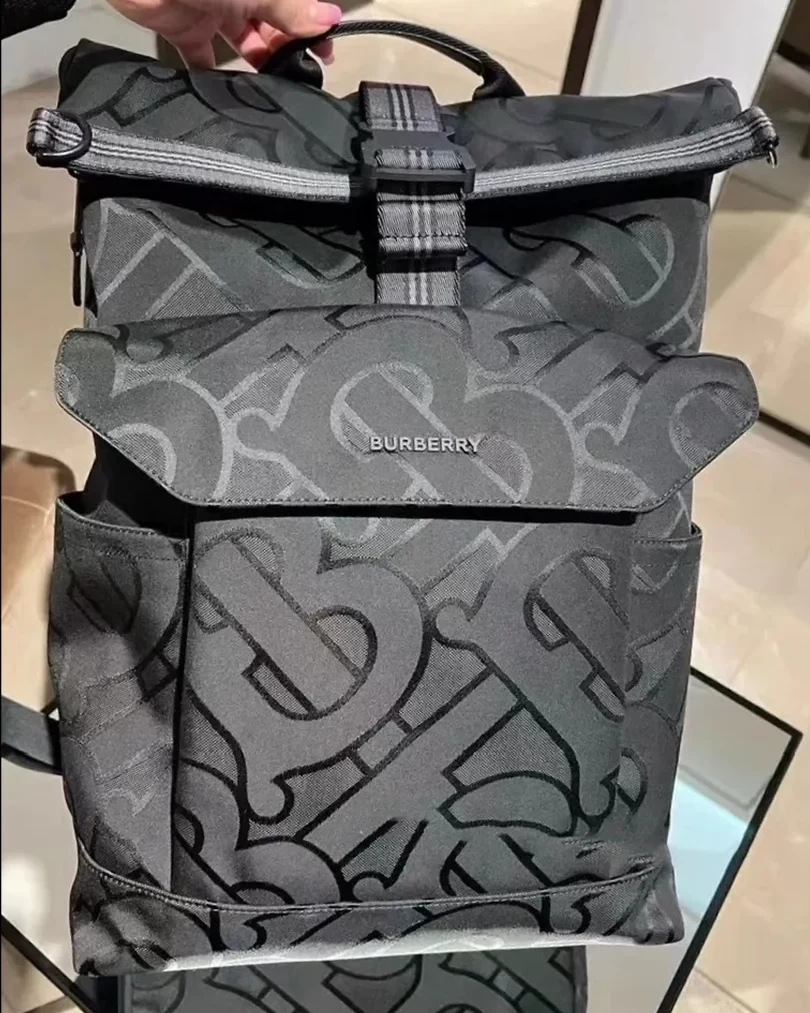 PHONE SHOT
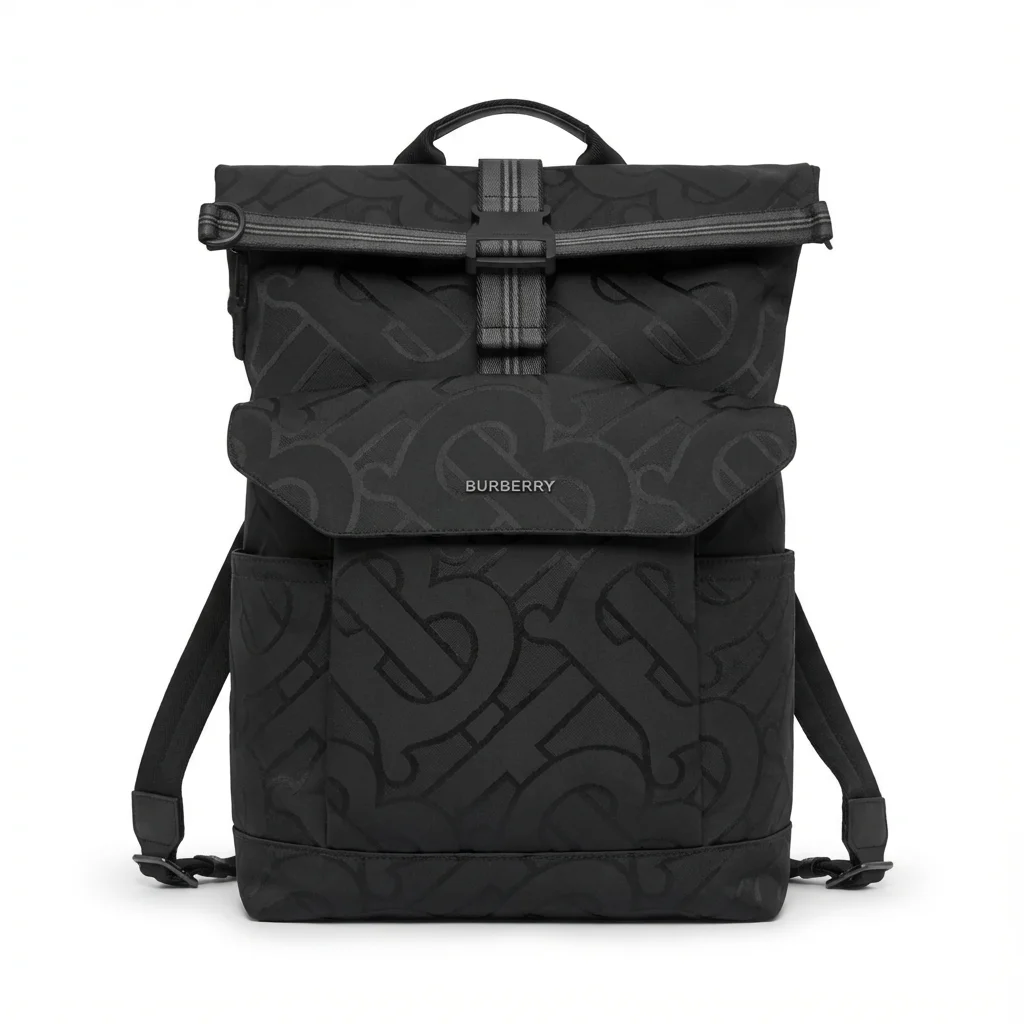 FOCA AI
Light for grain and stitching
Use low, raking side light to reveal pebble grain and the depth of the stitching — front-on light flattens both. Keep the source diffuse so highlights on smooth or finished leather roll softly instead of blowing out.
Check edges and handle attachment points; scuffs read clearly and suggest a used item, so clean and condition the piece before shooting.
Keep colour true
Warm phone white balance shifts neutral leather tones — camel, tan, grey — toward orange. Set white balance off a grey card or shoot in daylight so the colour matches what ships.
For dark leather, add a little fill on the shadow side so detail doesn't disappear into black; for suede, even soft light keeps the nap consistent.
Shape, edges and the white background
Leather goods photograph best with some structure — stuff bags so they hold shape, and lay flat goods evenly. A busy background ruins the main image, so shoot against plain backdrop.
Foca AI places the piece on RGB 255 white while preserving grain, stitching and true colour, turning a phone shot of a bag or wallet into a listing-ready hero.
Things people ask
How do I show leather grain and texture?
Use low, raking side light rather than flat front light. The angle casts shadows in the grain and stitching so the texture and craftsmanship read clearly.
Why does my tan leather look orange?
Warm indoor light. Set white balance off a grey card or shoot in daylight so camel, tan and grey leather render their true neutral tone.
How do I handle sheen on finished leather?
Keep the light diffuse so highlights roll softly across the surface instead of blowing out into a hard bright spot.
How should I photograph a leather bag?
Stuff it so it holds its shape, light it from a low angle to show grain, and shoot against a plain backdrop. Then place it on white for the main image.
How do I get a white background for leather goods on Amazon?
Shoot cleanly, then place the item on RGB 255 white. Foca AI handles the cut-out and white background while keeping grain, stitching and true colour intact.