Why metal is a mirror
Polished metal and chrome reflect their entire surroundings — the ceiling, the window, the photographer and whatever sits on the bench. A single hard light becomes one blown-out hotspot with deep black voids everywhere else, and the product loses its shape.
The goal is to make everything the metal can reflect a uniform soft white, so the surface reads as clean, continuous metal.
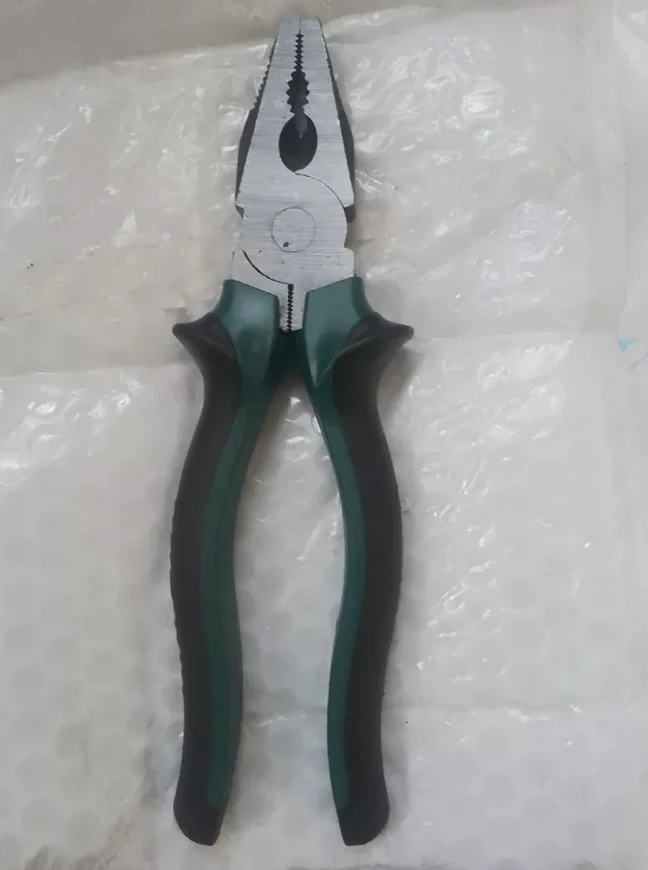 PHONE SHOT
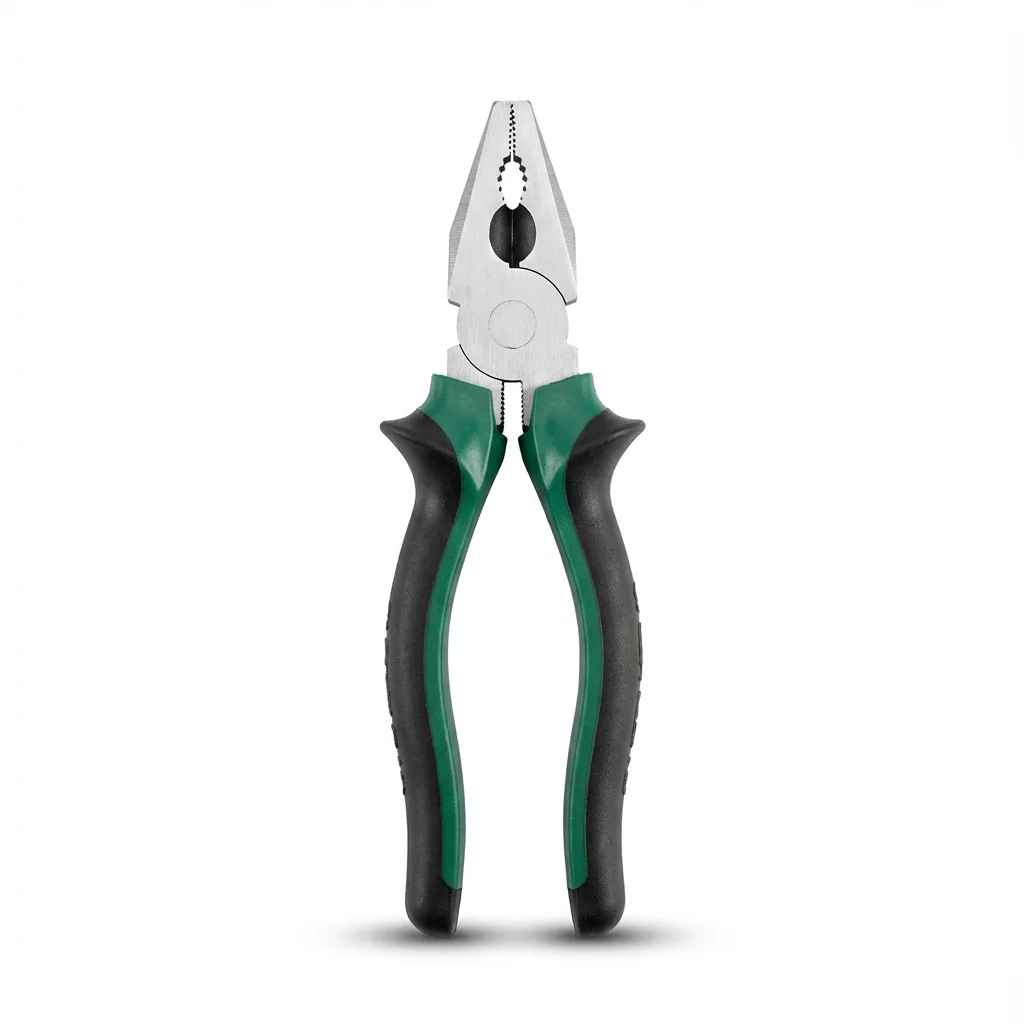 FOCA AI
Diffuse everything
Surround the product with diffuse white light on all sides — a light tent, or two large white diffusers left and right. Because chrome mirrors its environment, the trick is to give it a clean white environment to mirror.
Avoid direct flash. It creates a single bright spot and hard shadows; a large, even source gives a smooth gradient that describes the form.
Mixed finishes and true colour
For mixed-finish items (rubber grip plus chrome head, painted body plus bare blade), expose for the brightest element — usually the bare metal — and let the matte parts fall naturally. A rubber grip that goes pure black reads as cheap, so keep it within a stop or two of the metal.
Warm indoor light pushes chrome toward yellow. Set white balance off a grey card or shoot under daylight-balanced light so steel looks like steel, not gold.
Edges and the white-background main image
Hard shadows across an edge hide the geometry buyers want to inspect. Even, wrapping light keeps edges and machining crisp.
Getting a clean RGB 255 white background while keeping reflective edges intact is the hard part by hand. Foca AI masks reflective edges, evens the finish and drops the piece on white without flattening the metal.
Things people ask
How do I photograph chrome without reflections?
You don't remove reflections — you control them. Surround the item with diffuse white light (a tent or two big diffusers) so the only thing it mirrors is clean white, and avoid direct flash.
Why does my metal look yellow or gold?
Warm indoor bulbs. Set white balance off a grey card or use daylight-balanced light so chrome and steel render as a neutral metal instead of gold.
How do I avoid hotspots on polished steel?
Replace any single hard light with a large, diffuse source. Hotspots are the reflection of a small bright source; a big soft source spreads into a smooth highlight.
How do I get a white background for metal products on Amazon?
Shoot in even light, then place the item on RGB 255 white. Foca AI handles the cut-out and white background while preserving the reflective edges and true finish.
Does brushed or matte metal need the same setup?
Matte and brushed metal are more forgiving — a single diffuse side light shows the grain. Polished and chrome surfaces are the ones that demand all-around diffusion.